CompKit Now Works With WooCommerce Lottery by WPGenie
The same ten instant win reveal games, on either of the two big WordPress competition plugins. Run Flintop's Giveaway for WooCommerce or WPGenie's WooCommerce Lottery — CompKit works out which one your site uses and plugs straight in.
Keep the plugin you already have. Your competitions, tickets and orders stay exactly where they are — CompKit adds the games on top.
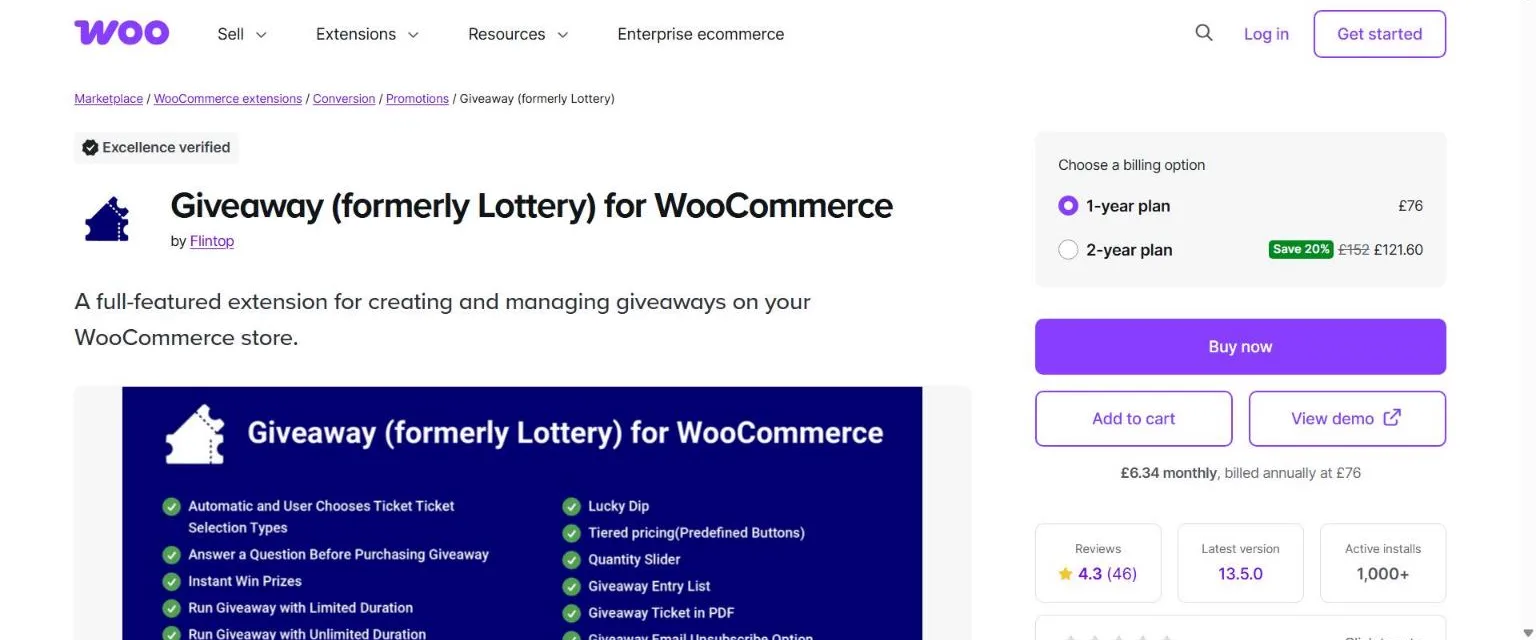
woocommerce.com/products/giveaway-for-woocommerce
Giveaway for WooCommerceby Flintop — formerly Lottery for WooCommerce. Also works with CompKit Ticket Machine, our own build of it.
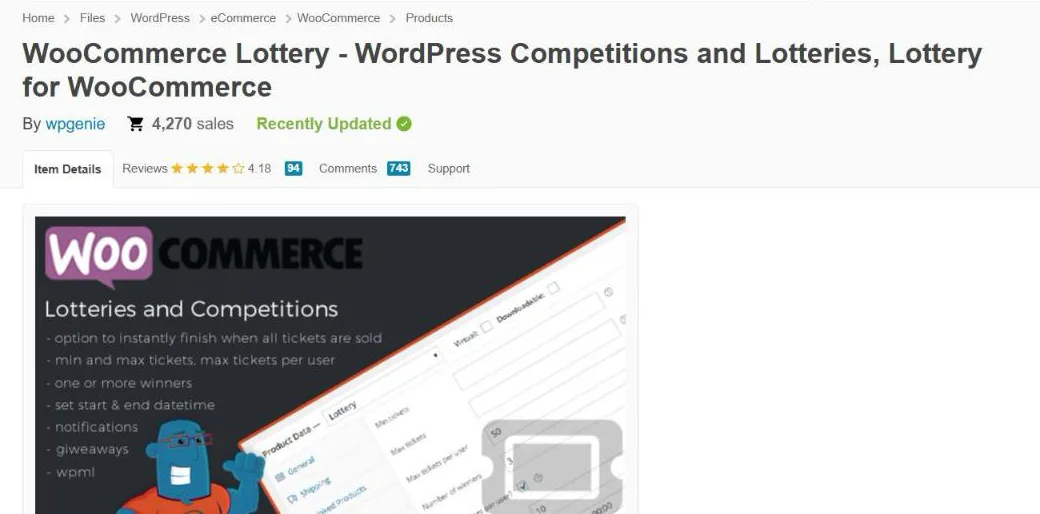
codecanyon.net/item/woocommerce-lottery…
WooCommerce Lottery Newby WPGenie — with its Pick Number add-on, which provides the ticket numbers and instant wins.
Screens are each plugin's own public product page. CompKit is an independent add-on and is not made by, or affiliated with, Flintop or WPGenie.
One plugin. It works out the rest.
There's no "WPGenie version" to find. Install CompKit as normal — it checks which competition plugin is running and reads its tickets, wins and prizes the right way. The CompKit dashboard shows what it found, so you can see at a glance that it's connected.
Same games, same settings. Every theme, setting and theme file works the same on either plugin.
Same licence. Game licences are tied to your website, not to a competition plugin.
Nothing to migrate. No data is moved or rewritten — CompKit reads the plugin you already run.
For WooCommerce Lottery shops
What CompKit Adds to WPGenie
WooCommerce Lottery with Pick Number gives you ticket numbers and instant wins. CompKit turns each instant win into a game the customer plays — and fills the gaps that matter for a reveal.
Ten reveal games
Spin the Wheel, Slots, Scratch Card, Grab Claw, Football, Race Car, Darts, Balloon Pop, Boxing — plus the free Instant Reveal. Each ticket in the order becomes a play, and the game lands on exactly the prize WooCommerce Lottery assigned.
Prize images
WPGenie prizes are plain text. CompKit adds a Prize images box to each competition: choose one picture per prize and it appears on the wheel, the reels, the prize vault and the result cards. Five hundred "£5 Cash" tickets share one image — you set it once.
No spoilers
WooCommerce Lottery announces a win the moment an order is paid. CompKit holds every announcement back until the customer has played: the order-page message, My Account's instant wins list, the instant win email, the order confirmation email, and the winner names on the competition page.
Prizes grouped for you
The games build their wheels, reels and symbols from your prizes. CompKit groups WPGenie's prize list by name automatically, so there's no separate prize-group setup to do.
A setup check that protects you
A game only attaches to a competition that can actually pay out: ticket numbers on, instant wins on, at least one instant prize, and letter-style numbers off. Miss one and CompKit tells you exactly which — before a customer ever sees a game that can't win.
Win emails after the reveal
CompKit's email delay handler works on WooCommerce Lottery too: order emails wait until the games are played, and each win is emailed as the customer reveals it — not before.
Getting started
Set Up on WooCommerce Lottery
1
WooCommerce Lottery + Pick Number
Both by WPGenie, installed and active. Pick Number is the part that provides ticket numbers and instant wins, so it's required.
2
Install CompKit
Download the free plugin and activate it. Its dashboard confirms it has found WooCommerce Lottery.
3
Turn on numbers and instant wins
On the competition: Use ticket numbers and Instant win on, and add or import your instant prizes.
4
Pick a game and add prize images
Put the competition in a game's category, choose a picture for each prize in Prize images, and the game appears on the customer's order page.
The live demo runs on Giveaway for WooCommerce — the games, settings and themes you see there are exactly what WooCommerce Lottery shops get.
Straight answers
WooCommerce Lottery Questions
Giveaway for WooCommerce by Flintop (formerly Lottery for WooCommerce), CompKit Ticket Machine, and WooCommerce Lottery by WPGenie with its Pick Number add-on. You need one of them — CompKit adds the games, they run the competitions.
Yes. WooCommerce Lottery on its own has no ticket numbers or instant wins — those come from Pick Number, and they're what the games reveal. If CompKit finds WooCommerce Lottery without Pick Number, it tells you so in the dashboard.
Not with games. WooCommerce Lottery can't match instant wins against letter-style numbers (A1, B5…), so no instant prize would ever be won. CompKit won't attach a game to a competition that uses them, and explains why.
No. Keep the one you run. Nothing is moved or converted — CompKit reads your existing competitions, tickets and orders as they are.
No. Flintop shops carry on exactly as before — same games, same settings, same behaviour.
CompKit hides who won each prize until it's played. WooCommerce Lottery can also list each instant prize's ticket number on the competition page; on a randomly-numbered competition a customer who knows their numbers could check them there. If you'd rather they didn't, switch off WooCommerce Lottery's instant winners tab in its settings.
Give Your WooCommerce Lottery Wins a Reveal
The core plugin and Instant Reveal are free. Premium games are licensed one at a time.