
1
Instant Win or Prize Groups is off
Both must be enabled on the product. With no prize groups there is no result to reveal, so nothing renders. This is the most common cause by a distance.
Everything in CompKit is managed from familiar WordPress screens. This guide walks through every settings area — with real screenshots from the plugin.
CompKit uses a simple two-tier model: set sensible global defaults once, then override per product only where you need to.
In the WordPress admin, open CompKit Game Engine and choose a game. These settings apply to every product that uses that game — theme, buttons, sounds, layout and more.
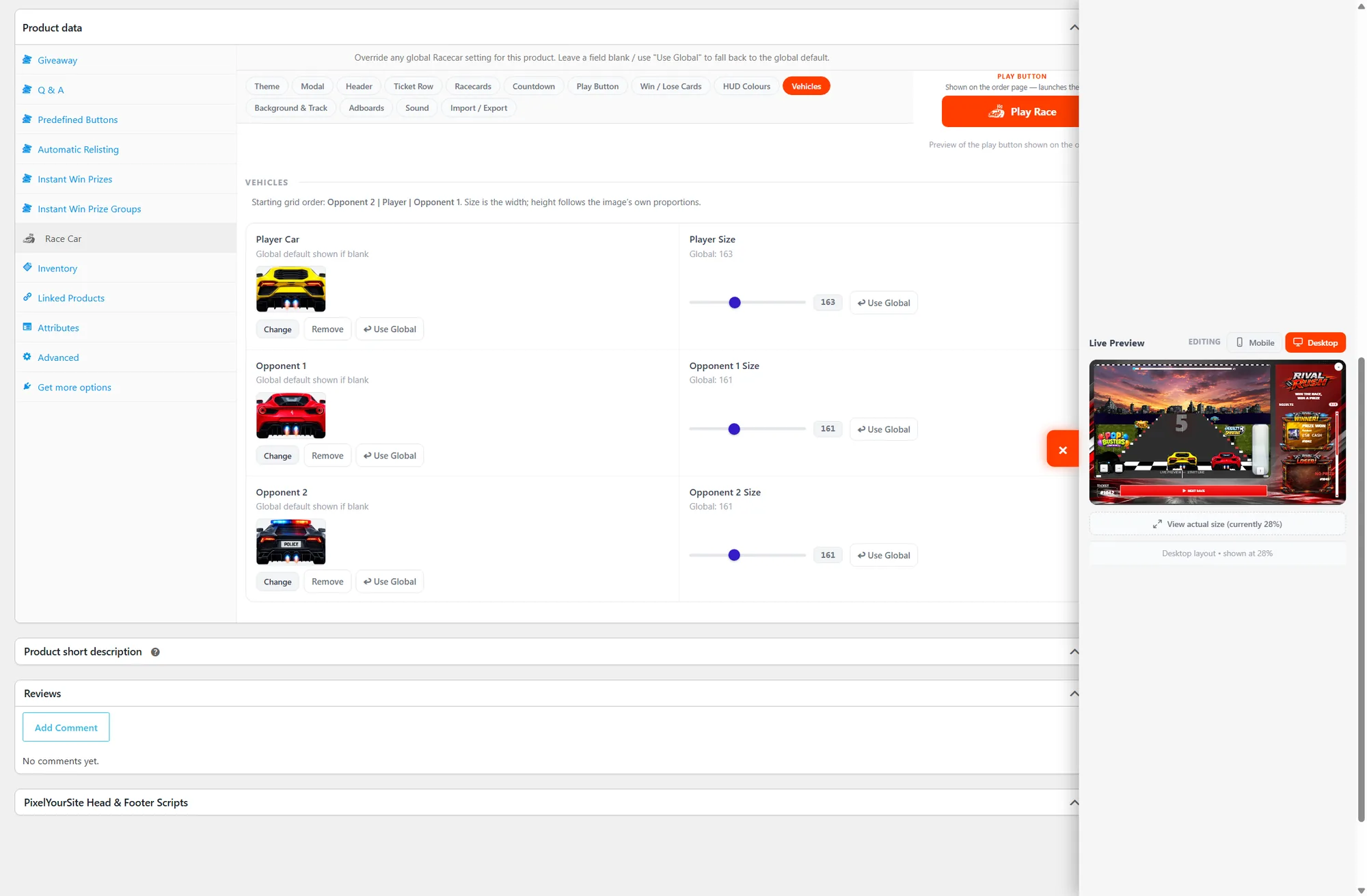
Editing a giveaway product? Open its game tab (e.g. Football) to override the global defaults for that one product. Leave any field blank to inherit the global value.
In the product's giveaway settings, switch on Instant Win and set up your Prize Groups, so there are prizes for CompKit to reveal.
Add your giveaway product to the game's product category (for example Scratchcard, Football or Spin). This tells CompKit which game to load.
By default the game appears automatically on the order confirmation page. Using a custom Thank You page? Drop the game's shortcode (e.g. [scratchcard] or [football]) anywhere on it — the correct tickets load automatically.
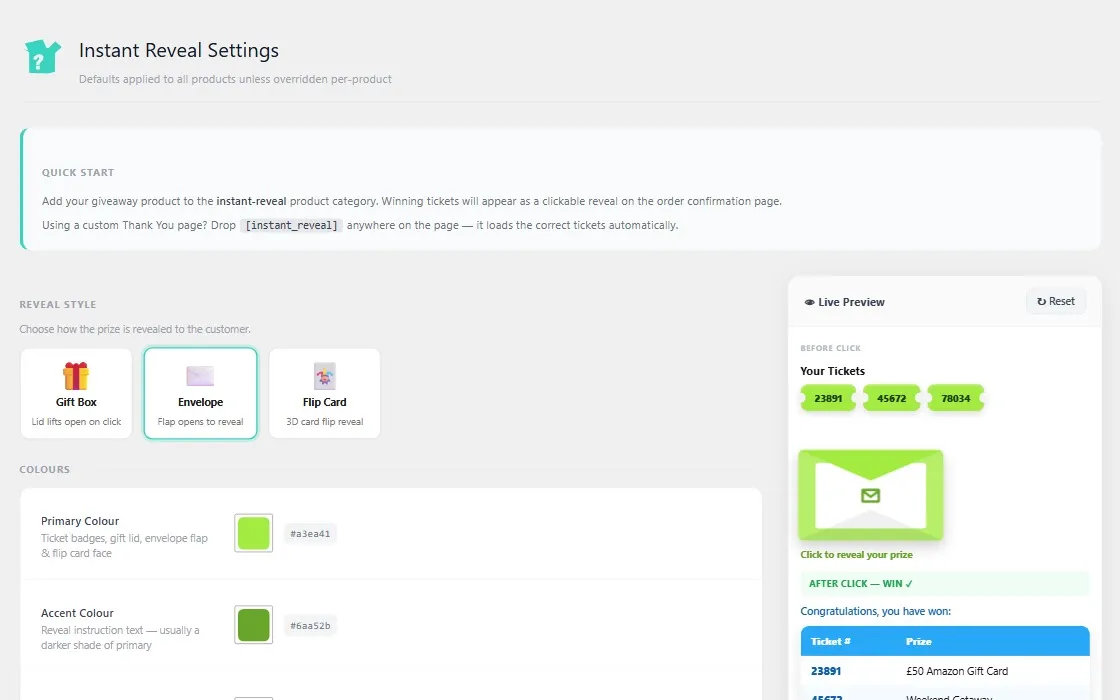
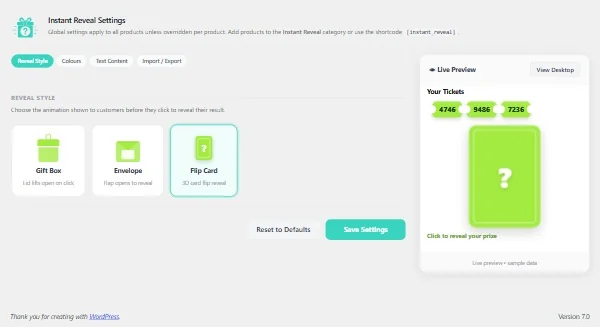
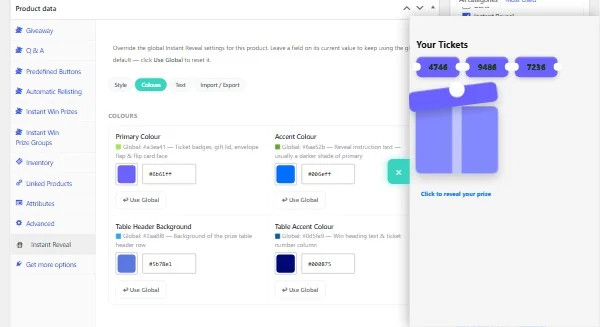
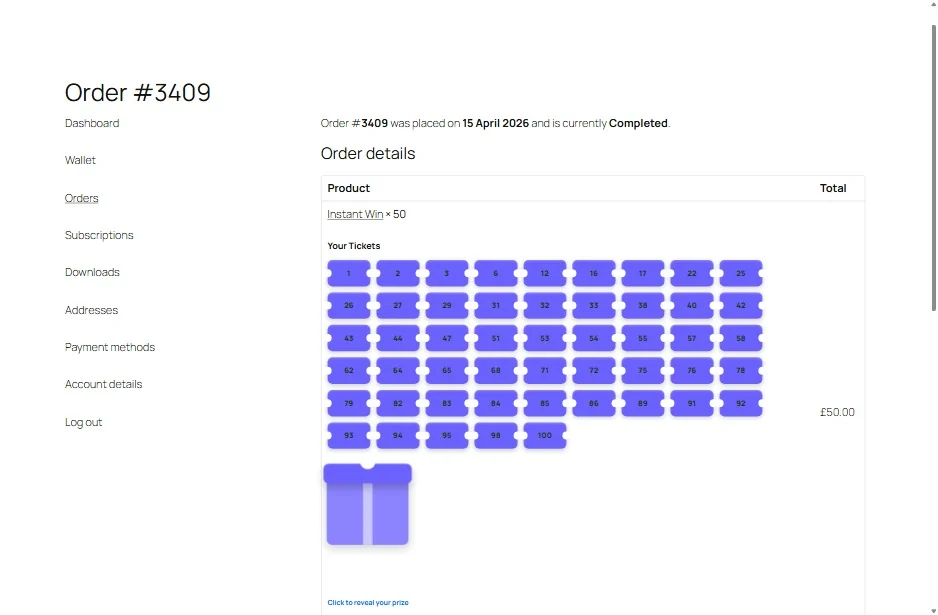
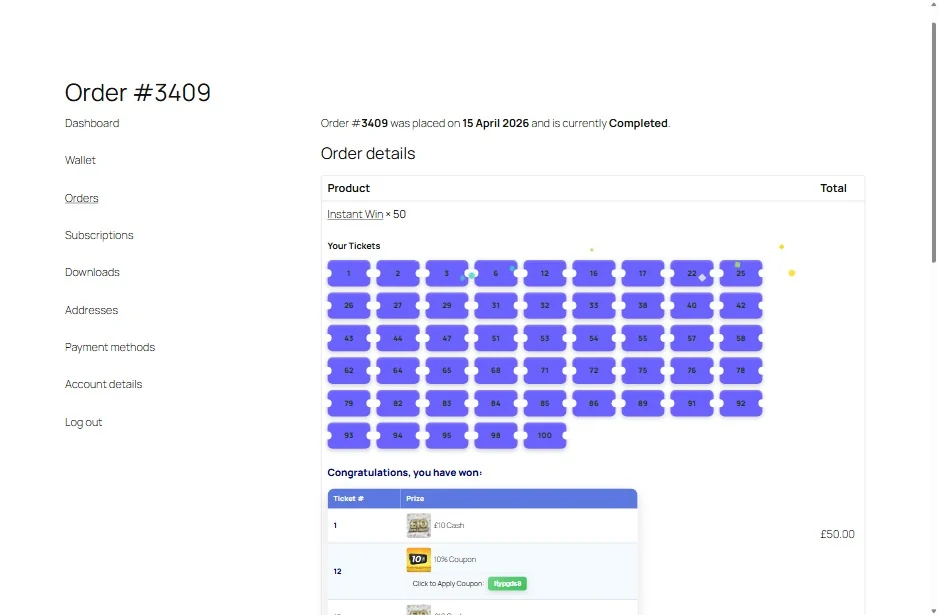
The free module's settings live under Instant Reveal Settings. Defaults apply to all products unless overridden per-product.
[instant_reveal] anywhere on it and the correct tickets load automatically.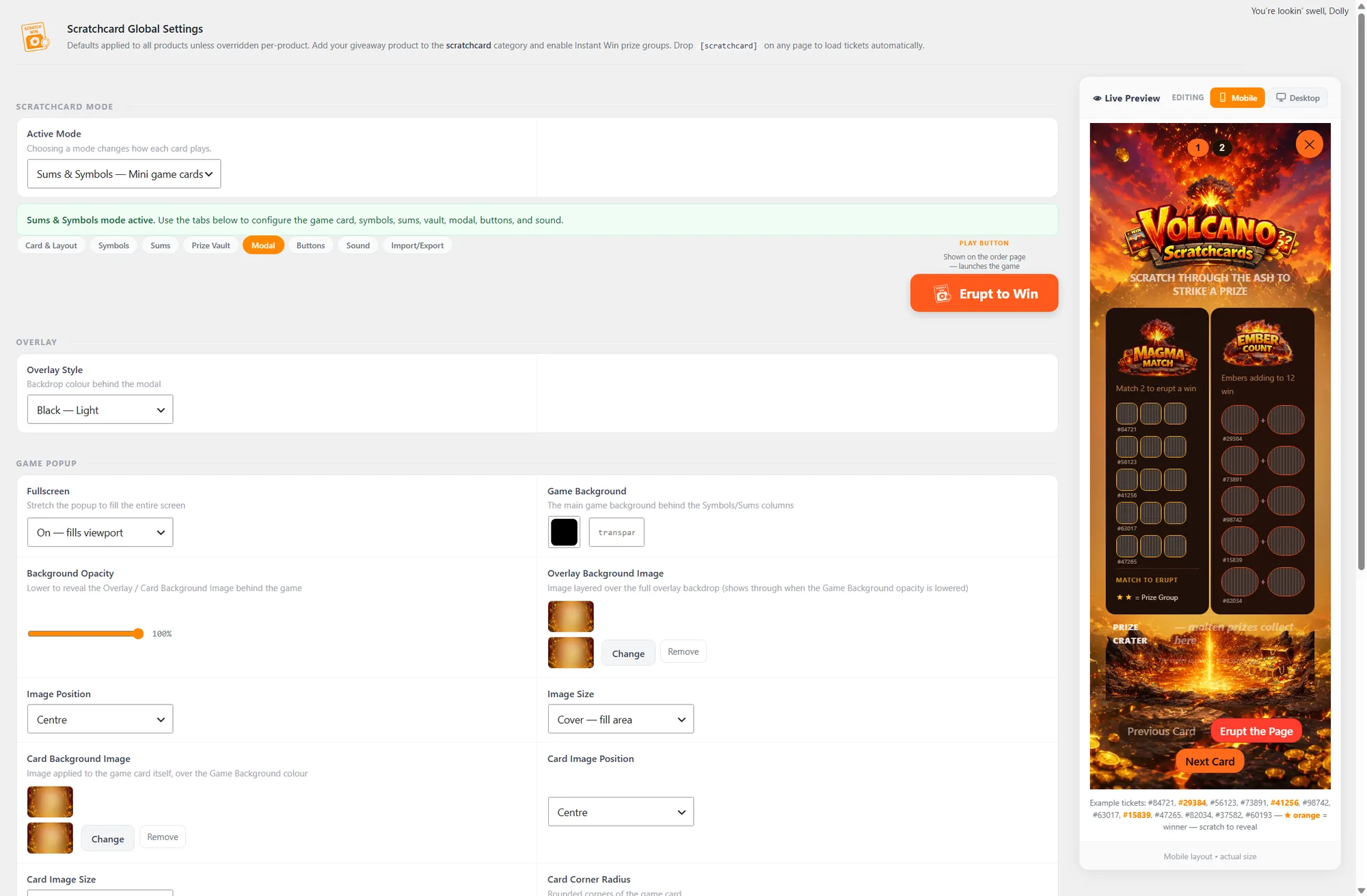
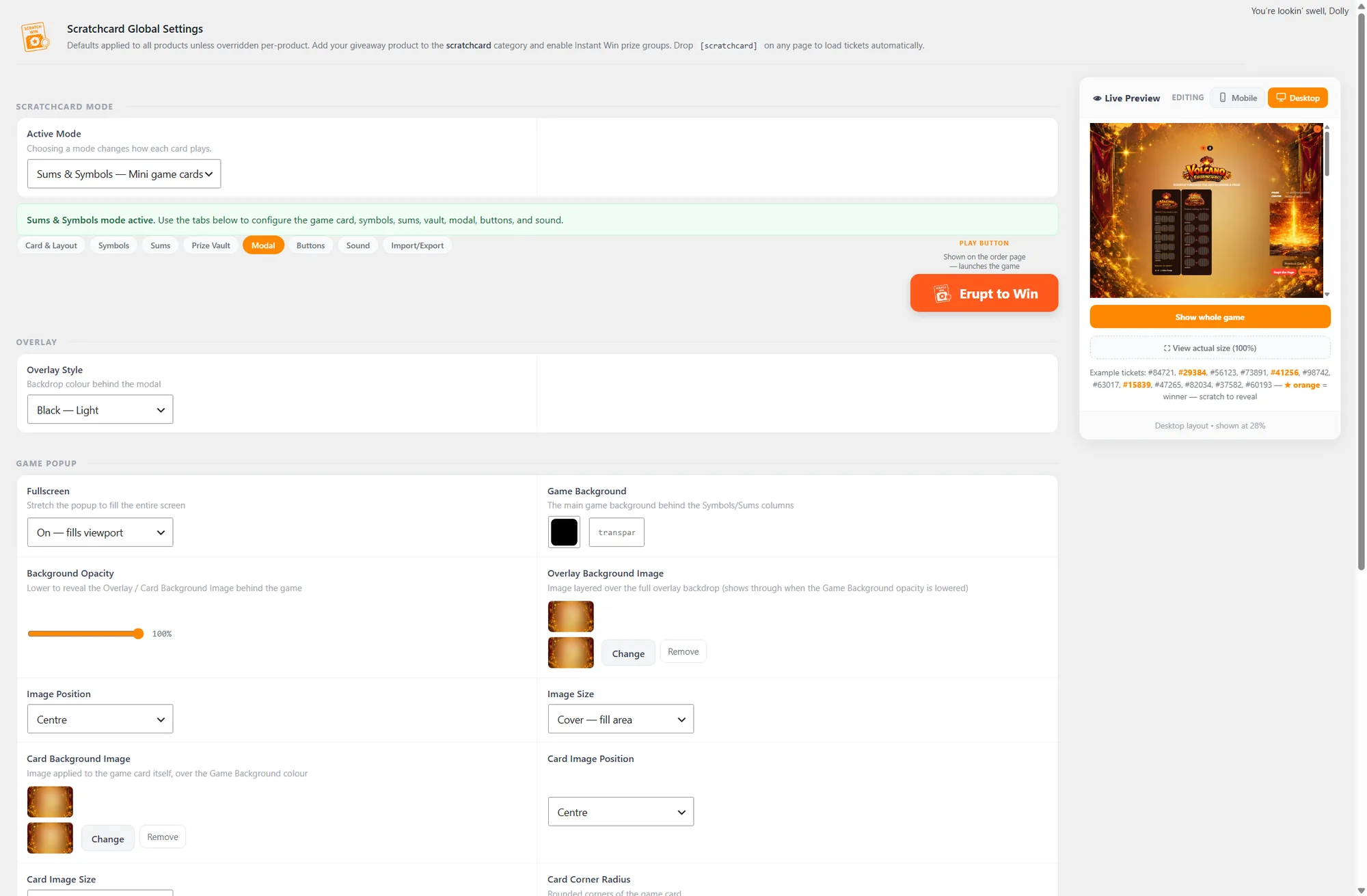
Every premium game shares the same layout, so once you've learned one you've learned them all.
Every premium game shares the same settings structure — the same tabs, the same colour and artwork controls, the same live preview — at store level and on any single product. Here's all eight.
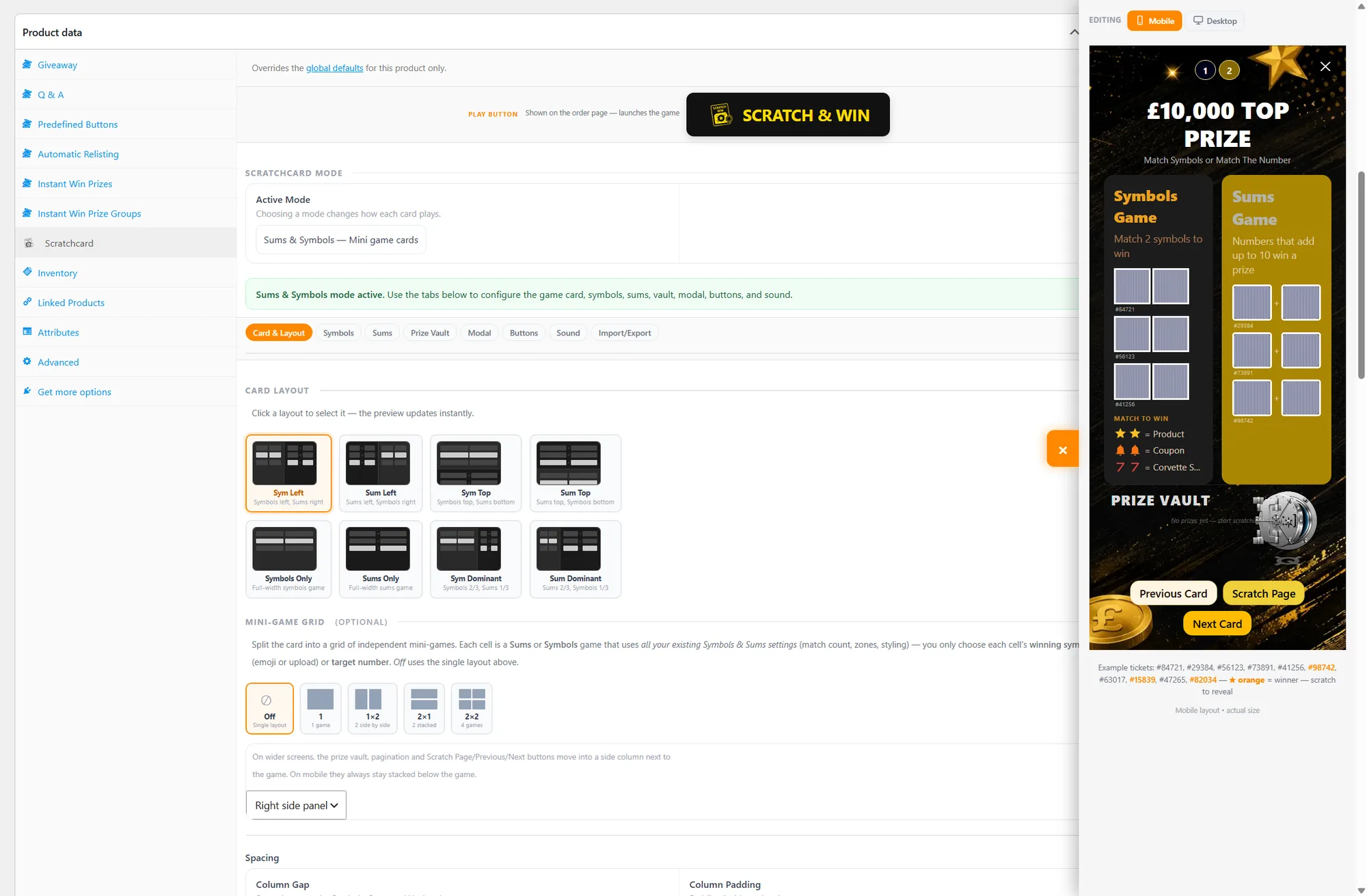
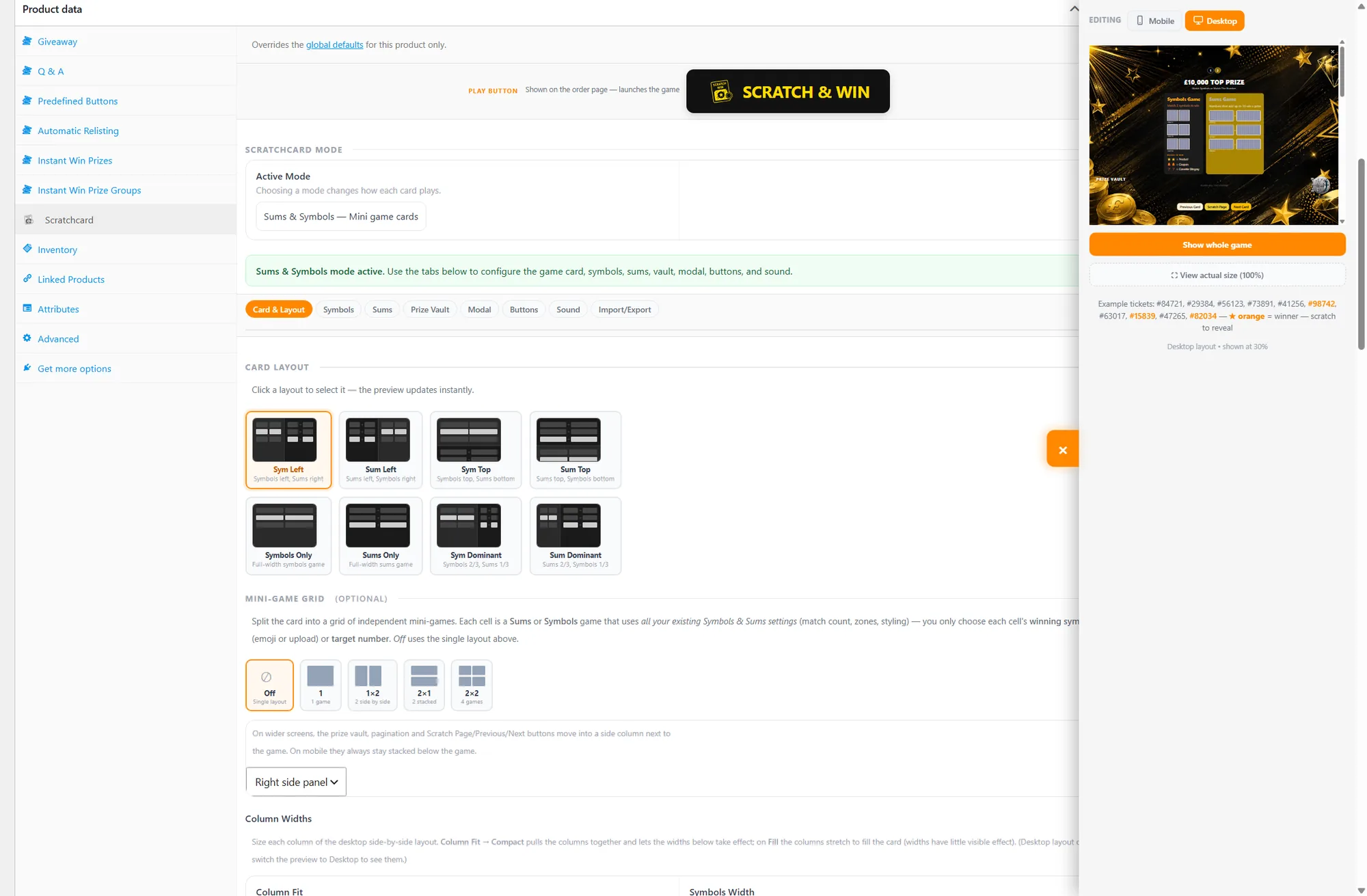
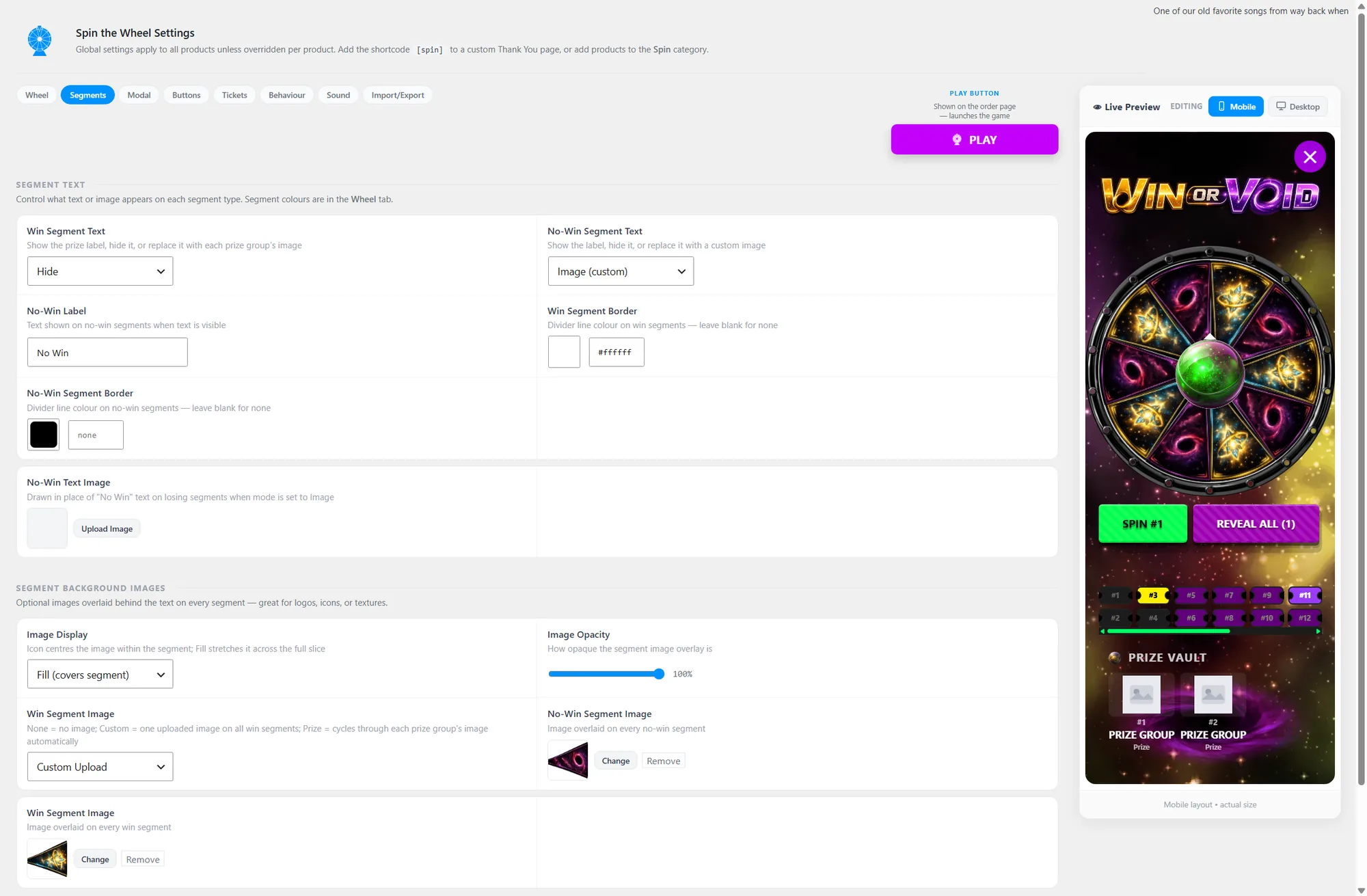
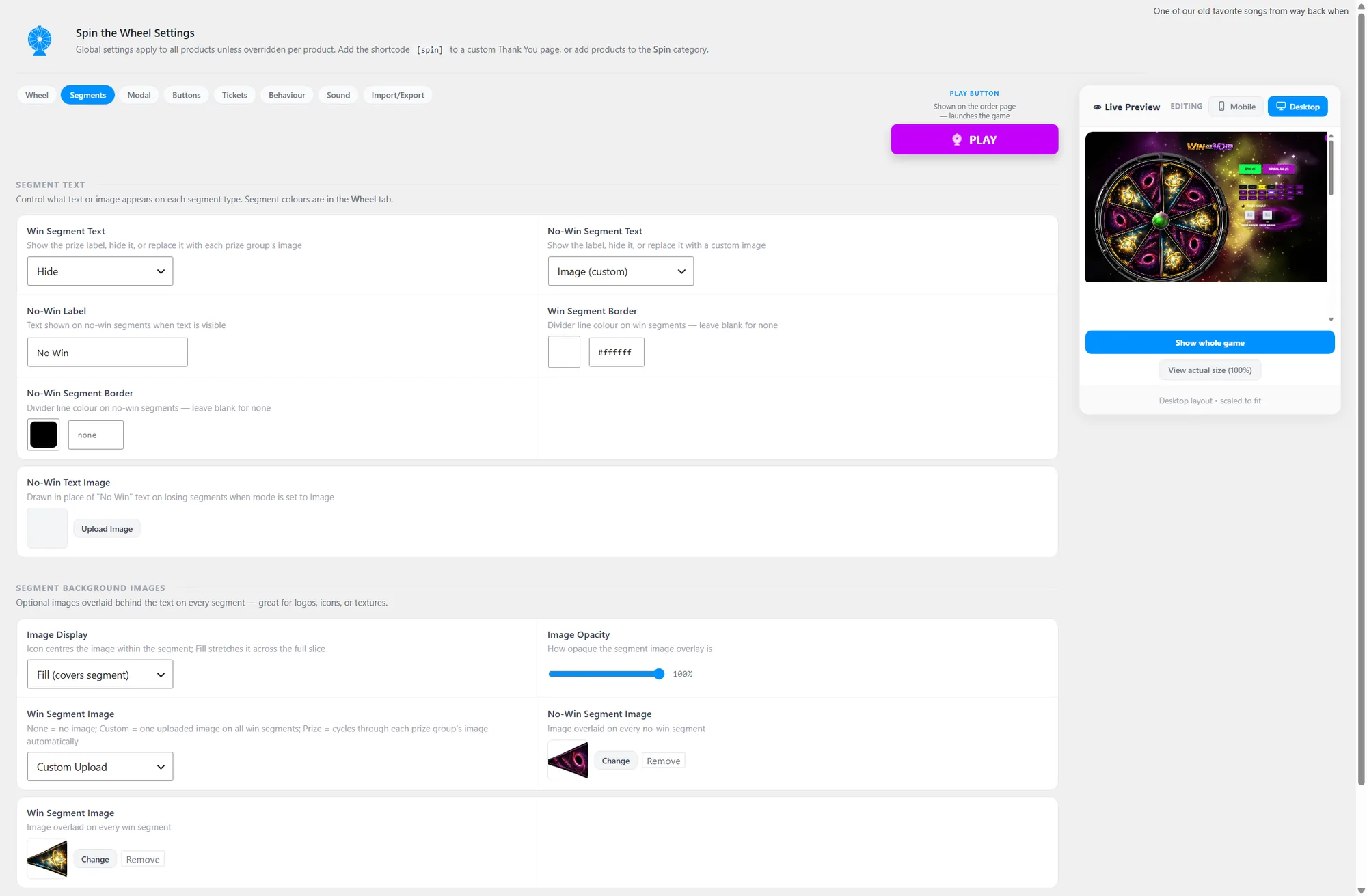
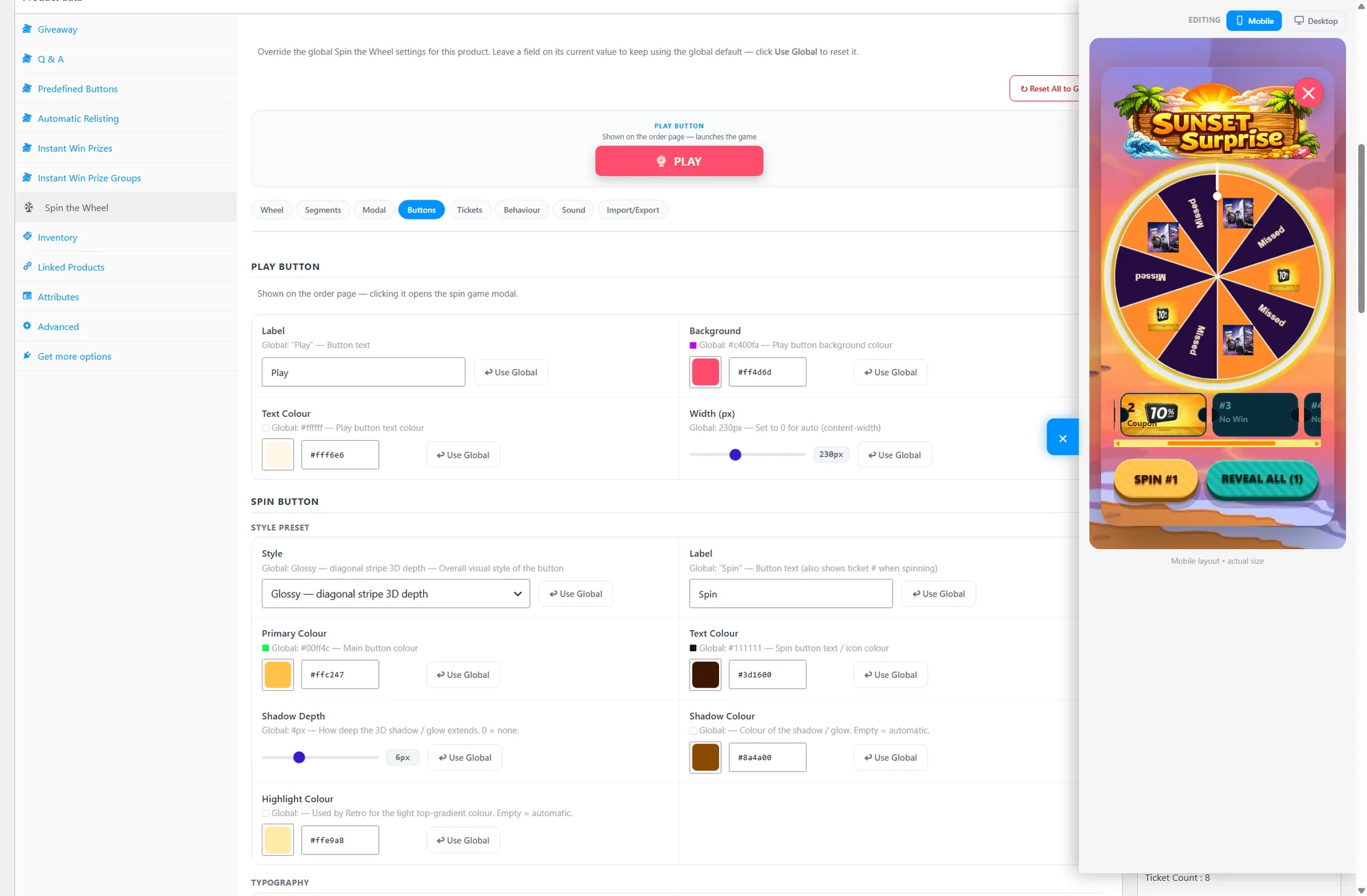
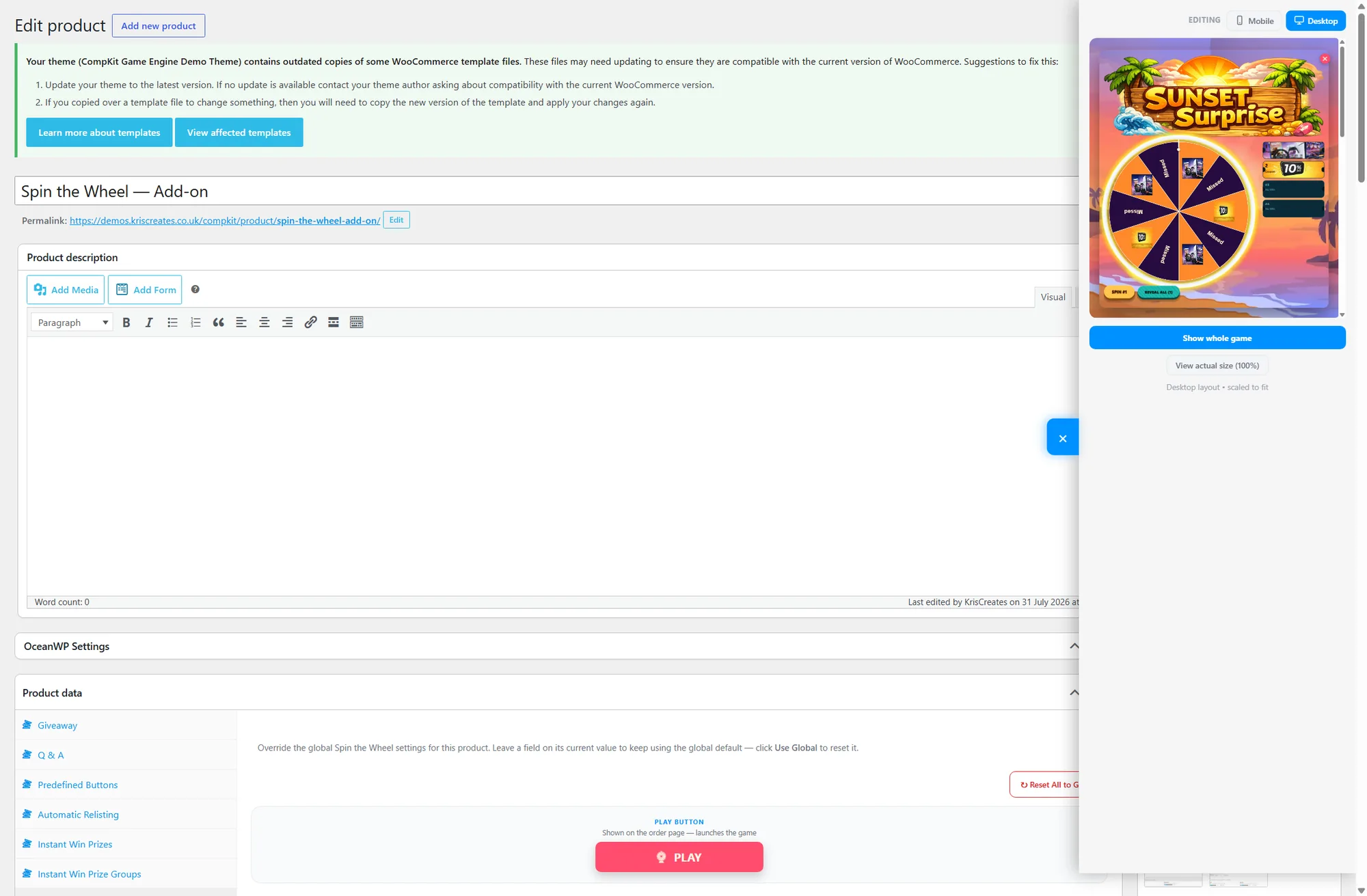
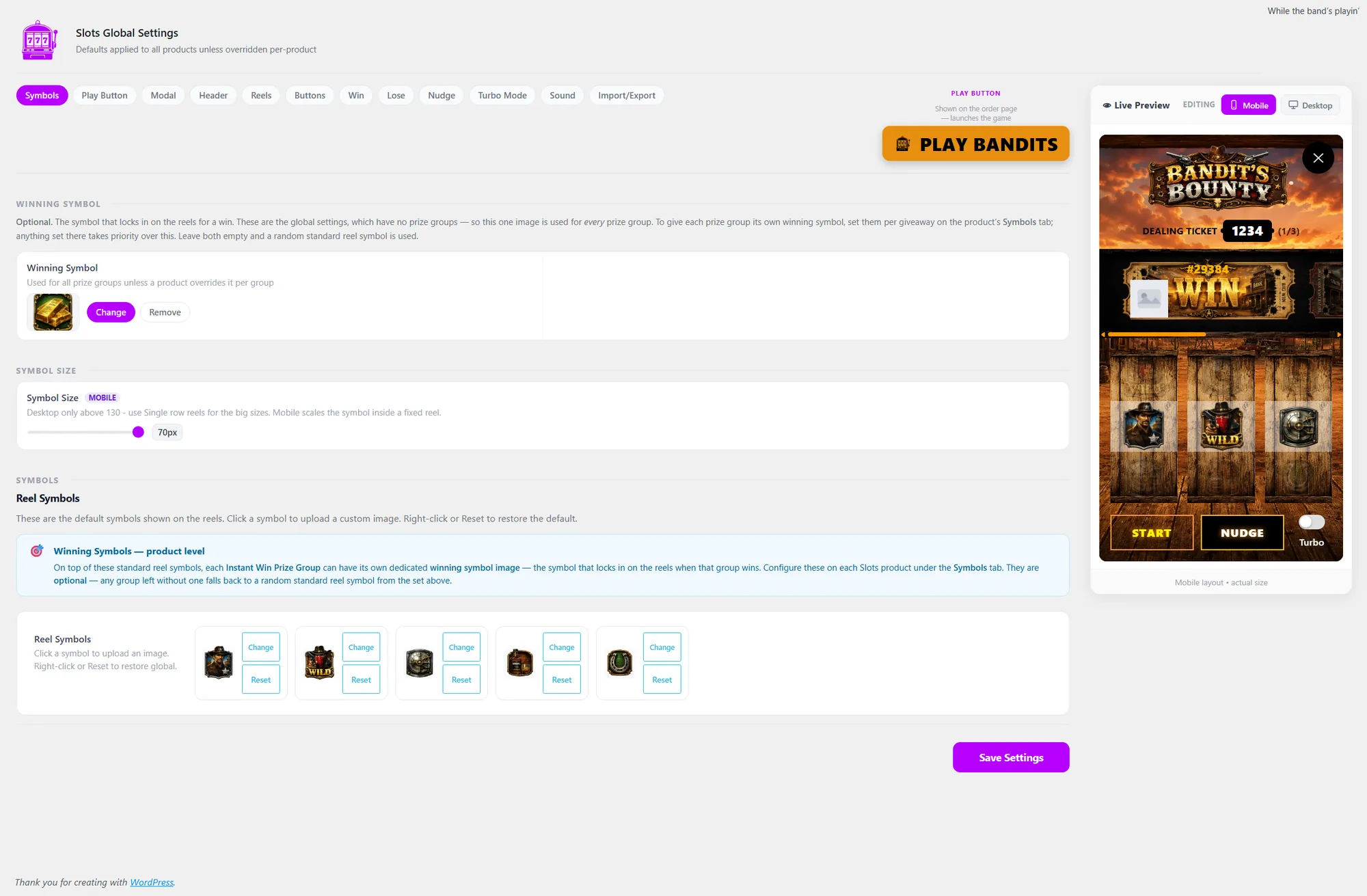
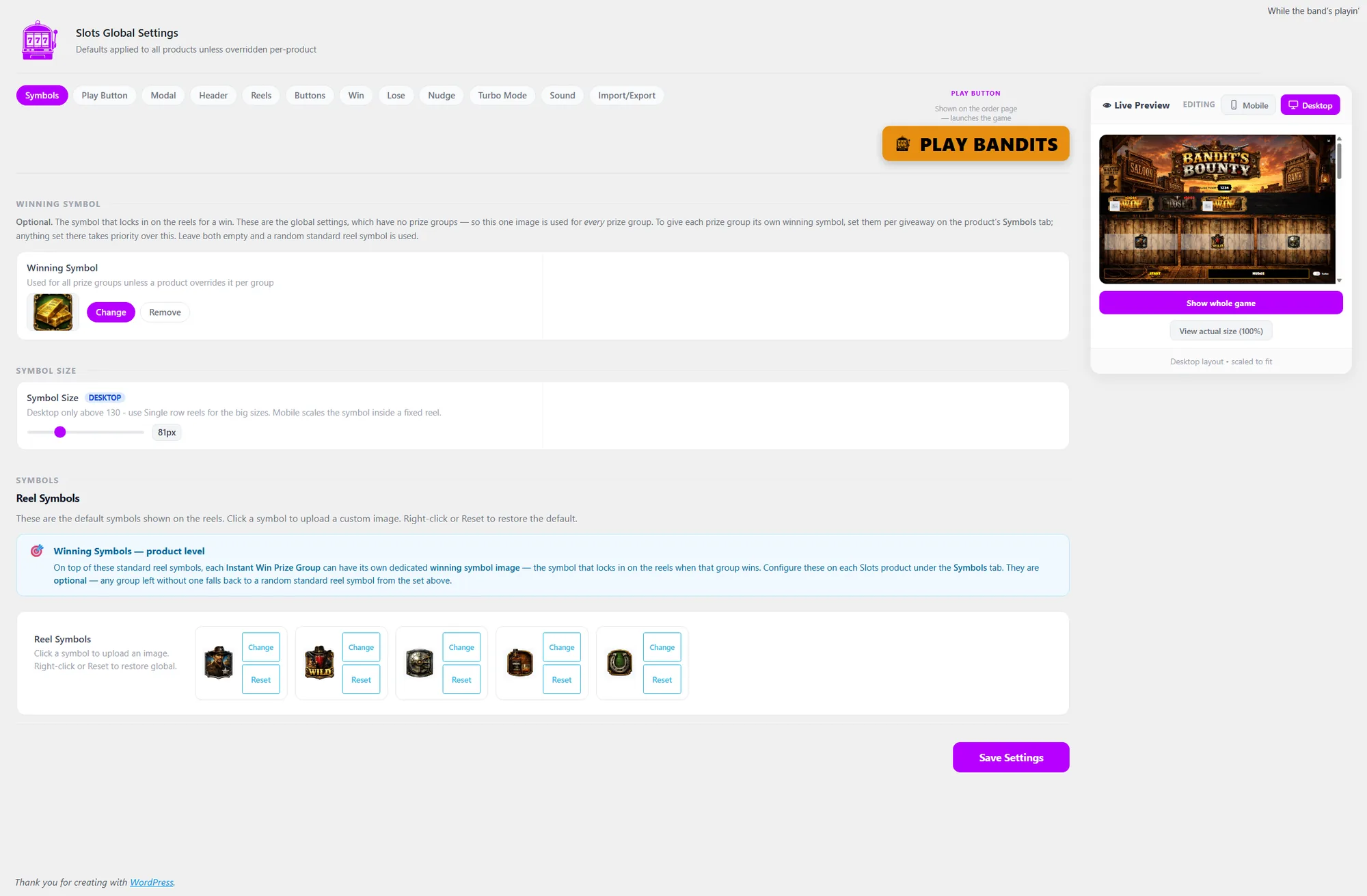
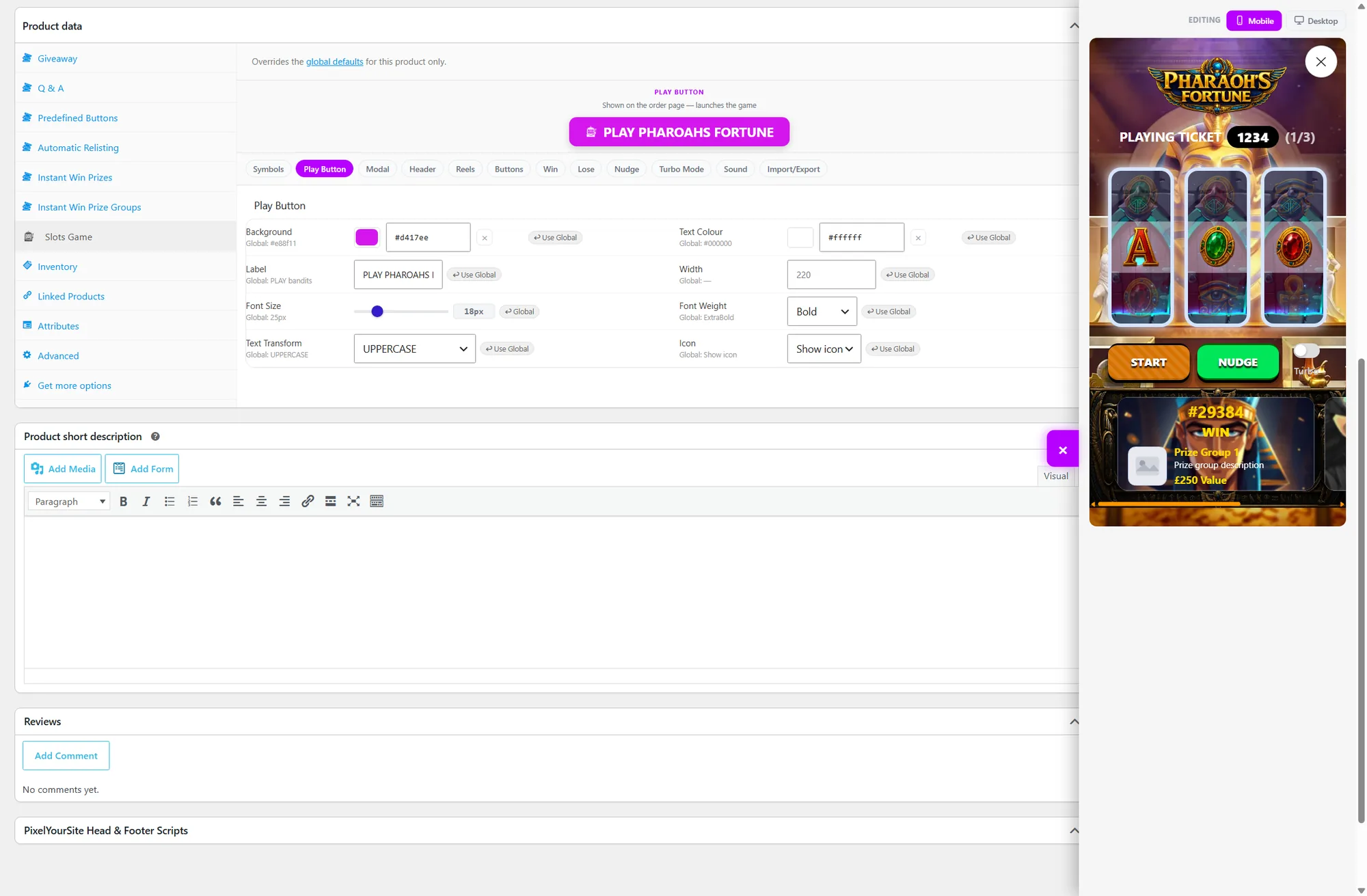
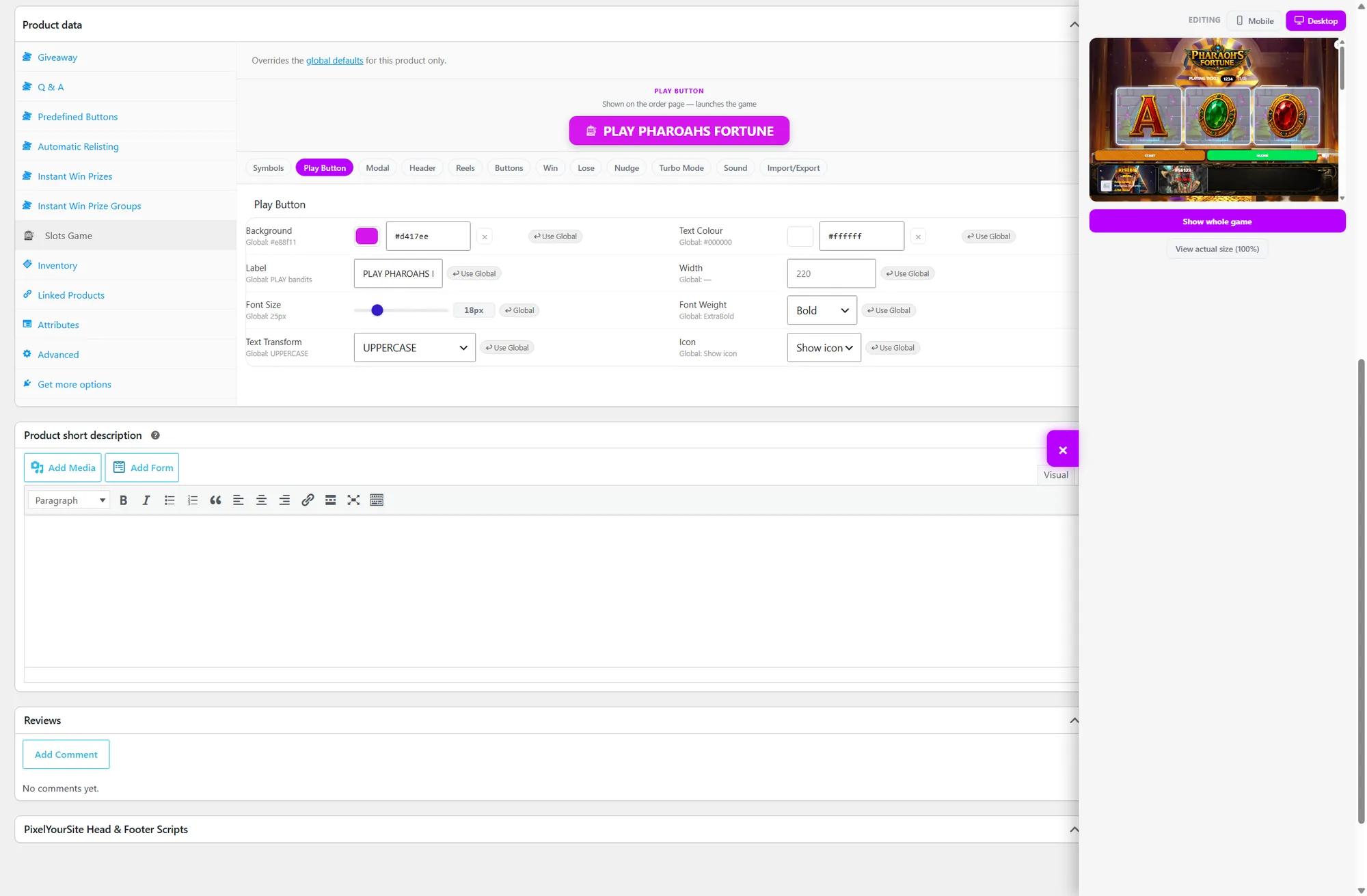
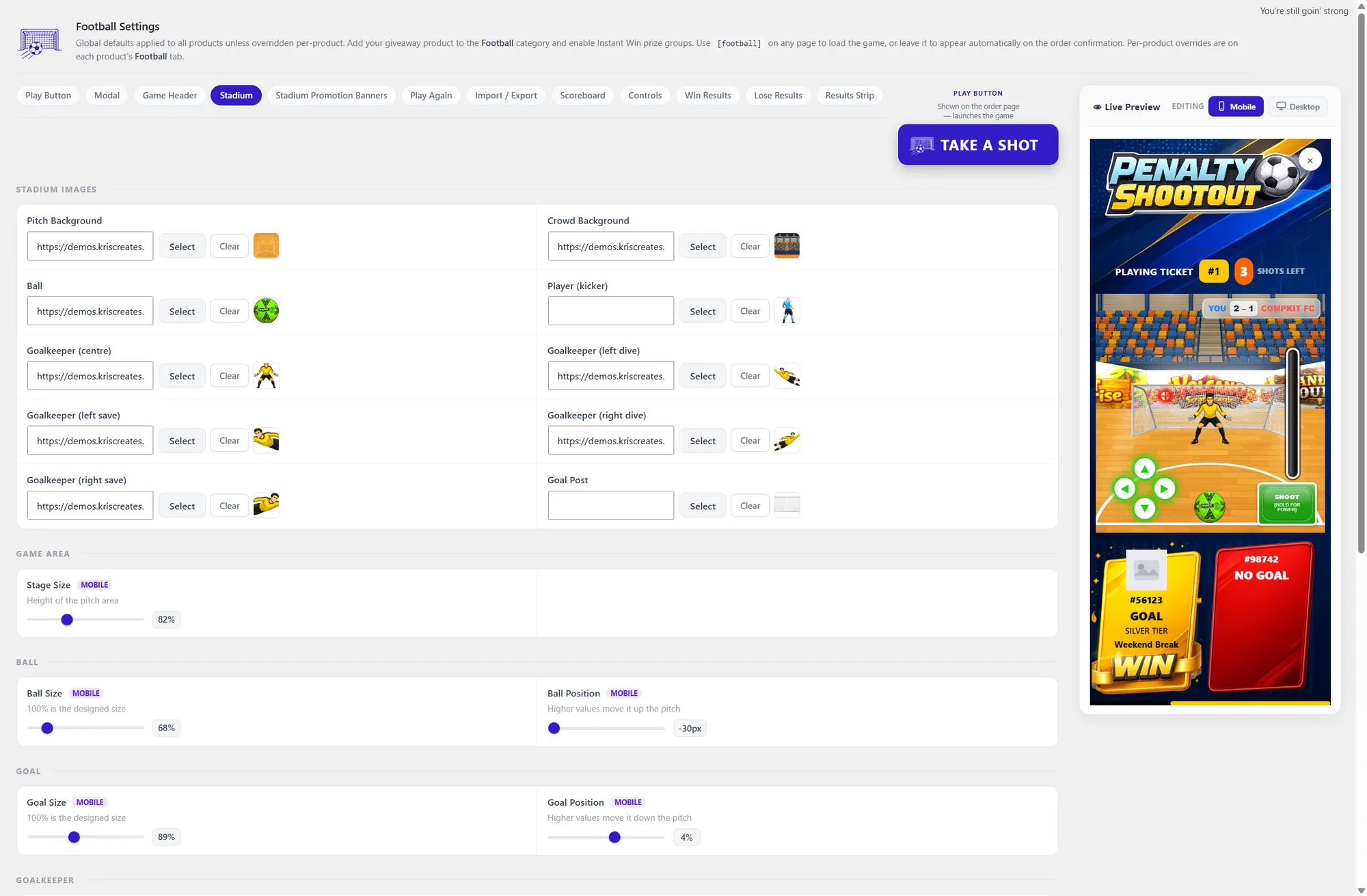
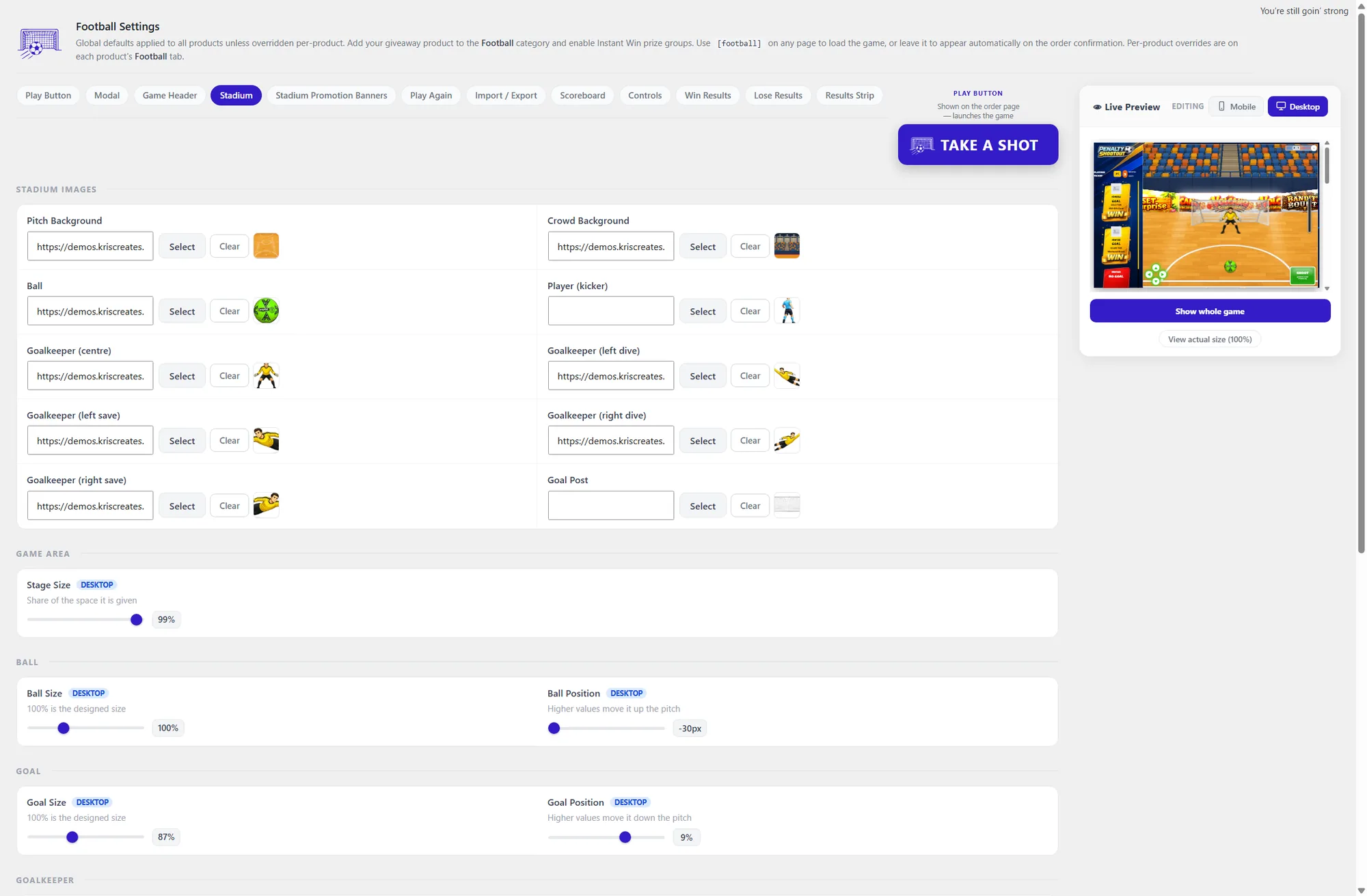
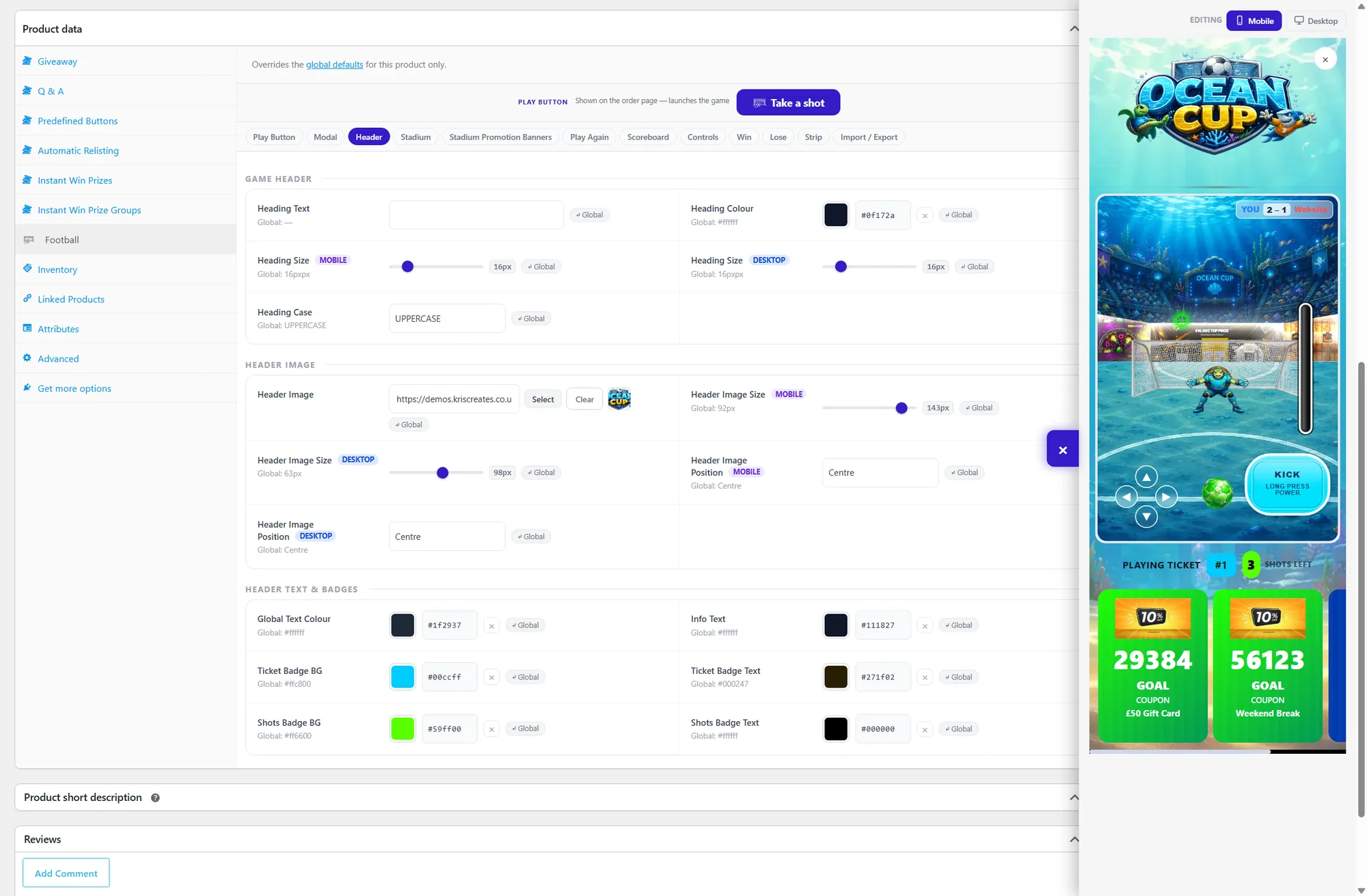
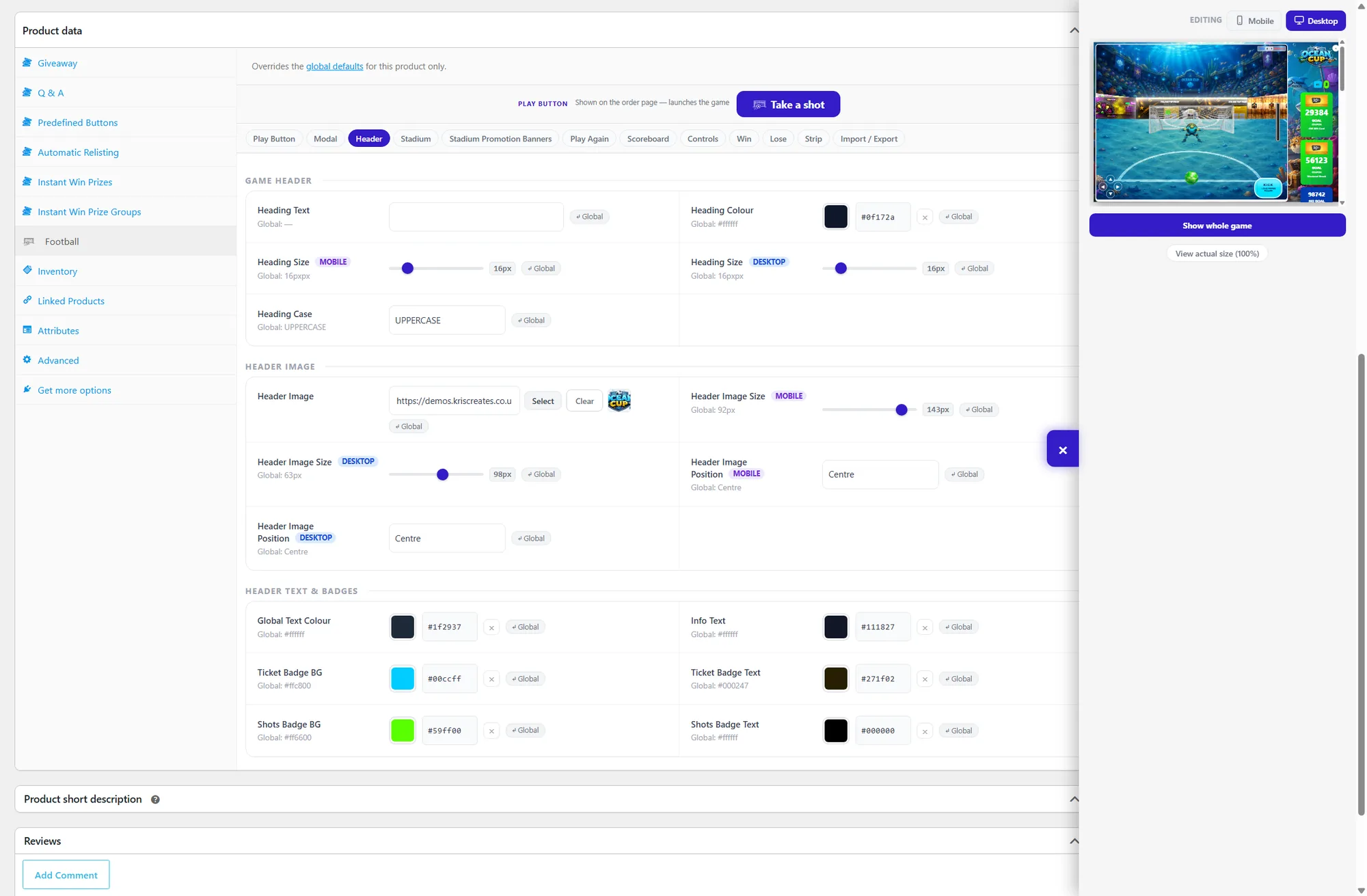
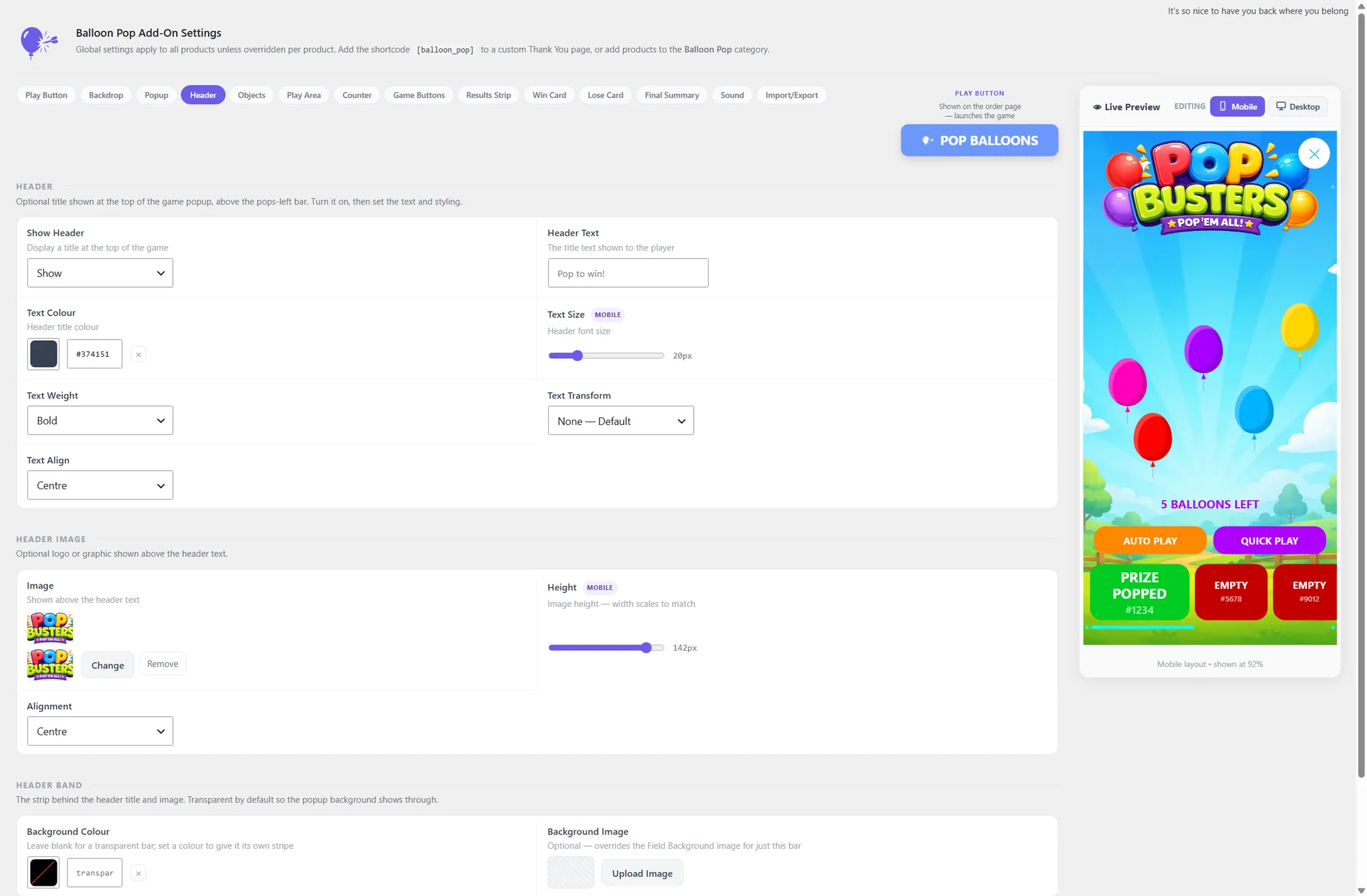
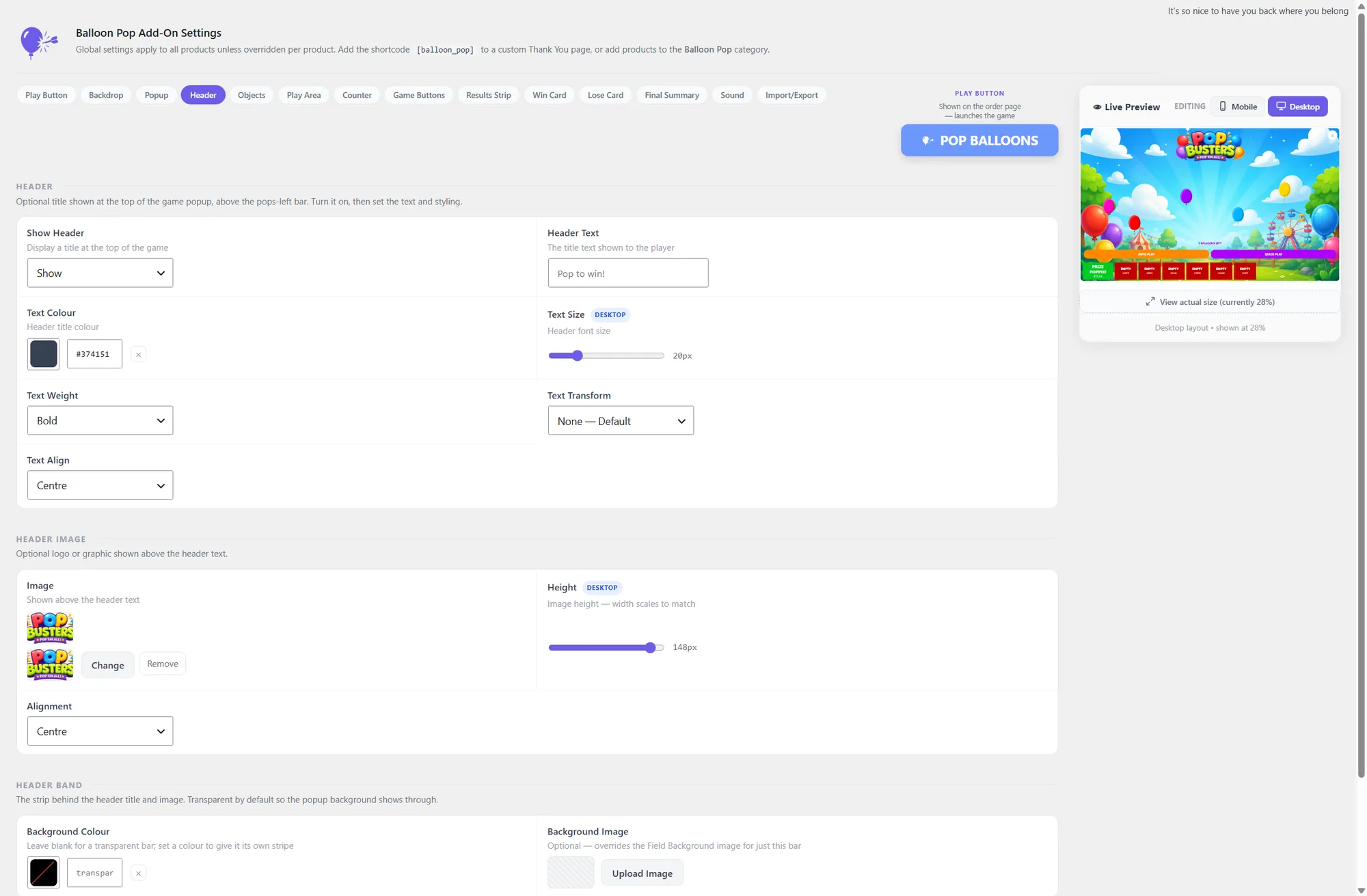
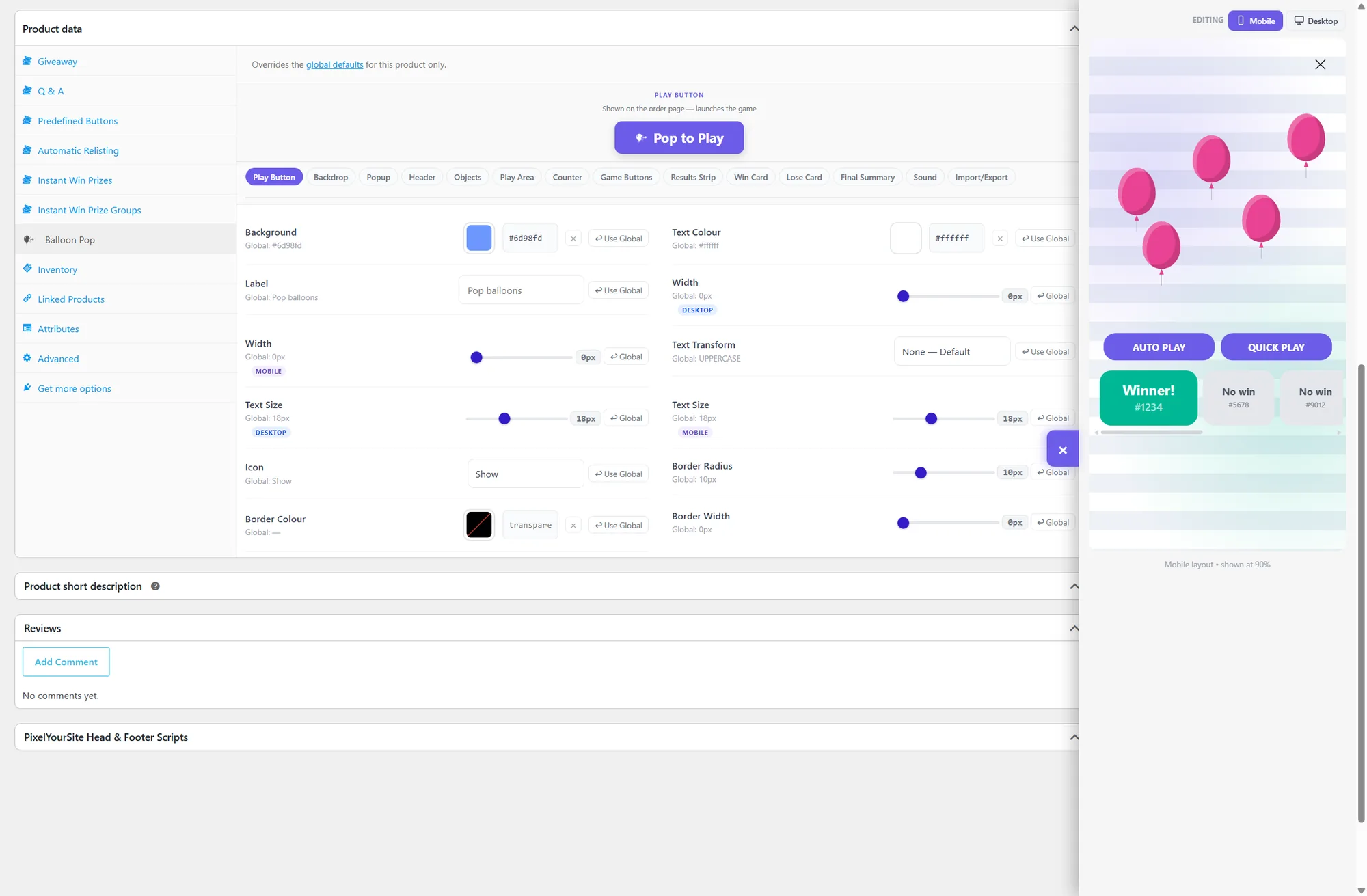
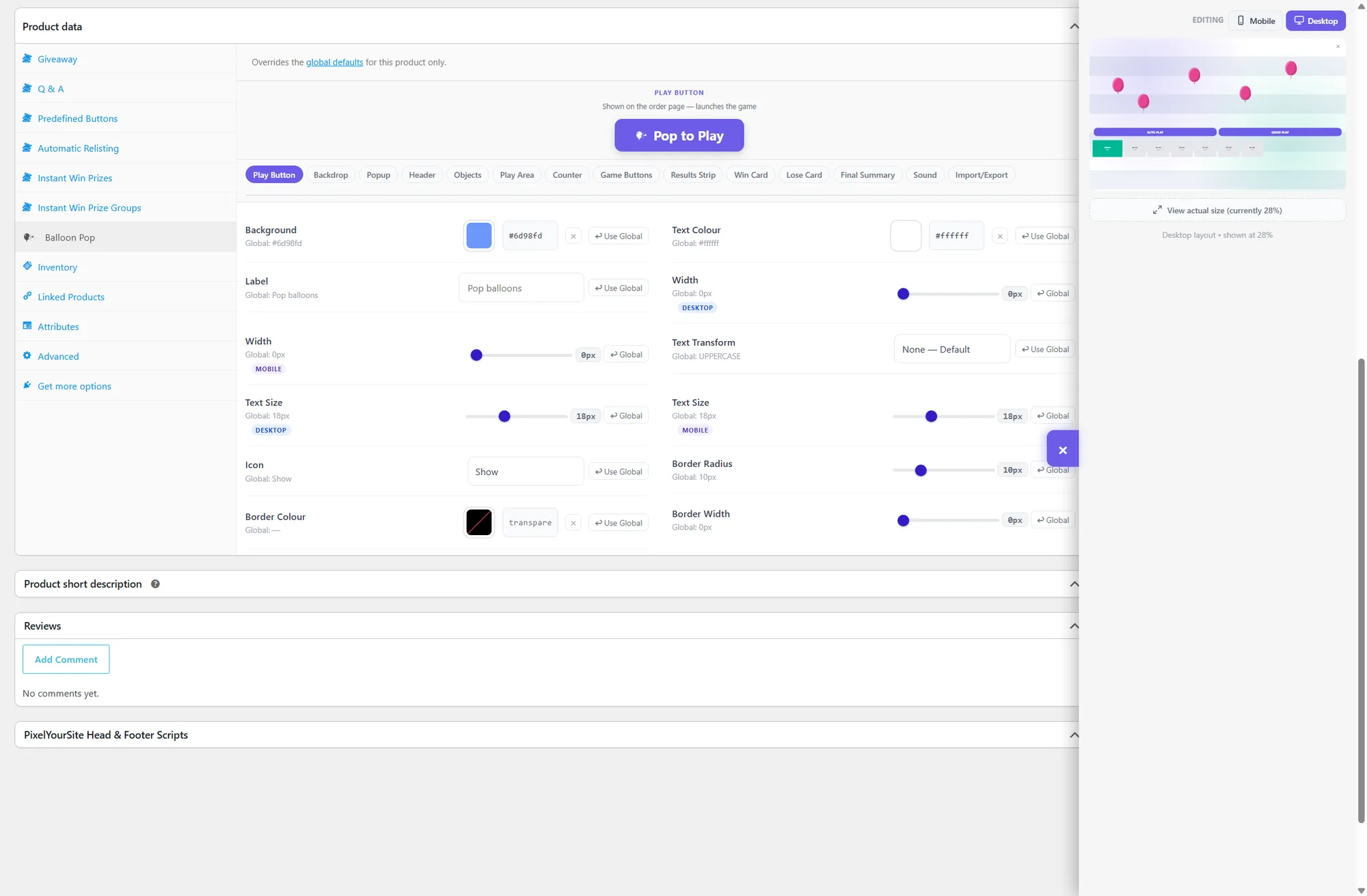
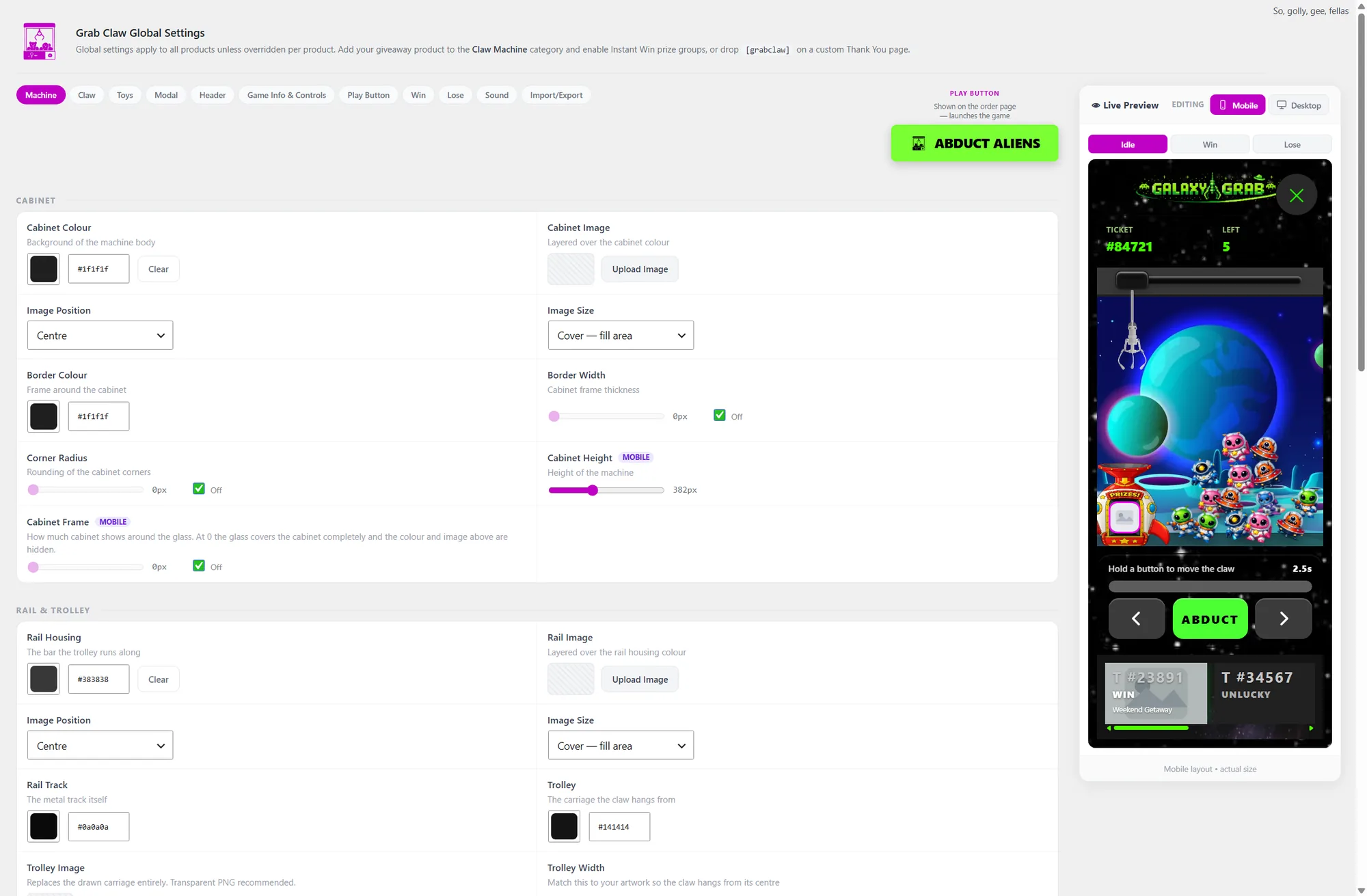
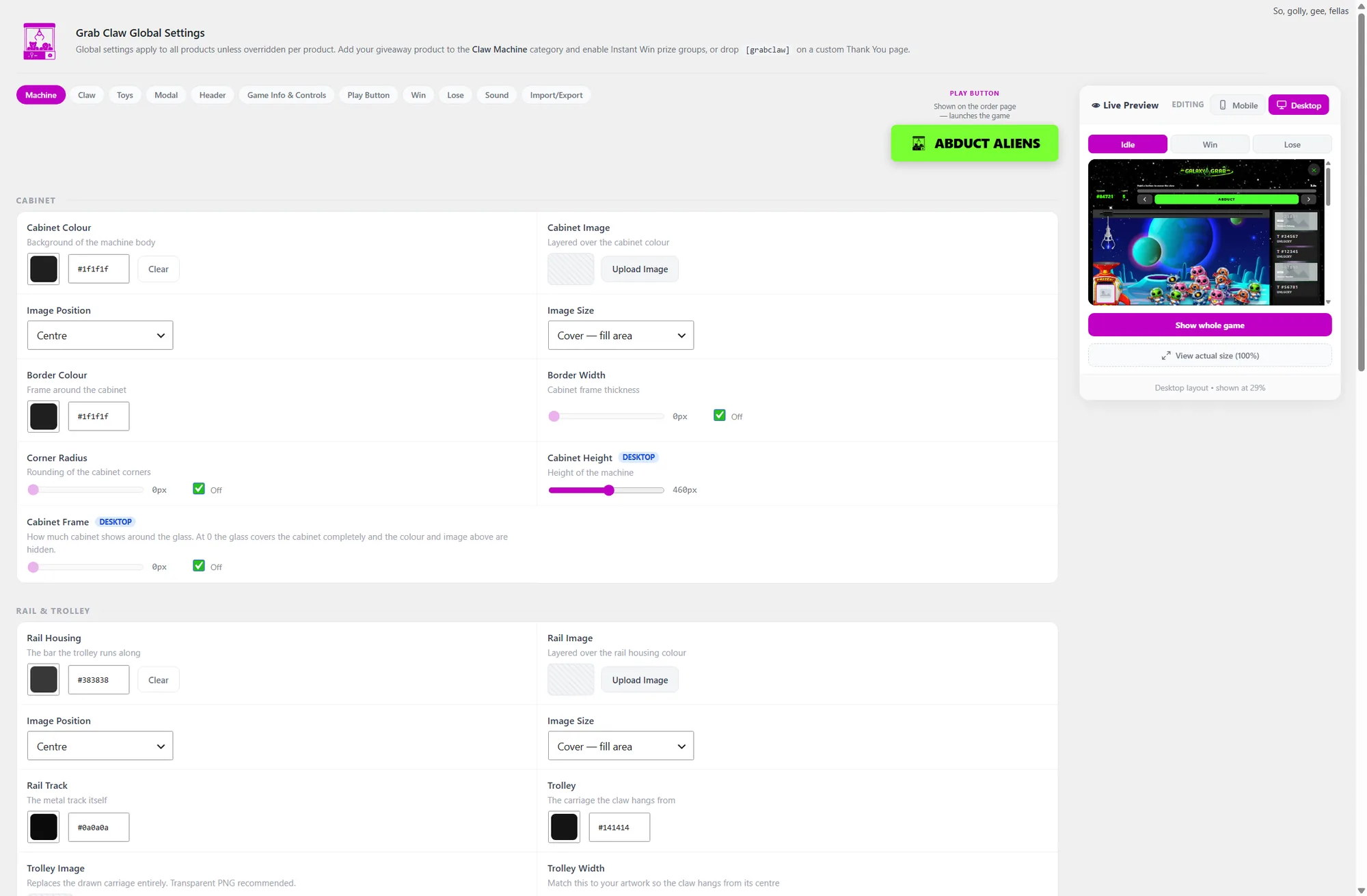
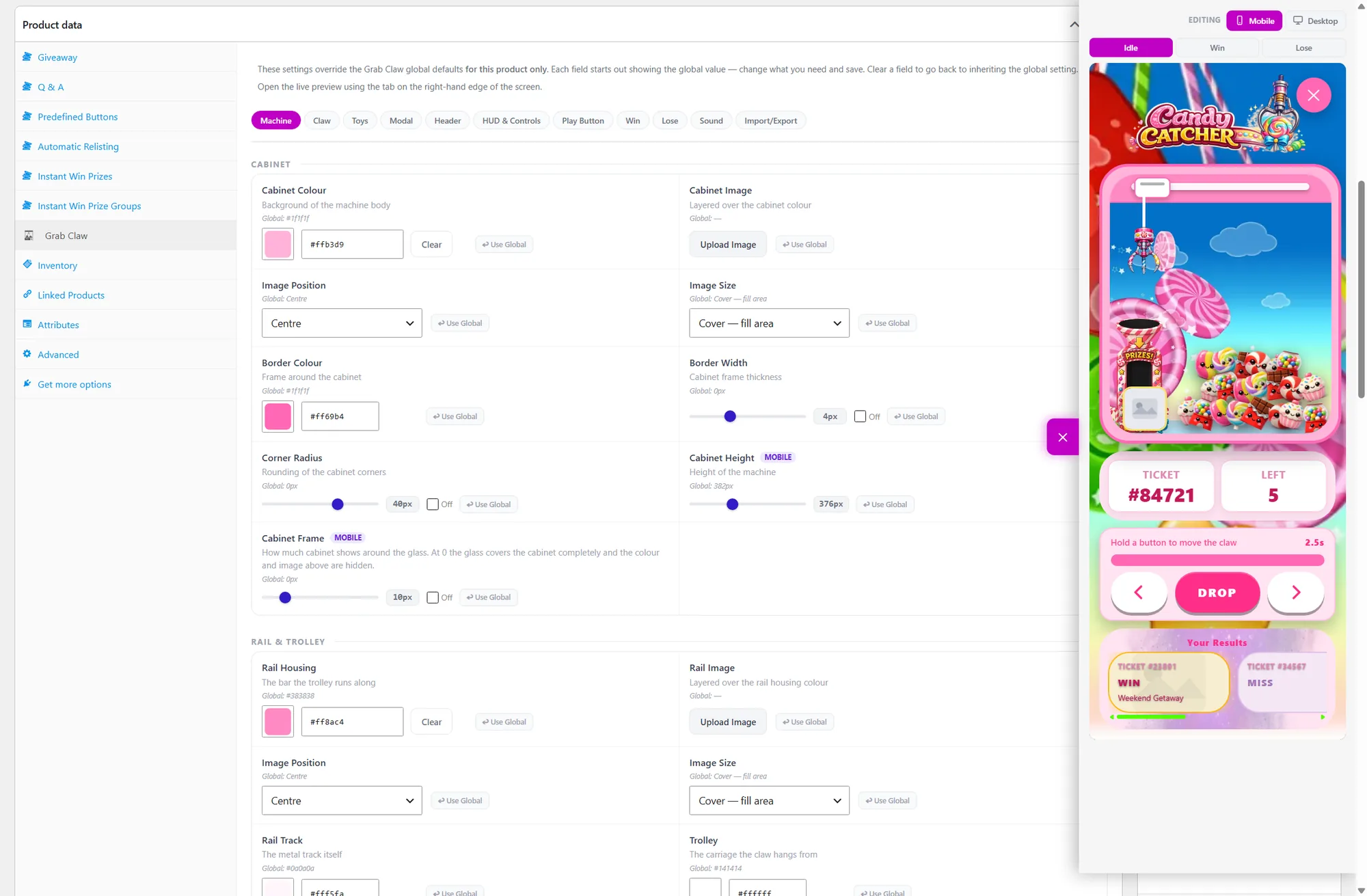
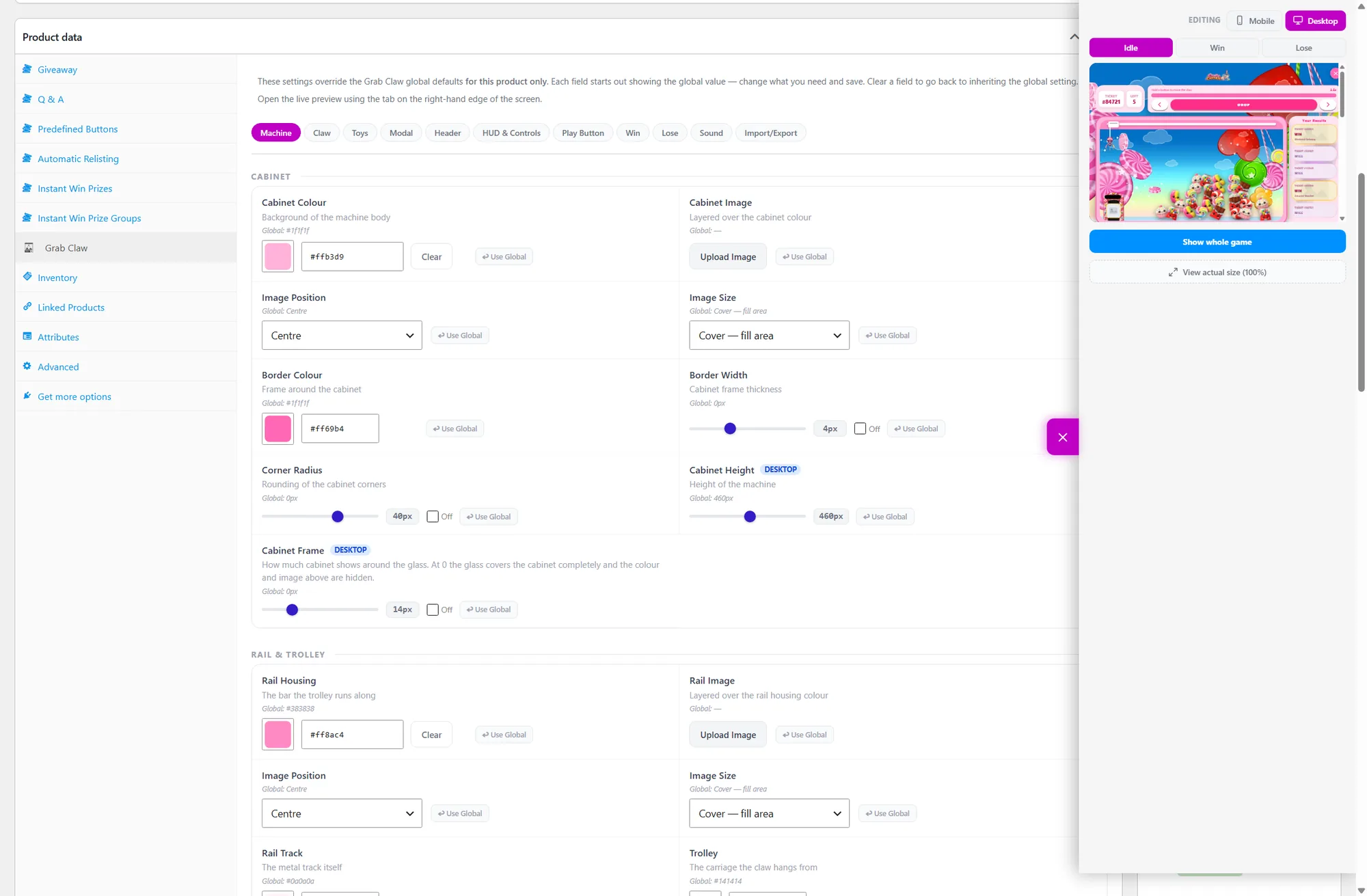
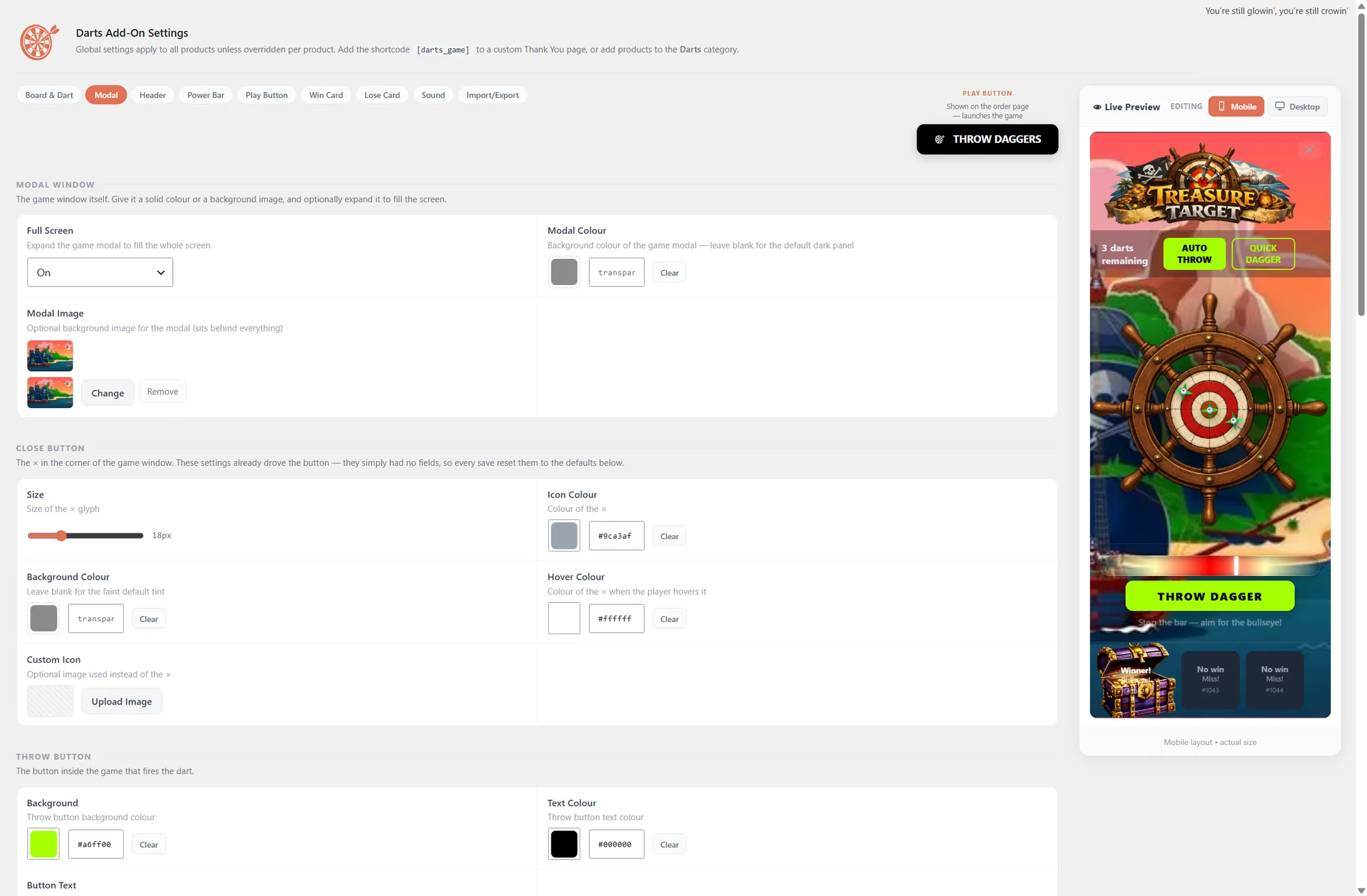
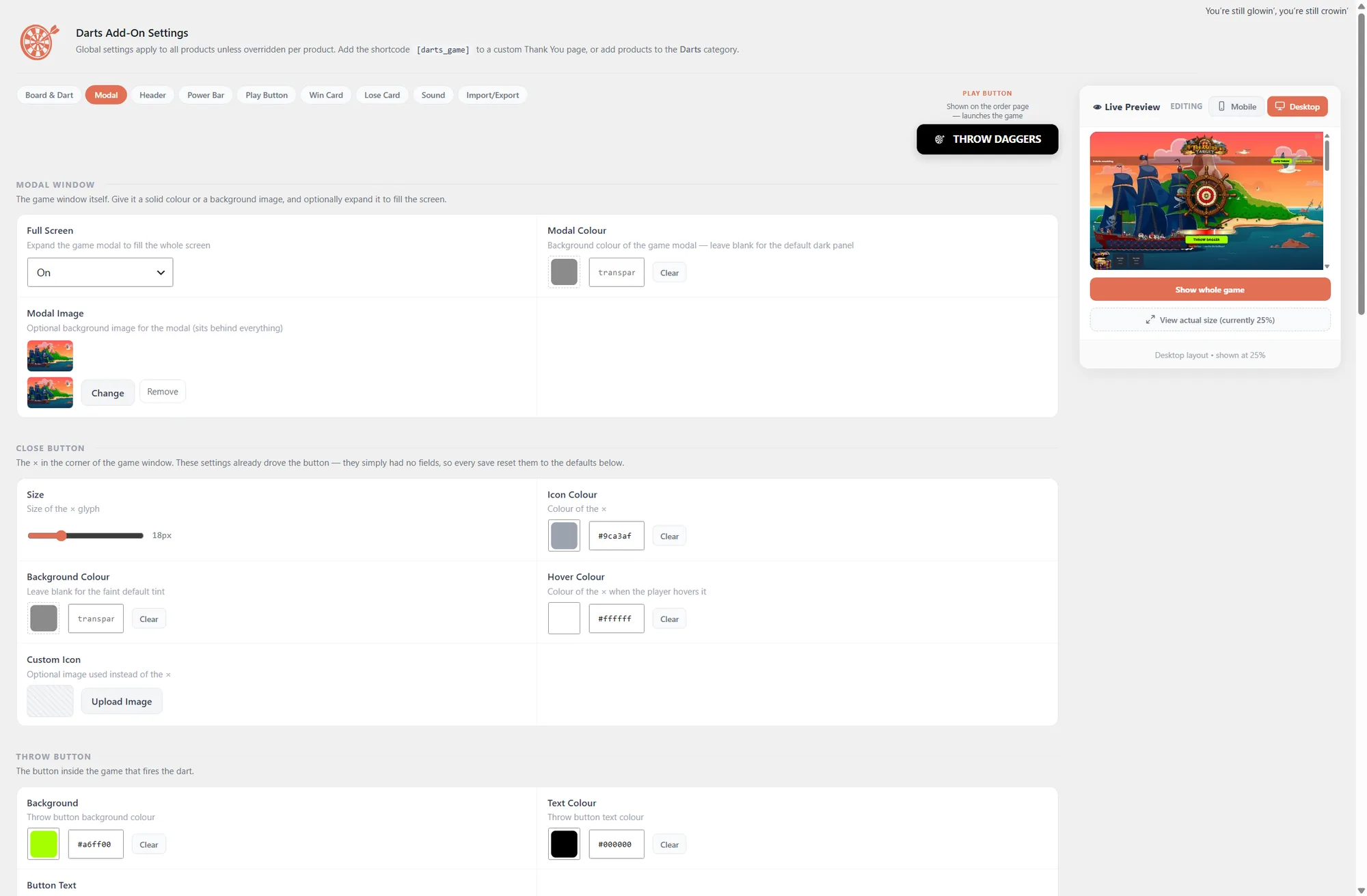
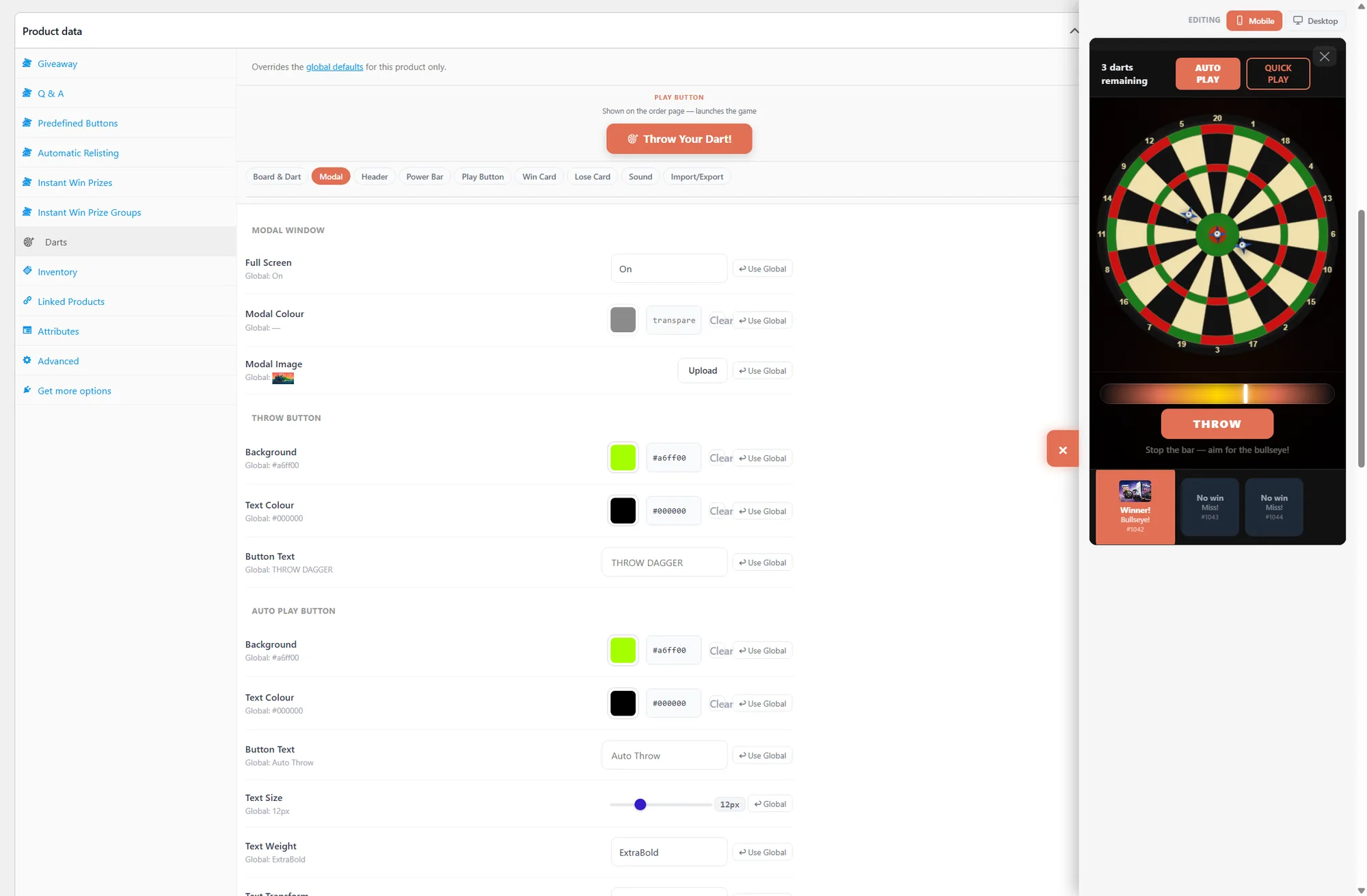
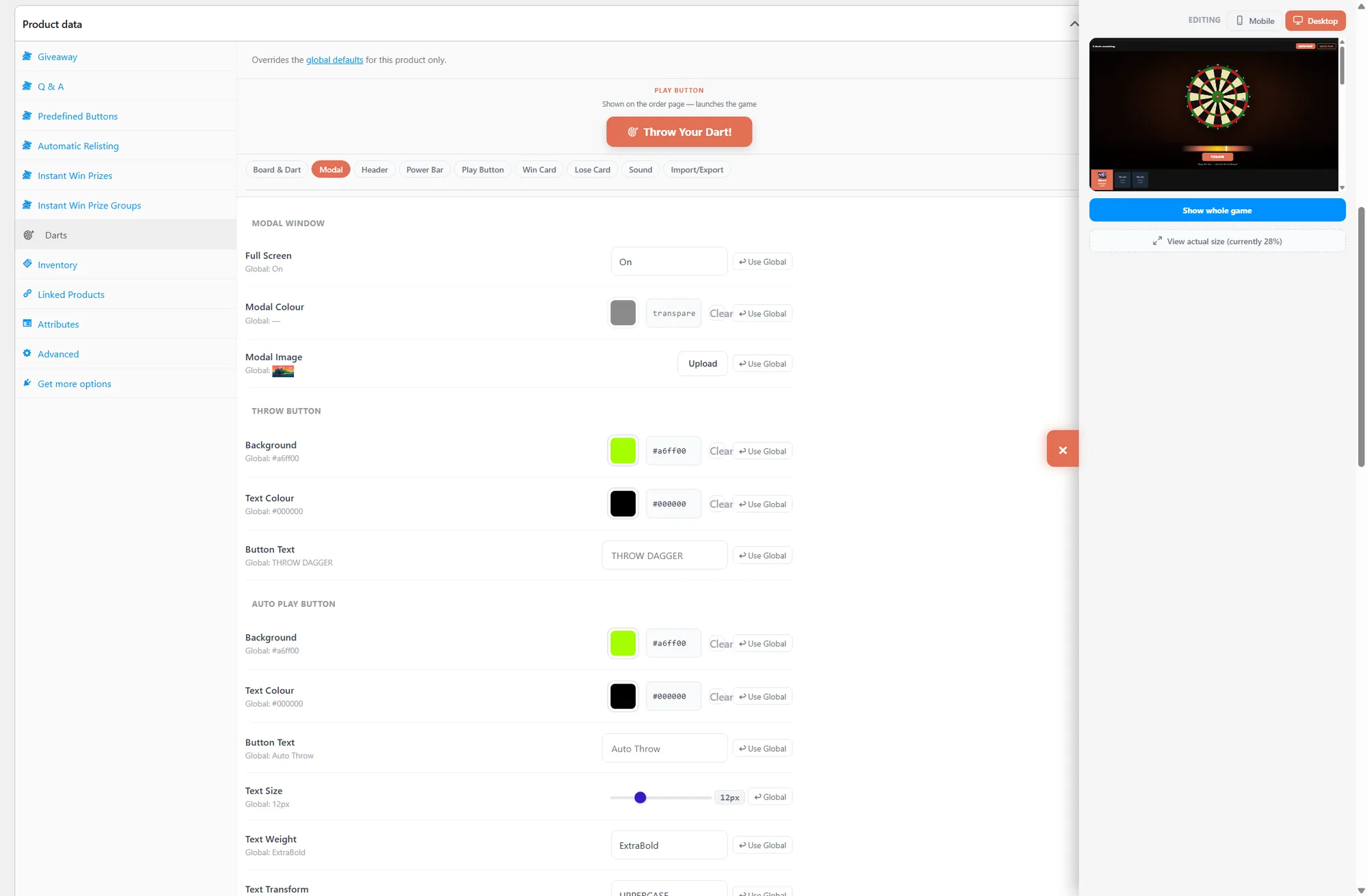
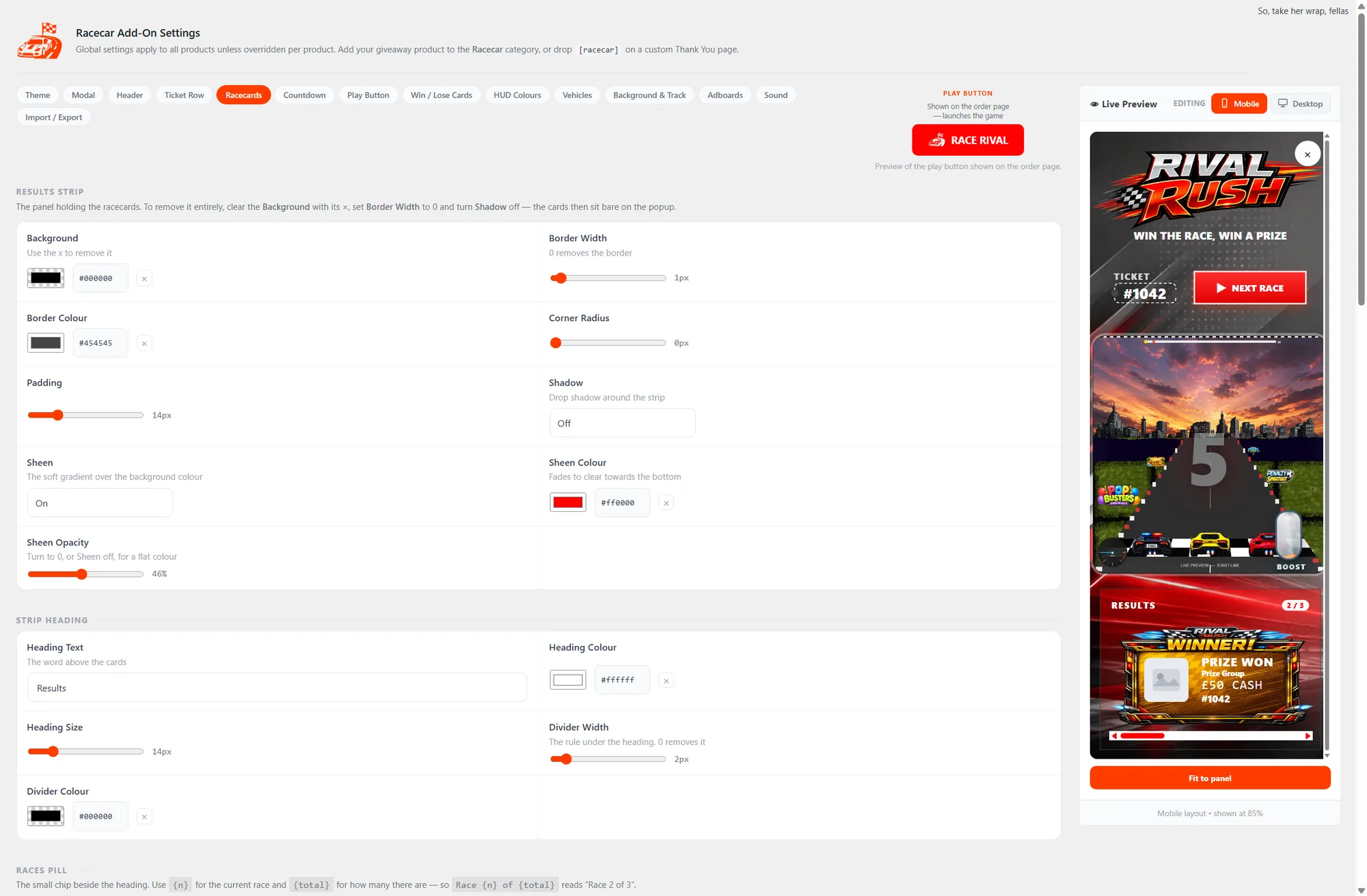
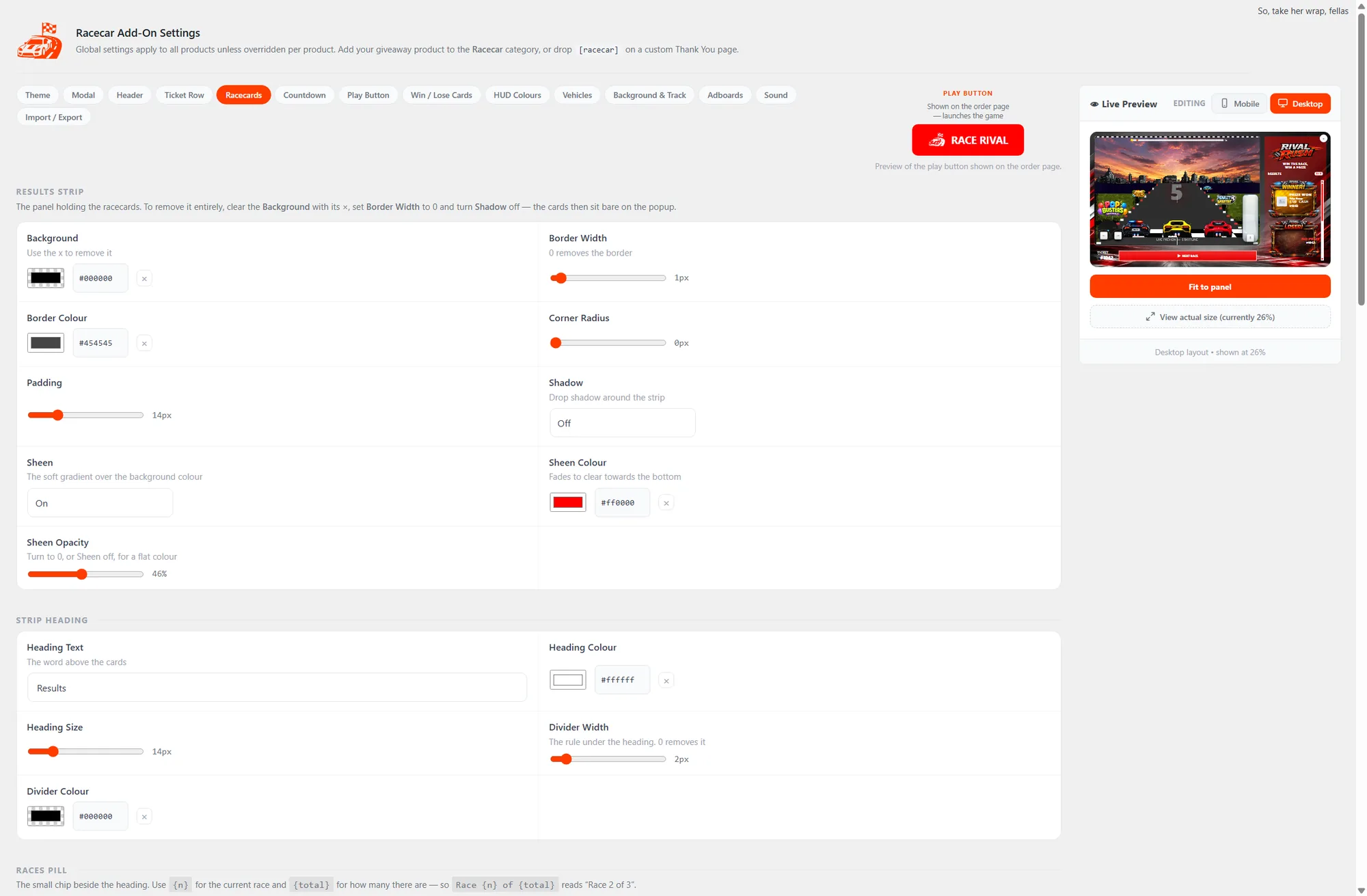
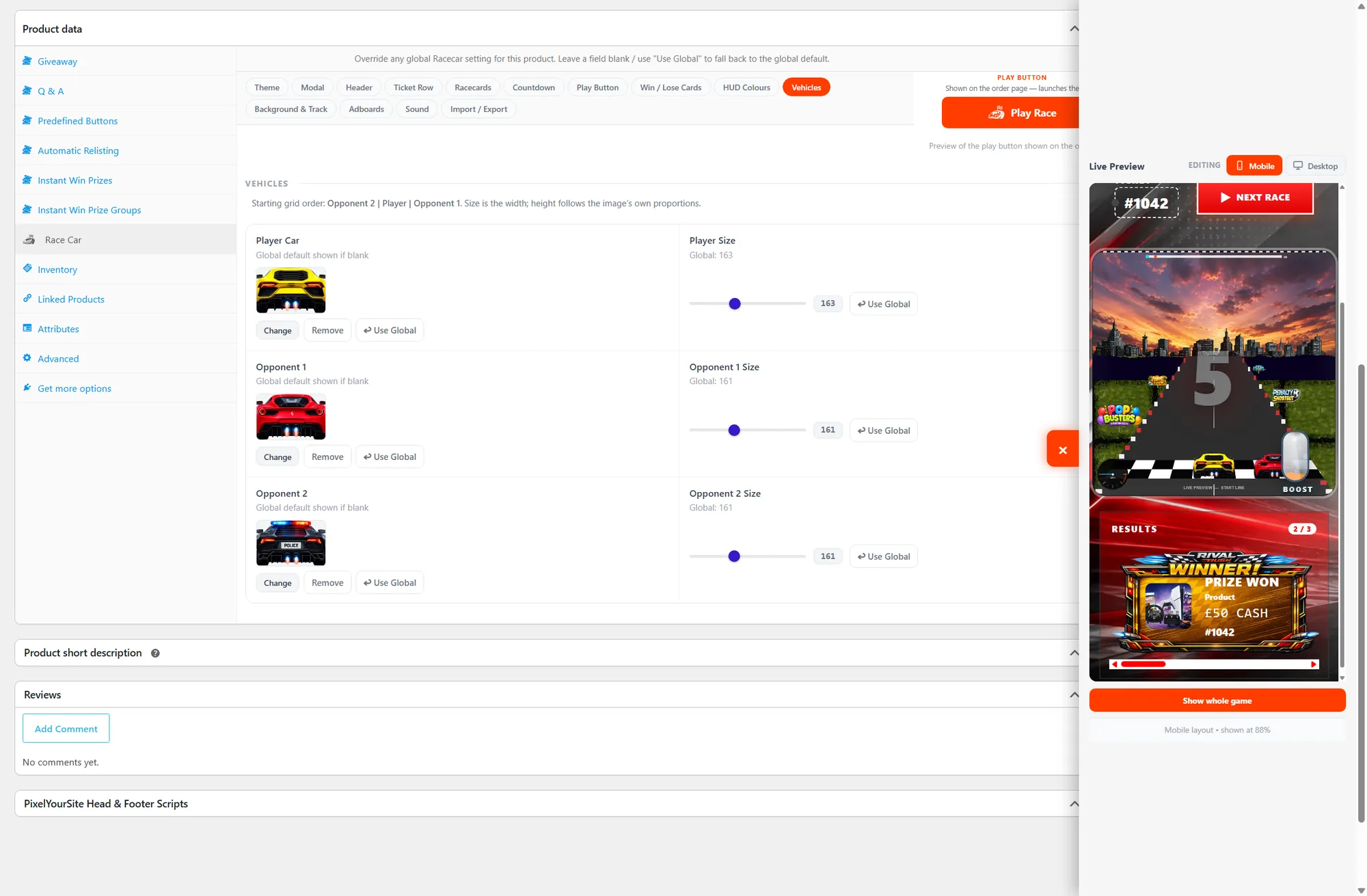
One consistent settings model across all eight games — learn it once and it applies everywhere.
A few games can play in more than one style. The Scratch Card is the clearest example — switch its Active Mode at the top of the settings screen and the rest of the tabs adapt to match.
Every game is built to blend into your store. Match your colours, drop in your own artwork, rename the buttons and toggle sounds — all with a live preview, and never a line of code. The Spin the Wheel screen shows the depth on offer.
rgba() for transparency.These are the same Prize Grab Claw settings, field for field, on a stock install. Cabinet colour, frame, rail, claw, backdrop and play-button wording are all ordinary settings — and the live preview beside the form shows the result as you go.
Every game has an Import / Export tab, at both global and product level. Export writes a small settings file holding that game's entire settings state. Import reads one back.
Most entrants play on a phone, but settings screens get used on a monitor. Several games carry a separate mobile value for the sizes and spacing that need one.
Need one product to look different? Open the game's tab on the product edit screen. Every field shows its inherited global value, with a Use Global button to snap it back at any time.
Field names vary slightly per game, but these settings appear across most modules.
| Setting | What it controls |
|---|---|
| Licence key | Activates a premium game. Managed from the main CompKit Game Engine page; validated against your site domain. |
| Active mode | Switches how a game plays where it offers variants (e.g. Scratchcard Sums & Symbols vs Classic scratch card). |
| Overlay | The colour/opacity behind the game popup — accepts any CSS colour value, including rgba() for transparency. |
| Popup background | The background colour of the game modal itself. |
| Play button | Label, width, background colour and text colour of the button shown on the order page. |
| Layout / card layout | Where the game and result list sit (e.g. side panel vs stacked); updates the preview live. |
| Scoreboard / opponent | Game-specific labels such as the Football opponent name shown on the scoreboard. |
| Advertising boards | Brandable images placed in-game (e.g. trackside or pitch-side) — great for sponsors. |
| Sound | Enable or disable in-game sound effects. |
| Import / Export | Copy a game's configuration between sites or back it up. |
| Reset to Defaults | Restores a game's settings to the shipped defaults. Save Settings commits your changes. |
Remember to click Save Settings after editing a global screen. Per-product overrides save with the product (Update).
Almost every case is one of these five, in roughly this order of likelihood.
Both must be enabled on the product. With no prize groups there is no result to reveal, so nothing renders. This is the most common cause by a distance.
Each game watches its own product category. That is what lets you run a scratch card on one competition and a wheel on another — but a product in no game category loads no game.
A premium game loads only when it is switched on, licenced for that site, and actually installed. Check the Games list — each installed module shows its version.
CompKit is an add-on. It needs Giveaway for WooCommerce by Flintop — formerly Lottery for WooCommerce. The similarly named plugin by a different developer will not work.
Automatic placement targets the standard order confirmation page. On a custom one, drop the game’s shortcode where you want it and the right tickets load automatically.
Put a real order through yourself and watch the whole flow — it isolates the step that fails faster than reading settings. Then send us the details.