Winners and entry lists
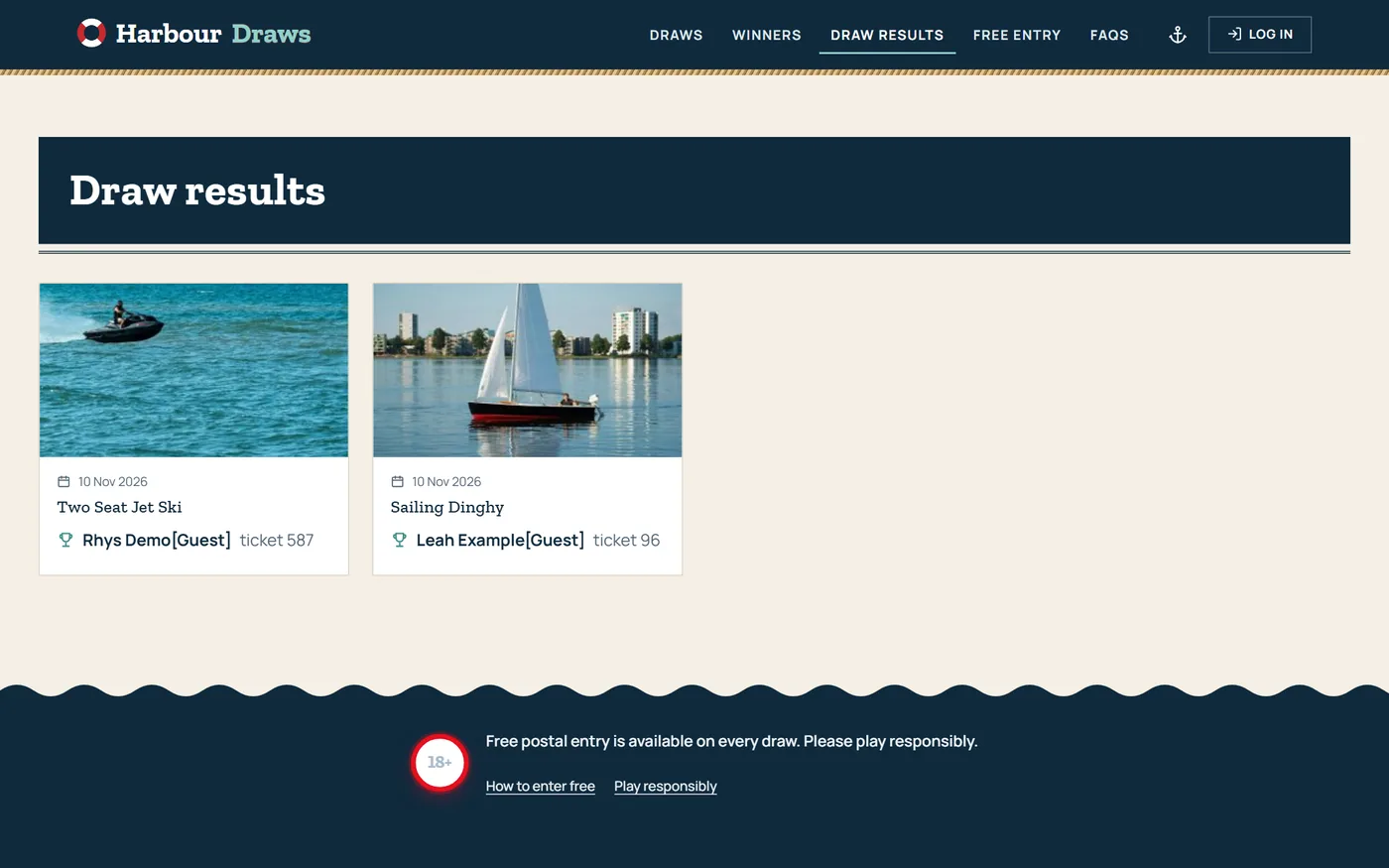
Public winners and entry list pages, a winners ticker, and an entry list PDF.


CompKit Ticket Machine runs the competitions on every CompKit site. It sells numbered tickets on WooCommerce, asks the skill question, pays out instant wins and draws the winners when a competition closes.
7 days free, then £14.99 a month or £149 a year. Comes with every CompKit website.
Live competitions, tickets sold, what is ending soonest and what needs you next. A closed draw or a competition that missed its minimum is flagged with the button to sort it.

Choose how each competition sells: customers pick their own numbers, or get random ones at checkout.
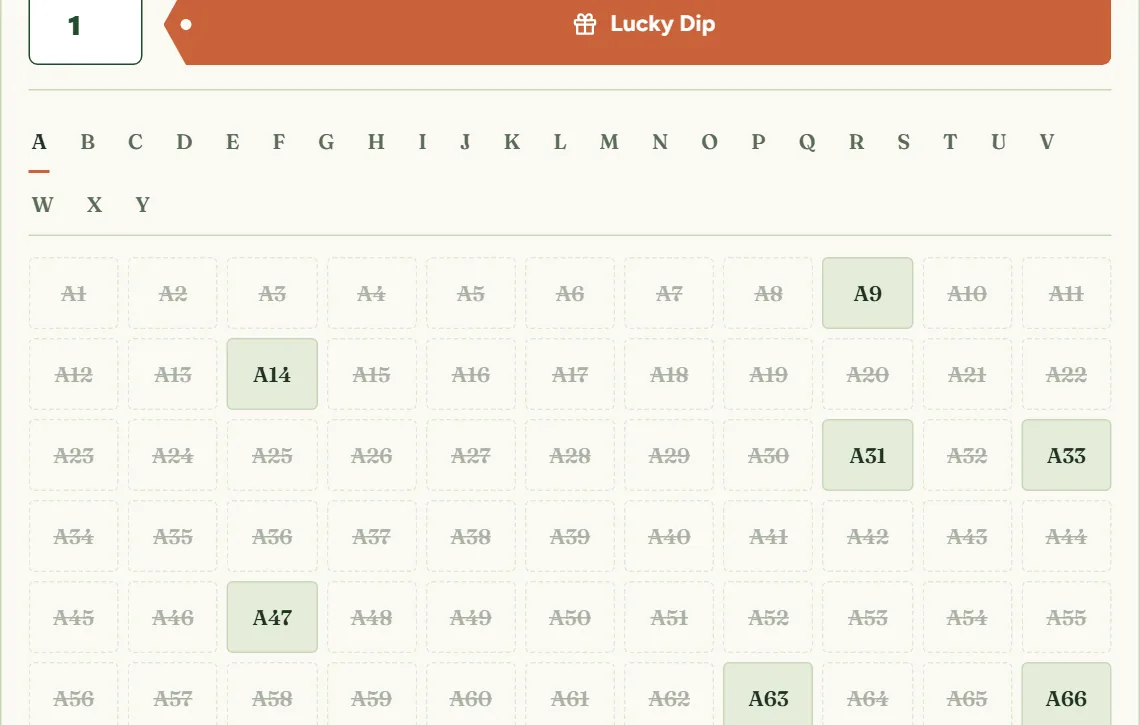
Customers tap the numbers they want, with a key for available, picked, in your basket and taken. Lucky dip picks free numbers for them. Big competitions split into tabs, and letter tickets (A1, B1...) get a tab per letter.
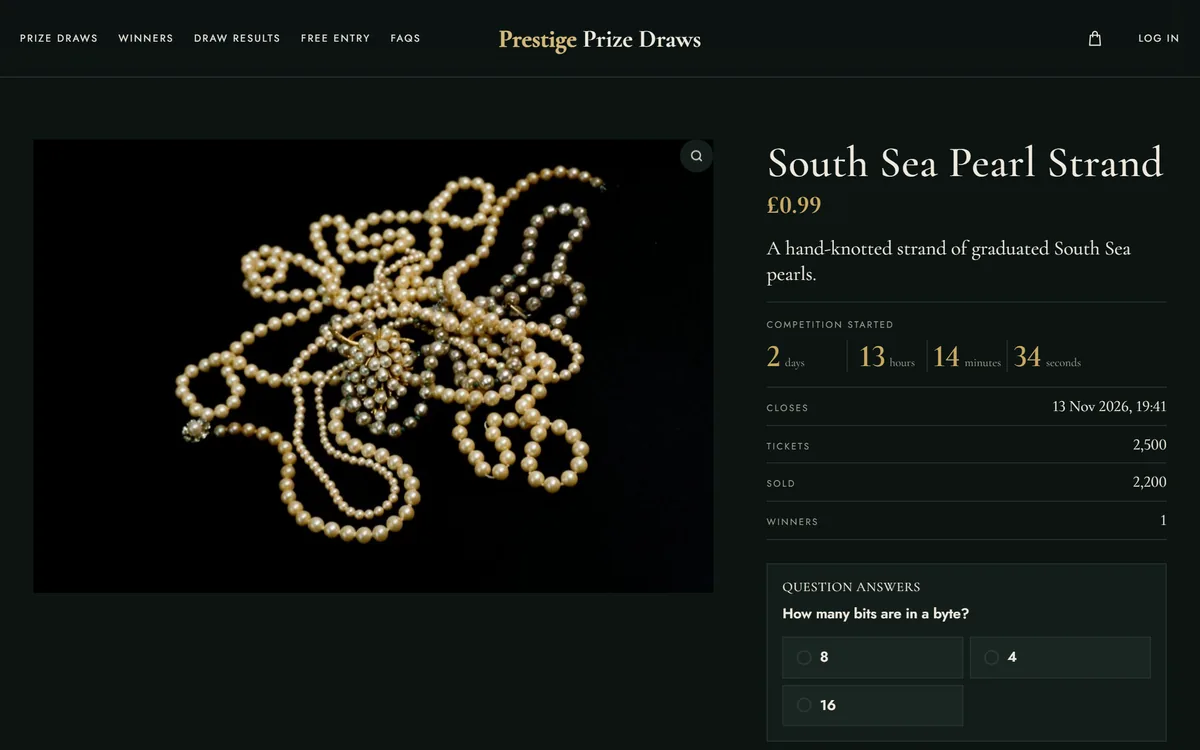
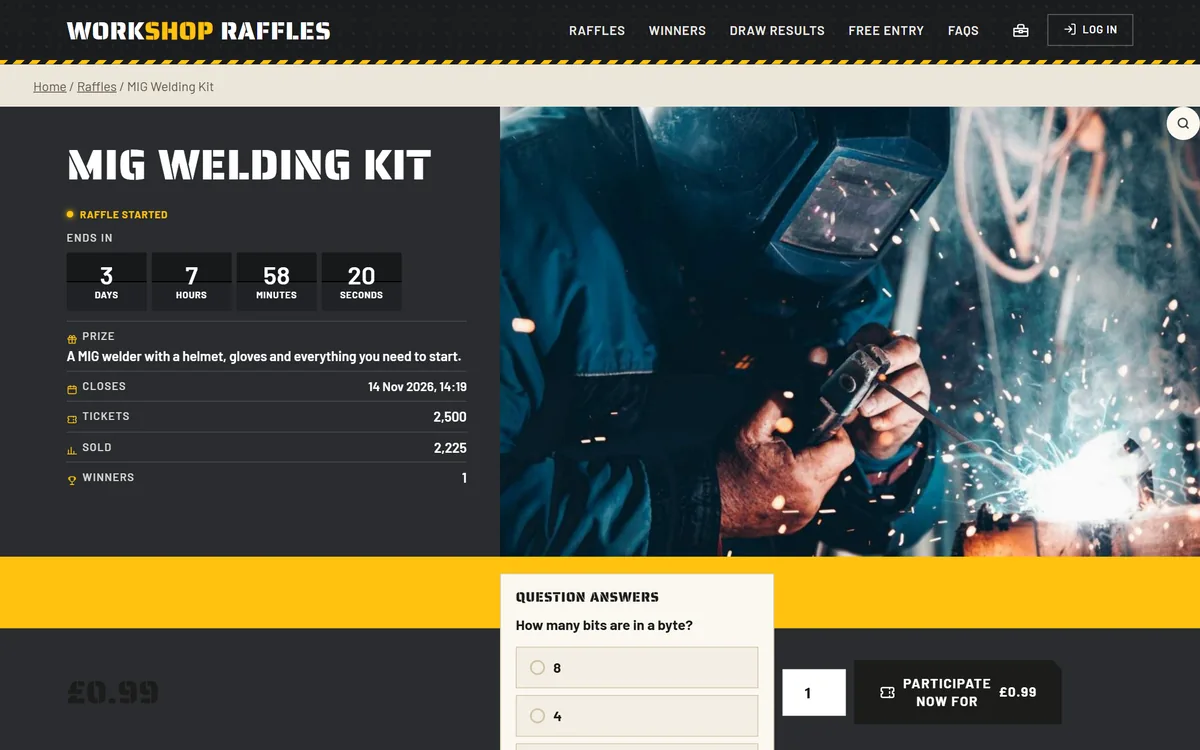
Set one question for the whole site or one per competition. Choose whether the answer must be right before buying, how many tries, and a time limit.
Quick buttons for 5, 10 or 25 tickets, each with its own discount and a Save tag. Or a slider that shows the bundle prices as you drag.


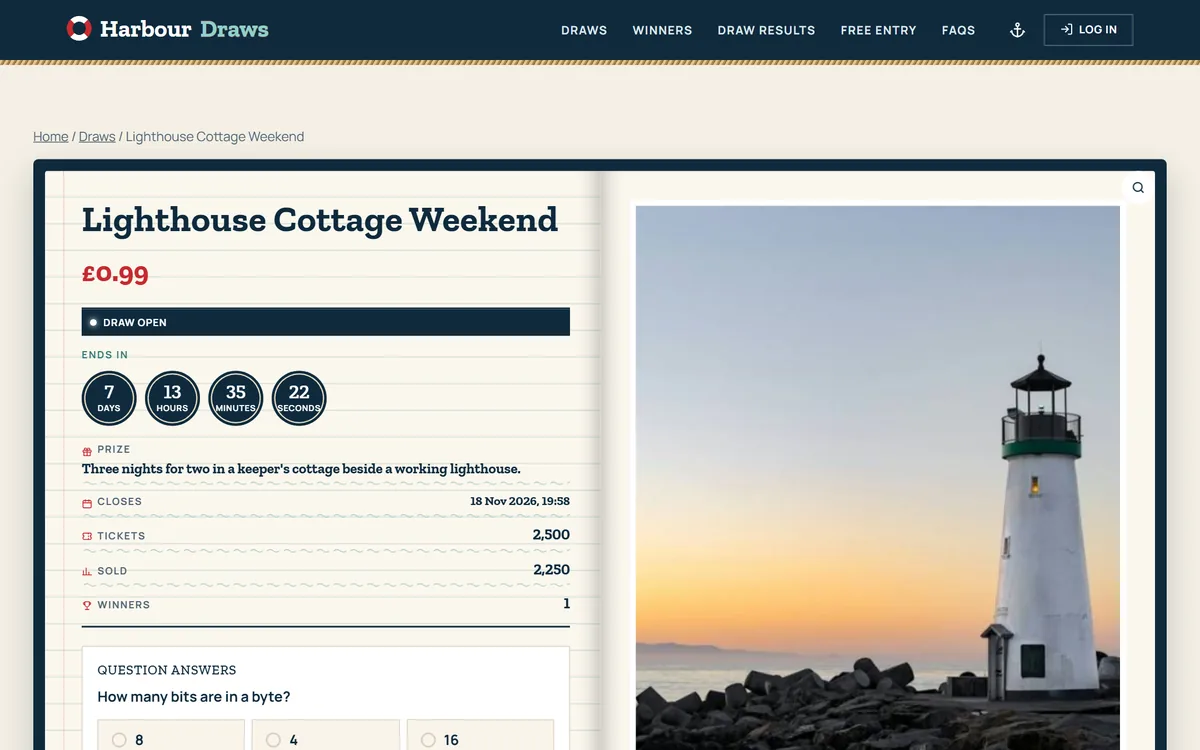
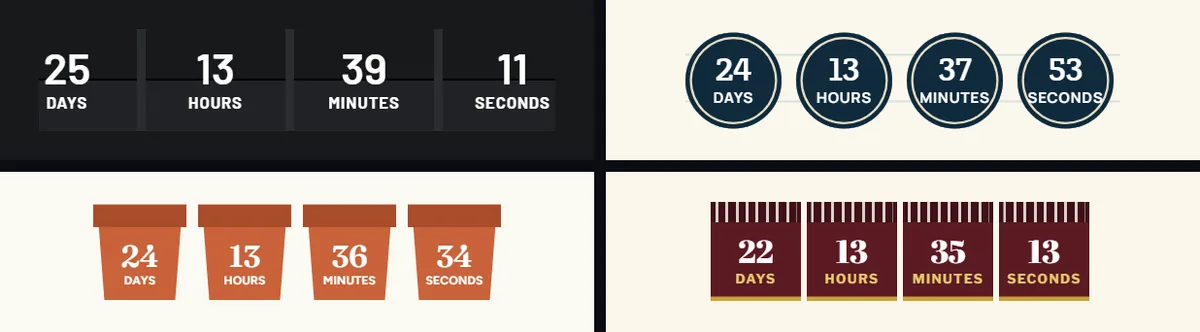
Each competition page counts down to its draw. The timer takes on your site's look, the same as every other part of Ticket Machine. Once someone has entered, the page also shows their ticket numbers and how many more they can buy.
Every competition has a draw at the end. Add instant wins and chosen ticket numbers win a prize the moment they are bought, so every order has a chance.


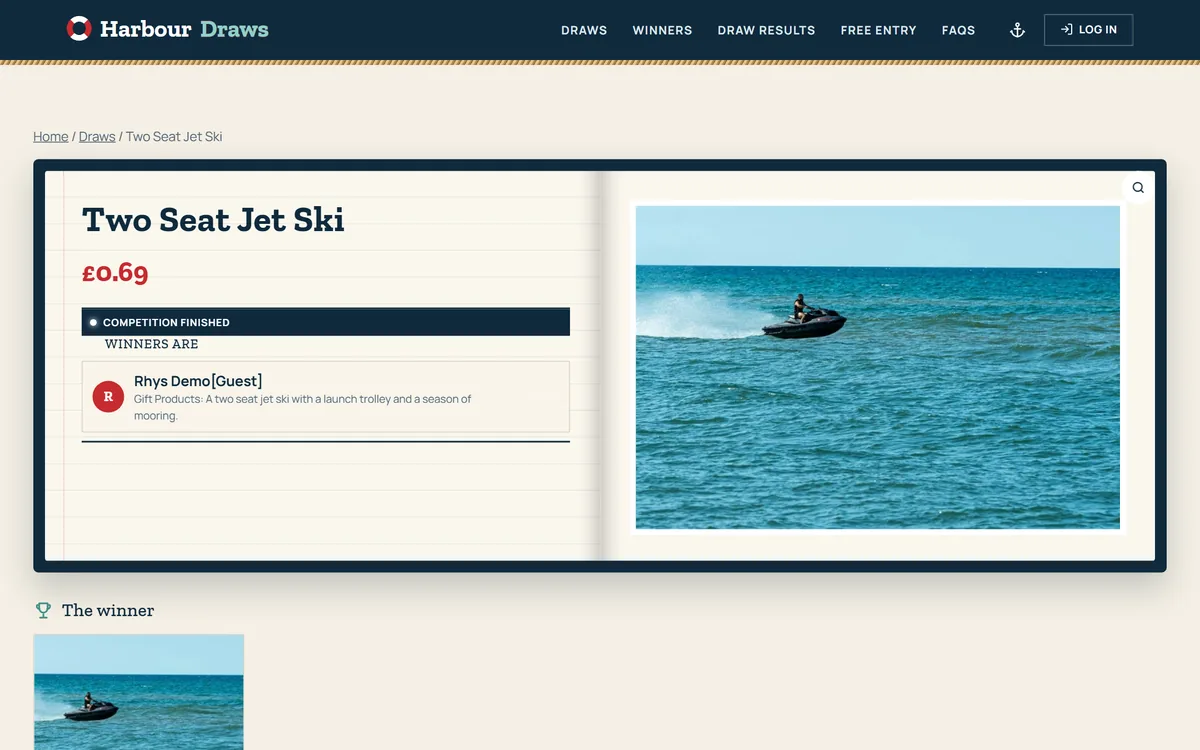
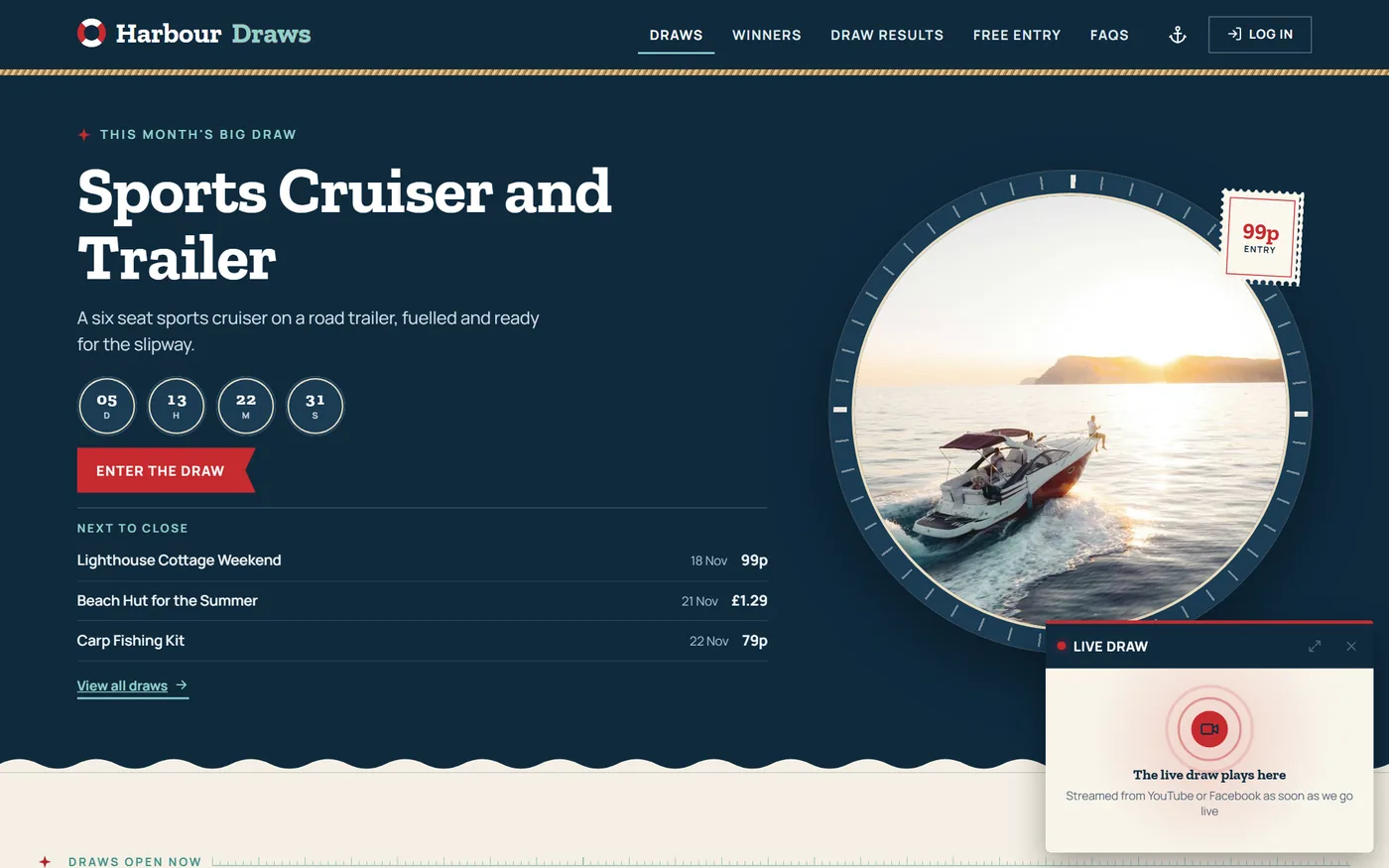
Stream your draw from YouTube or Facebook and it plays in a small player on every page, so nobody has to leave your site to watch.

Every setting has a name that says what it does, grouped by subject, with a search across all of them. Take a look round the back end: 41 real screens.



One Ticket Machine behind every demo, each in its own look. Try the demos
Public winners and entry list pages, a winners ticker, and an entry list PDF.
Run a competition again by itself after it is drawn or misses its minimum.
Call them competitions, raffles, prize draws or sweepstakes. Every label, message and email can be reworded.
Order, ticket and winner emails, each one switched on or off and reworded.
Limits per person and per order, one entry per internet connection, and holding picked numbers until checkout.
Already using WPGenie's WooCommerce Lottery or Flintop's Giveaway for WooCommerce? Your competitions, tickets and winners come across, so you carry on where you left off.
It comes set up on every CompKit website, alongside the Game Engine and CompKit Themes. For a site you run yourself, download Ticket Machine, install it on WordPress with WooCommerce, and start a free 7-day trial from its Licence screen. After that it is £14.99 a month or £149 a year, and the key goes in by itself.
It is marked as missed its minimum and nobody is drawn. You can relist it automatically or refund it.
If you want it to be. Automatic draws a random ticket the moment the competition closes and emails the winner. Manual waits for you to pick the winning ticket, for example after a live-streamed draw.
Yes. Ticket Machine has easy migration from both WPGenie's WooCommerce Lottery and Flintop's Giveaway for WooCommerce. Your competitions, tickets and winners come across, so you carry on where you left off.
It comes set up on every CompKit website, with the games and your branded theme, on your own domain. Running your own site? Try Ticket Machine free for 7 days, then it is £14.99 a month or £149 a year.