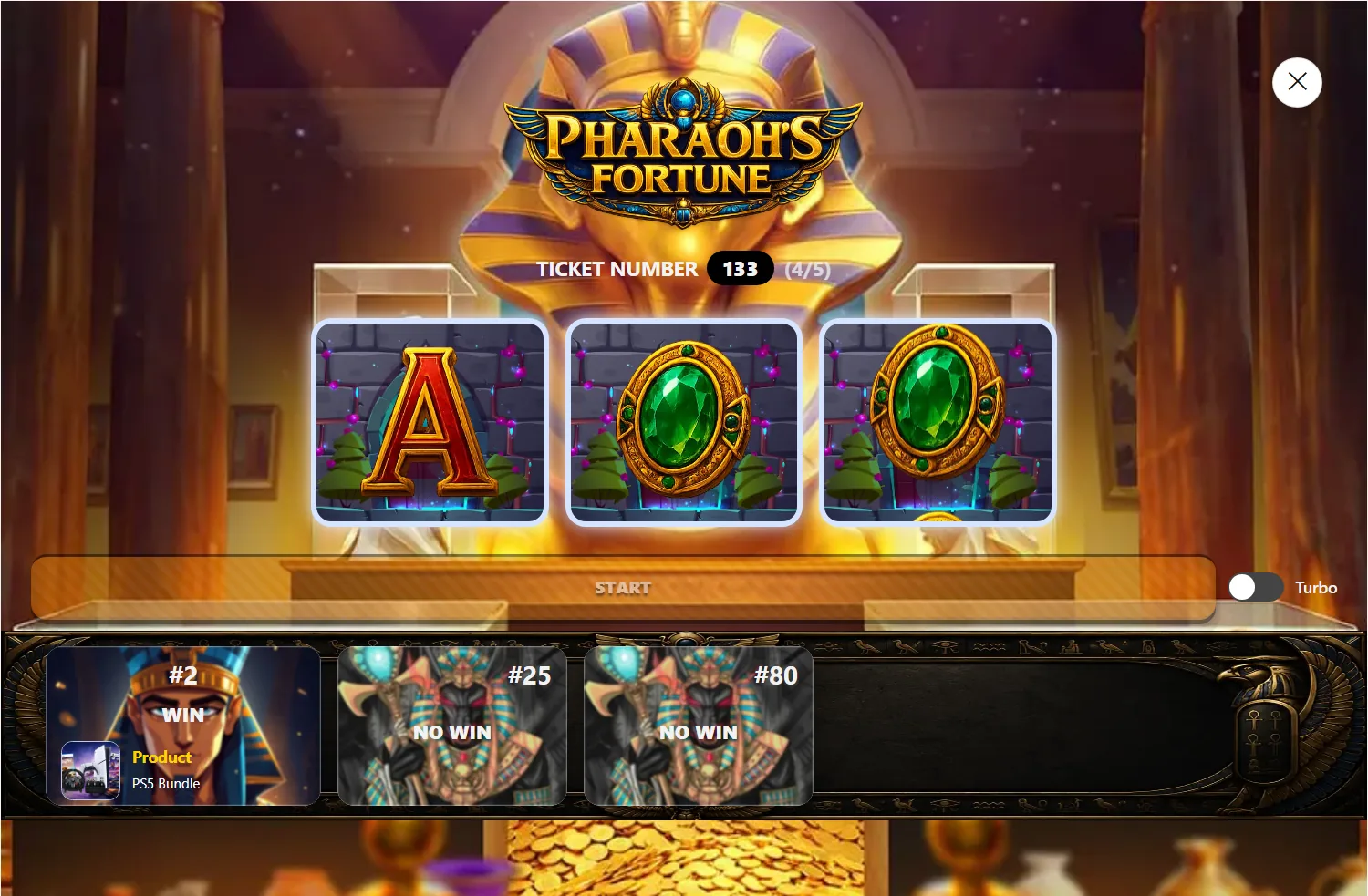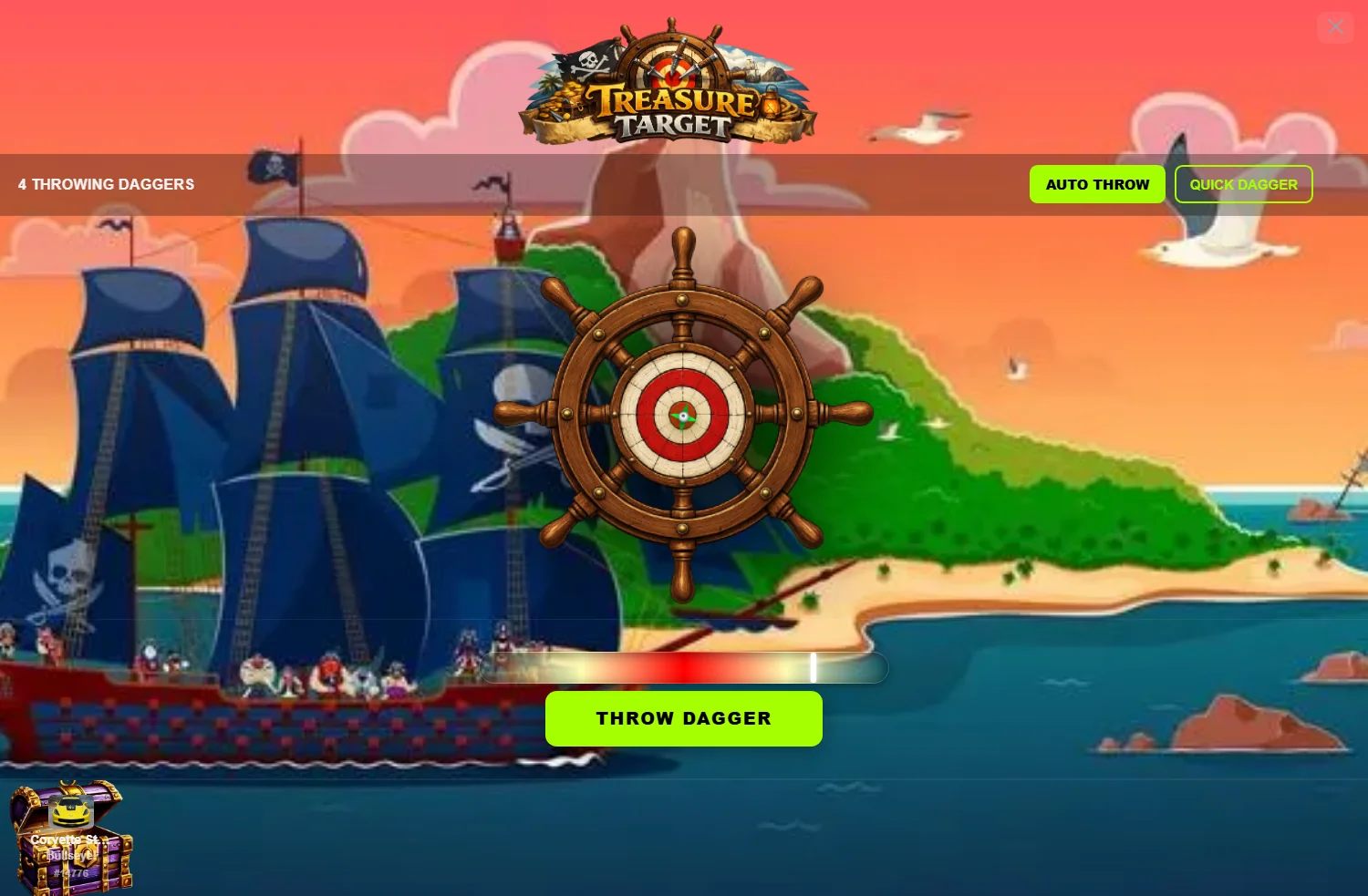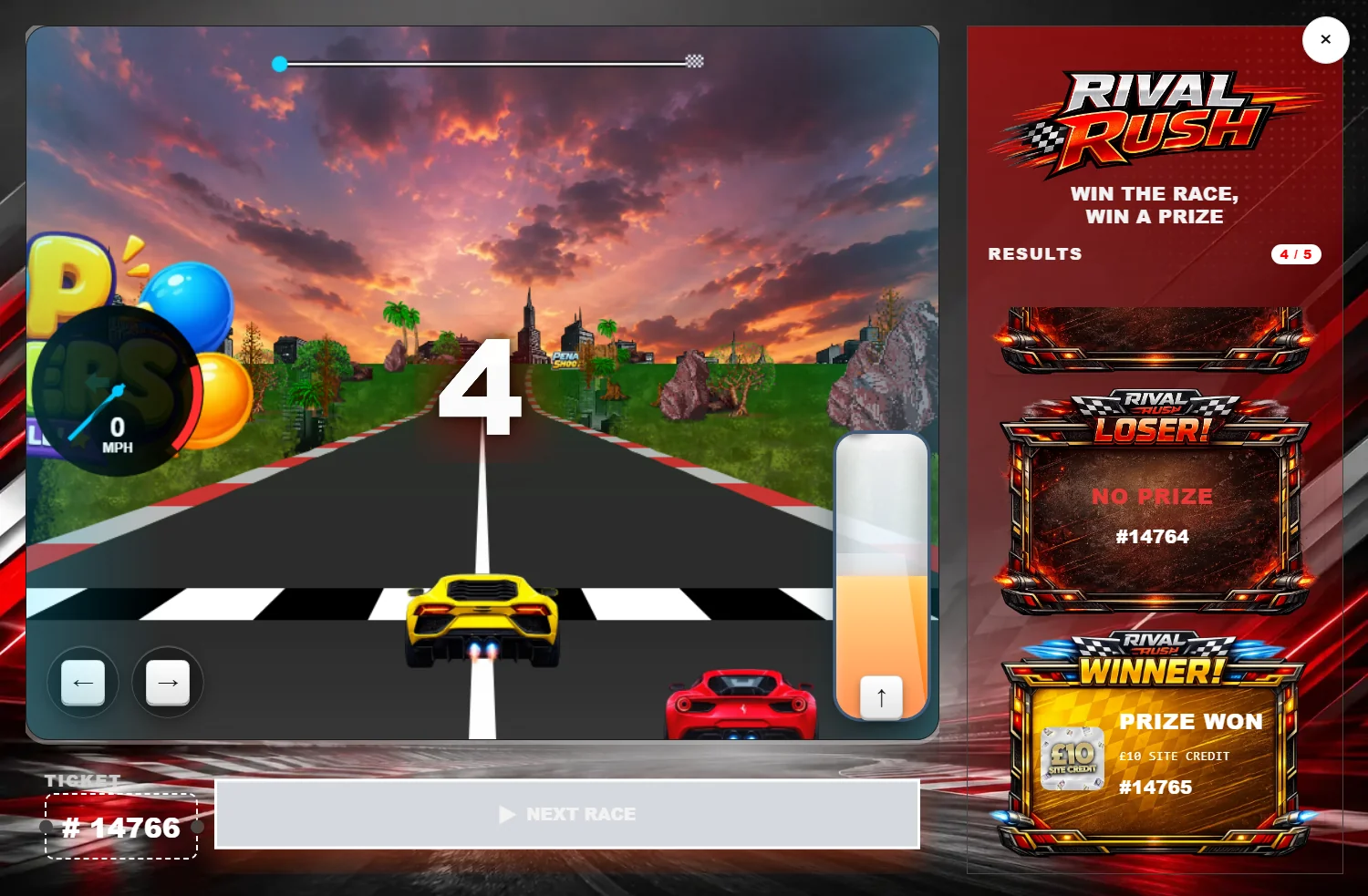
Instant win competitions are one of the fastest-growing formats in online prize draws — and WooCommerce is the easiest place to run them. The appeal is obvious: instead of waiting weeks for a live draw, your customers find out immediately whether their ticket has won. Done well, that instant gratification drives bigger orders and far more repeat entries.
This guide walks through the full setup, from a blank WooCommerce store to a polished instant-win experience your customers actually enjoy.
What you'll need
- WordPress 6.0+ on self-hosted hosting (PHP 7.4 or newer).
- WooCommerce — your store and checkout engine.
- Giveaway for WooCommerce by Flintop — adds giveaway products, ticket numbers, instant win and prize groups.
- CompKit Game Engine (optional but recommended) — turns the reveal into an interactive game.
Step 1 — Set up WooCommerce
Install and activate WooCommerce, then run the setup wizard: store address, currency, and a payment gateway (Stripe or PayPal are quick to add). You don't need shipping for digital prize-draw entries. Make sure your checkout works end-to-end with a test order before going further.
Step 2 — Install Giveaway for WooCommerce
This is the plugin that turns a normal product into a giveaway with numbered tickets. After activating it, you'll be able to create giveaway products, set a ticket allocation, and define how winners are chosen. Spend time here — it's the backbone of your competition.
Step 3 — Enable Instant Win and Prize Groups
Two settings make the "instant" part work:
- Instant Win — results are decided and shown at the point of purchase rather than at a later live draw.
- Prize Groups — let you define multiple prize tiers (e.g. £10 cash, a coupon, a physical item, or "no win") and how many of each are available across the ticket pool.
With both enabled, every ticket a customer buys is checked against your prize groups and assigned a result instantly.
Step 4 — Decide how the result is revealed
Here's where most instant-win sites leave money on the table. By default, the customer sees a plain line on the order confirmation page — something like "Your tickets: #18, #27" — and the result is often already sitting in their inbox.
That's a wasted moment. The reveal is the single most exciting point in the whole journey, and a flat list of numbers throws the excitement away.
This is exactly what CompKit Game Engine fixes. It replaces the static list with a Play button that opens a reveal game — scratch card, spin wheel, slot machine, claw, darts, football, race car or balloon pop — and reveals each ticket as a play. It also includes a Smart Email Delay Handler that holds the WooCommerce confirmation email until the customer has finished playing, so nothing gets spoiled.
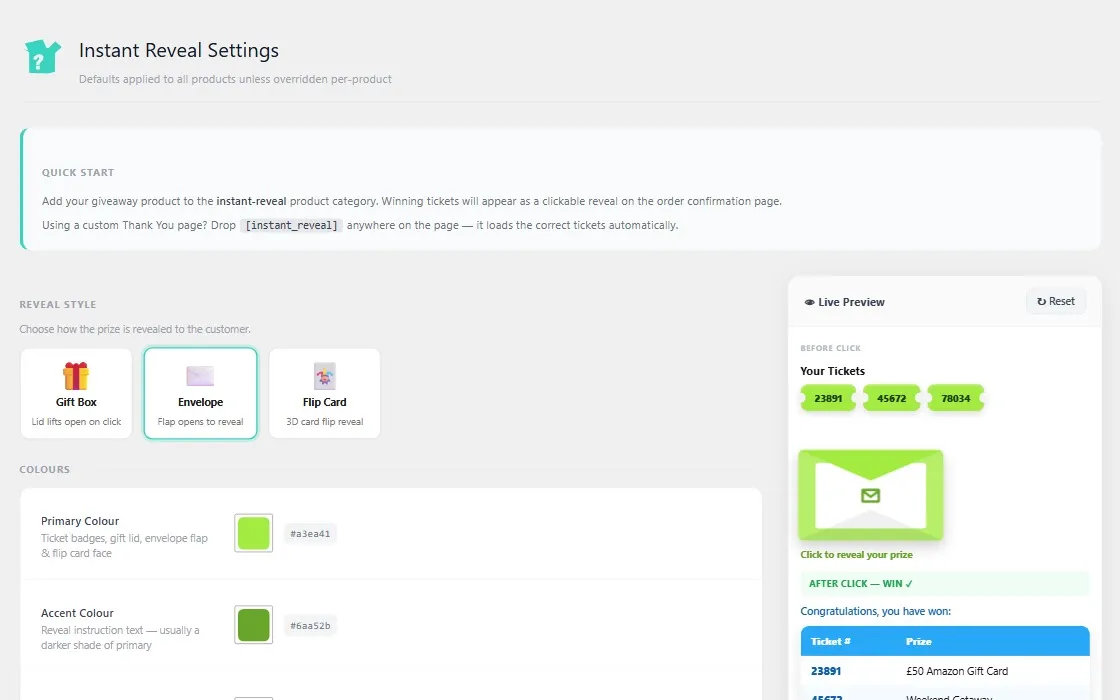
Step 5 — Configure the reveal
Install CompKit (the free Instant Reveal module is enough to start), then assign your giveaway products to the reveal category and pick a style. CompKit uses global defaults with per-product overrides, so you set your house look once and only customise individual draws when you want to. There are no shortcodes to place — it hooks into the order confirmation flow automatically. See the settings documentation for a screen-by-screen walkthrough.
Step 6 — Test like a customer
Place a real test order and watch the whole flow on both desktop and mobile (most entrants are on a phone). Check that the result reveals correctly, the email arrives after the reveal, and the prize groups deplete as expected.
Step 7 — Promote and iterate
Once live, lean into the visual nature of instant win: screen-record a reveal and share it. Watch which prize tiers and which reveal games drive the most repeat entries, and adjust. Small changes to the reveal experience often move repeat-purchase rates more than changes to the prizes themselves.
Common mistakes to avoid
- Letting the email spoil the result. Always delay the confirmation email until the reveal is complete.
- Ignoring mobile. Test every reveal on a phone — that's where the win happens.
- One boring reveal for everything. Match the game to the campaign; variety keeps regulars engaged.
- Skipping prize-group planning. Get your odds and tiers right before launch.
The bottom line
WooCommerce plus Giveaway for WooCommerce gives you a solid instant-win engine. Adding an interactive reveal is what turns a transaction into an experience — and experiences are what bring players back. Start with the free CompKit Instant Reveal, then unlock premium games as your competitions grow.