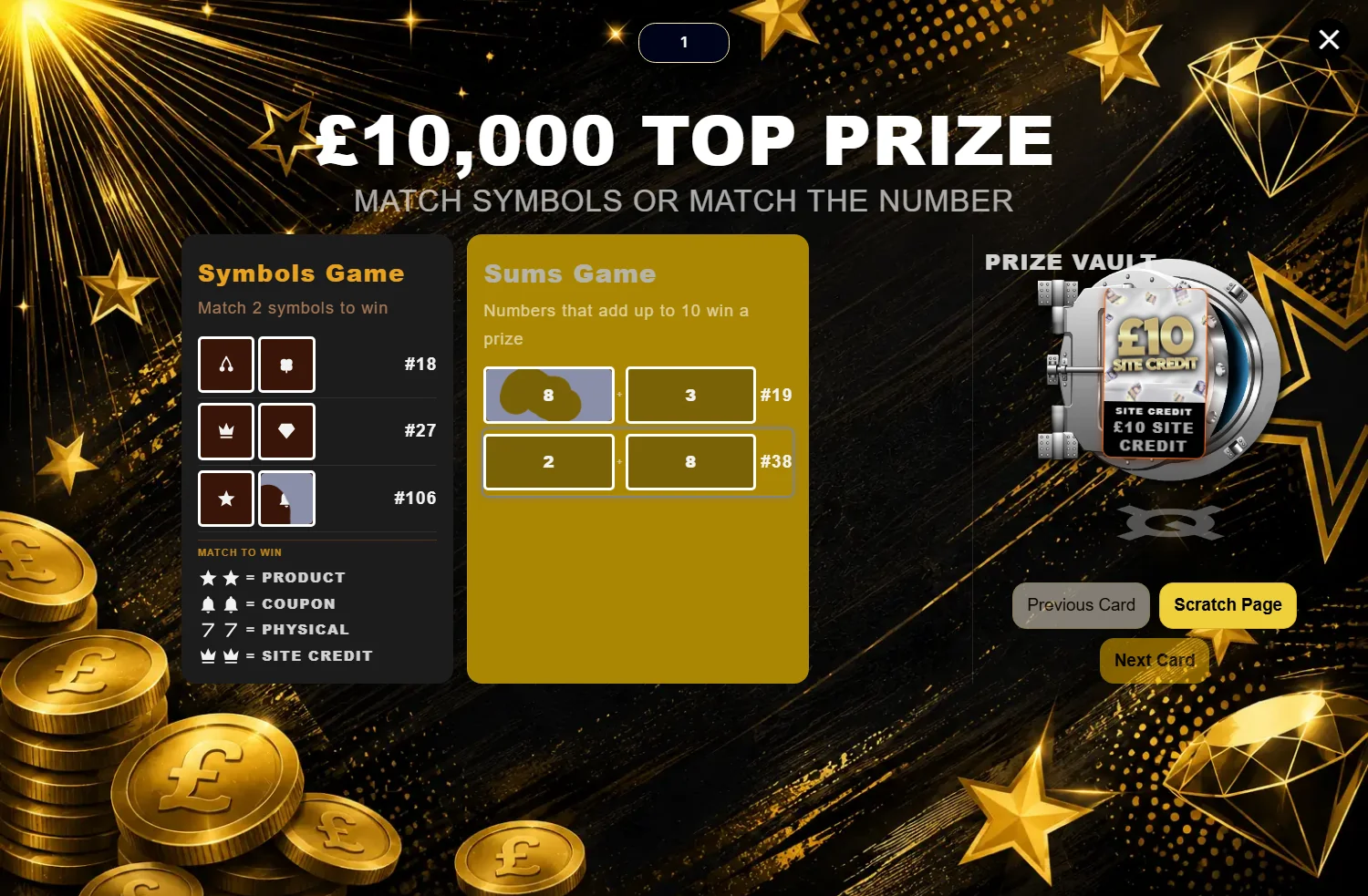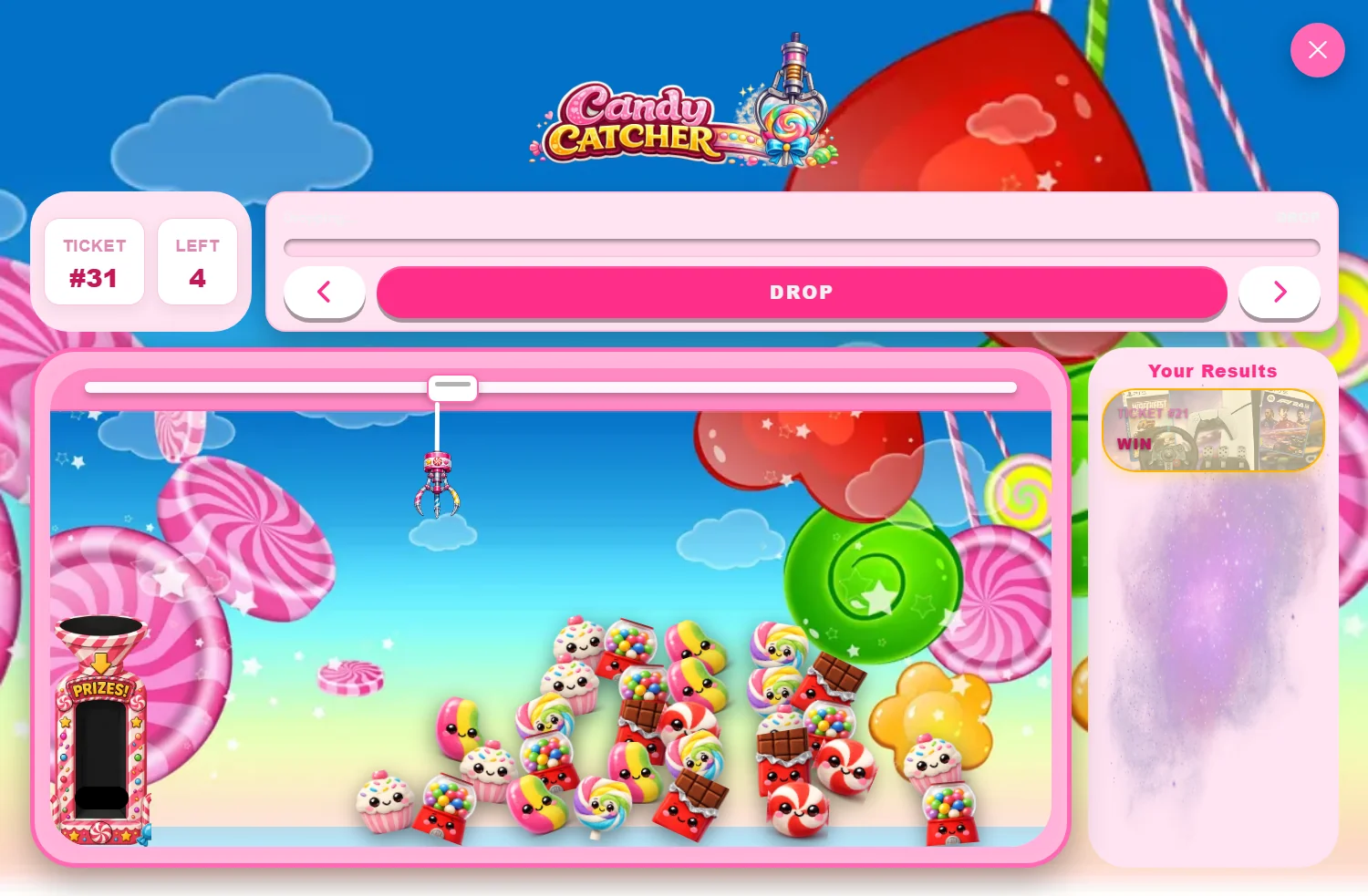
3.0.3 is the biggest release since the rebuild started, and almost all of it is aimed at the same thing: giving you the settings that were already implicit in the games, and letting you edit them without guessing what they will look like on a phone.
Two housekeeping notes before the detail. The plugin version and the game versions are separate on purpose. The plugin is 3.0.3; each game carries its own number and moves at its own pace. And every game now tells you which version it is.
You can now see what you are running
Every game's settings page shows its version as a badge in the header, beside the All Games link. The games list shows the same number as a pill against each installed module.
It sounds minor. It is the difference between "the win card looks wrong" and "the win card looks wrong and I'm on racecar 2.0.3", which is a support conversation that resolves in one reply instead of six.
The Import / Export button also picks up each game's own accent colour rather than a hardcoded one, so it looks like it belongs wherever it renders.
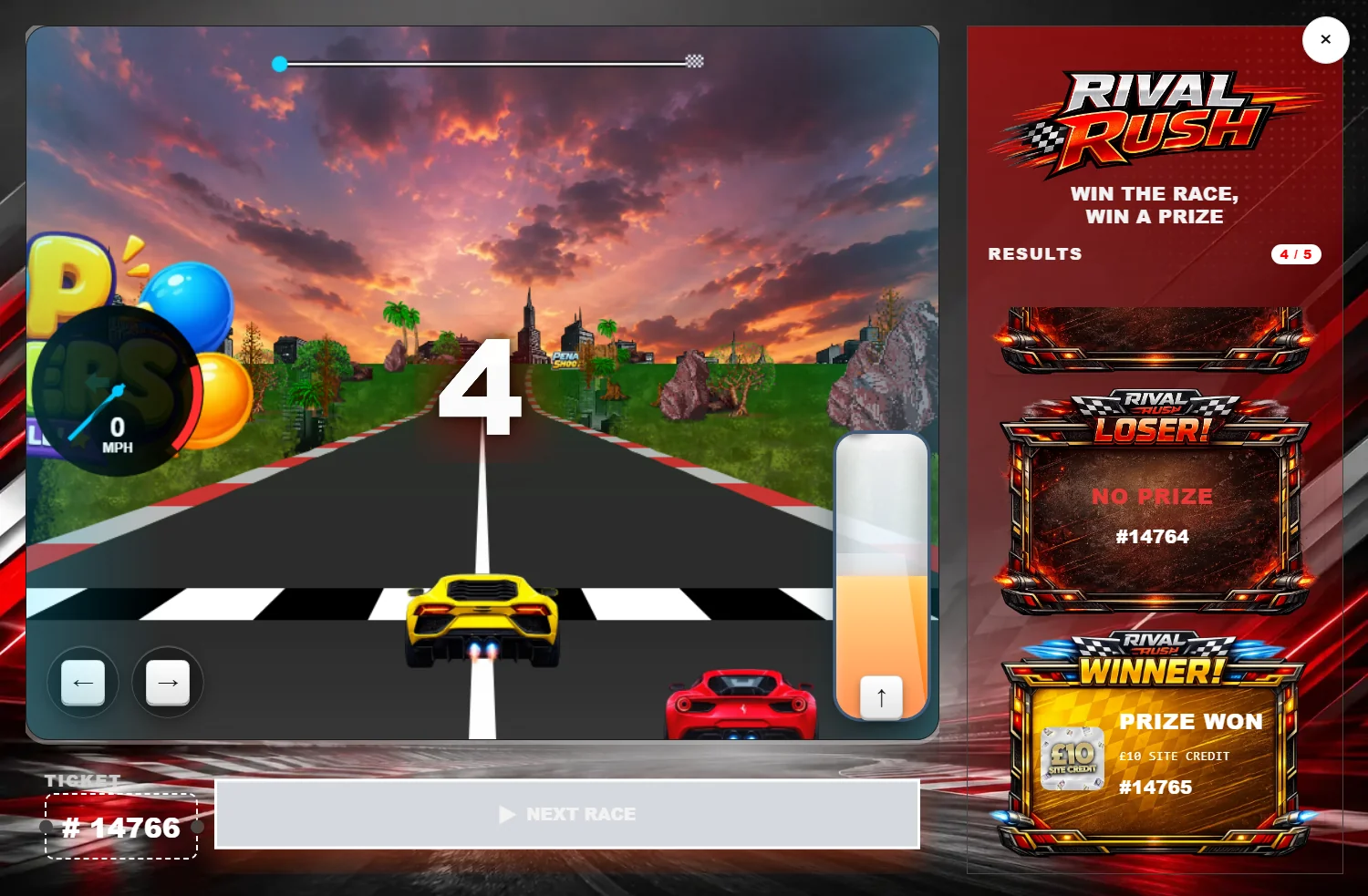
Race Car: 2.0.3 → 2.19.0
The largest body of work in the release by a distance. Ten new tab views — five global, five product — covering racecards, header, modal, countdown and ticket row. Both levels now render fourteen tabs each.
The win and lose result cards have been rebuilt, which is the part you will notice first. There is a new Card Layout section with mobile and desktop twins for orientation, image position, card width and height, text alignment, and image and text nudge on both axes.
Card styling is now genuinely complete: background source — including the ticket's own prize-group artwork — background colour and image, image fit and position, border width and colour, corner radius, and header panel and text colours.
Being able to pull the prize group's own art onto the result card is the one worth trying today. It means the card shows the actual prize rather than a generic panel with text on it.
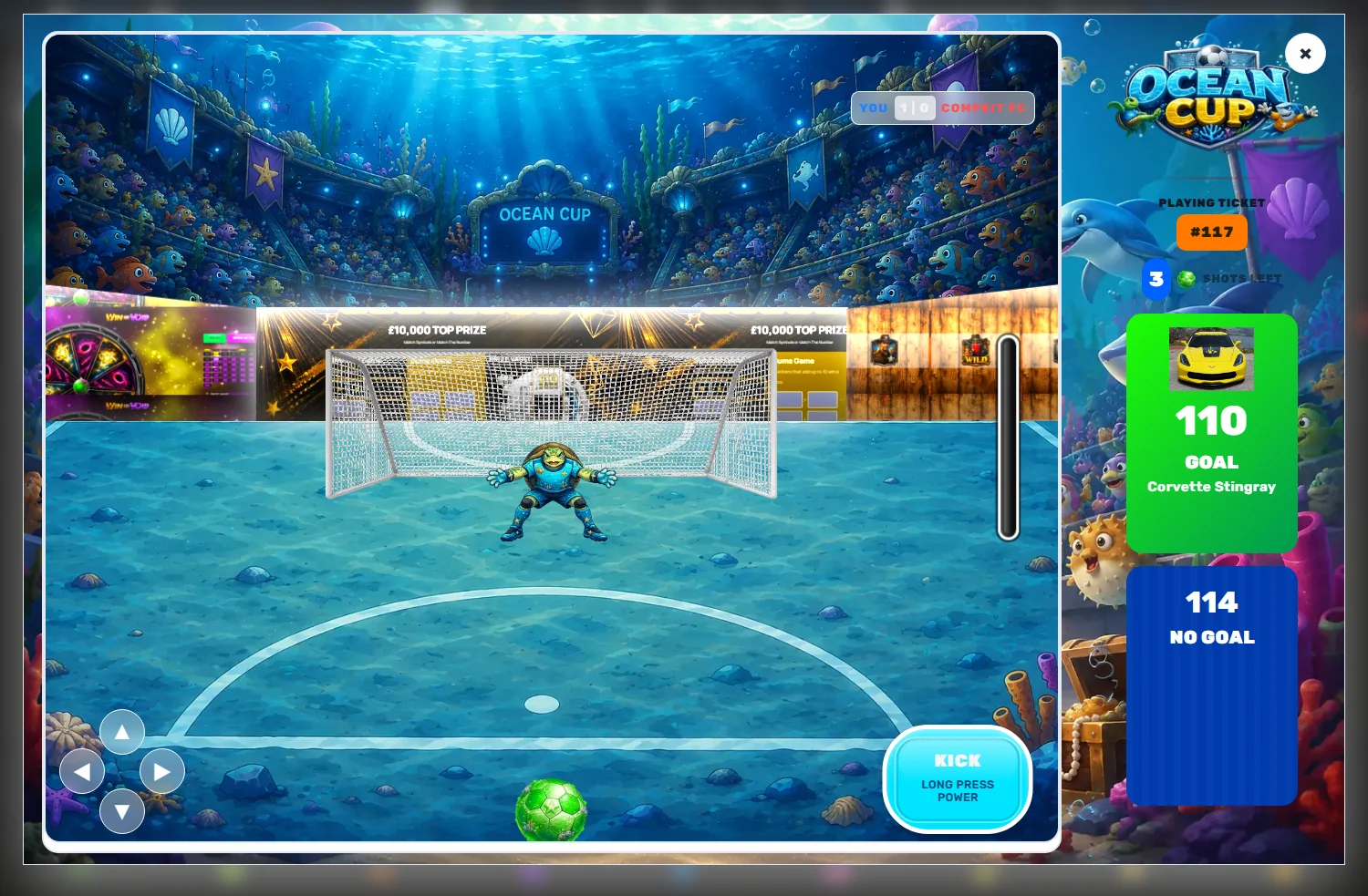
Football: the shoot button finally has settings
Football moved 2.0.1 → 2.5.1 and closed the two jobs left open at 2.1.3.
The hold-to-charge shoot mechanic is now configurable. The mechanic already existed — holding the button charged the shot — but nothing about it was exposed. You can now set whether the power bar shows at all, how long a full charge takes (400–4000ms), the low, mid and high colour stops, the glow, and the button's sub-label. The old hardcoded five-stop gradient is gone.
The aim marker has been recalibrated. It used to clamp to a fixed percentage box that did not match the goal, and it parked dead centre — directly behind the keeper, where players could not see it. It now measures the goal and clamps to it, and rests a fifth in from the corner.
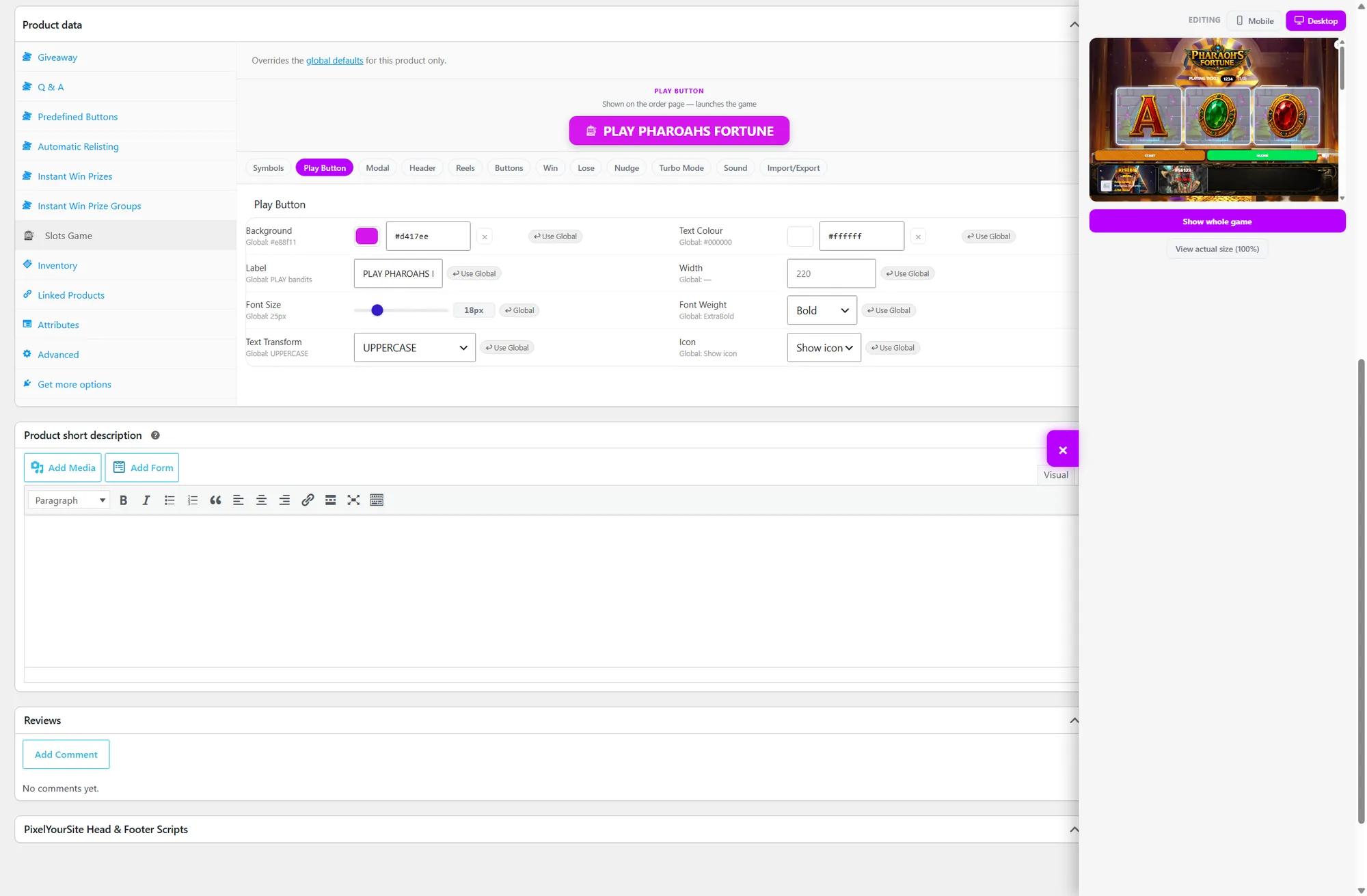
Slots and Spin: device twins and per-product parity
Both moved to 2.2.0 and both gained the same two ideas.
Device twins. A curated set of sizes and spacing now carries a mobile twin. The base key stays the desktop value, so existing saved settings keep working, and the mobile half defaults to match until you change it. They swap at the breakpoint each game's layout already used.
Alongside that, an Editing switch on the preview, so you are never adjusting a mobile number while looking at the desktop layout and wondering why nothing moves.
Slots also gained a stack of new sections — Results Strip, Ticket Line, Reel Layout, Winning Symbol, Symbol Size, Turbo Results Strip, and win/lose card layout with WIN and No Win text — plus product-level import and export.
Spin's headline is less visible and more important: 62 settings existed globally with no product equivalent. Adding a per-product row used to mean remembering to extend three separate hand-written lists, so the product panel quietly lagged behind. It is now driven by the same defaults the global page uses, and it cannot fall behind again.
Grab Claw: 2.1.1 → 2.3.1
Product fields now render their effective value, so an untouched product looks exactly like the global page rather than looking empty. Text fields are the deliberate exception — they show the override and carry the global as a placeholder, so an untouched one submits empty and keeps tracking the global.
Also: a global theme export can now be imported onto a single product. That is the change behind "a theme is a theme, import it wherever you like".
Balloon Pop: 2.0.3 → 2.5.0
Five releases' worth of layout work.
A clear button on every background and border colour. Transparent was always supported — but only if you noticed you could empty the hex box by hand, which nobody did. Adding the button surfaced a bug that made it pointless: clearing a colour appeared to work, saved, and came back unchanged. Both are fixed. Text colours are deliberately not clearable, because clearing one renders the text invisible.
Game area sizing — width, height and padding, where 0 means fill rather than collapse.
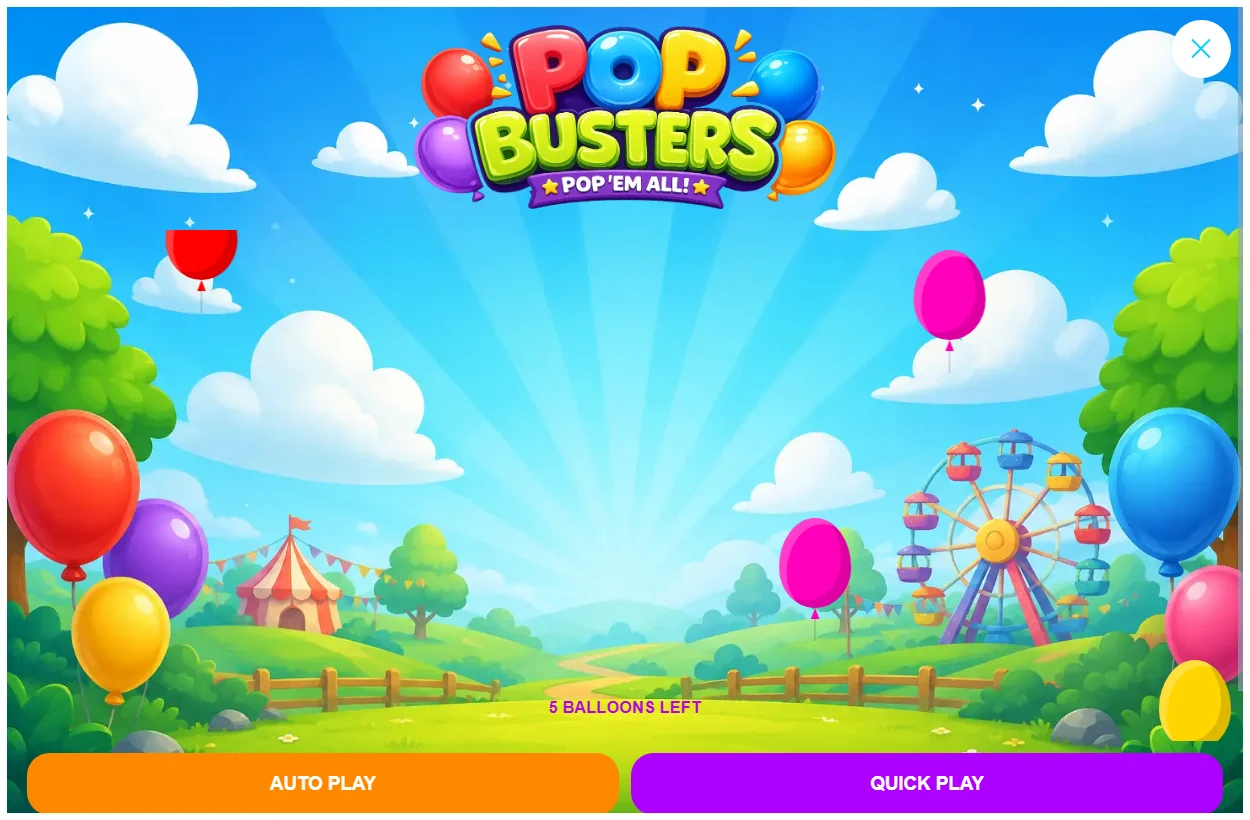
The play area is now its own surface, separate from the modal behind it, so objects are visibly contained by it instead of floating over the whole popup. Installs saved before this keep their existing look; only fresh installs get the inset treatment.
The end-of-game summary is now a notification at the top of the modal rather than a panel across the bottom covering the objects it was reporting on. And Auto Play / Quick Play moved into a full-width row of their own instead of fighting the pops-left counter for space.
Darts and Scratch Card
Darts moved 2.0.1 → 2.0.3 and Scratch Card 2.1.0 → 2.1.2, and in both cases that is the version badge and the accent-coloured import button and nothing else. No behaviour changed. Both were already where the rebuild wanted them.
Worth saying plainly rather than padding it out — a release note that implies work happened where it did not is worse than a short section.
How to update
- Export your settings first. Every game's Import / Export tab, one file each. This takes two minutes and it is the only insurance worth having.
- Update the free plugin, then the premium plugin.
- Open each game you actually use and check the version badge reads what you expect.
- Look at the preview in both desktop and mobile mode. The new mobile twins default to matching desktop, so nothing should have moved — but this is the moment to find out if it did.
If you are on Race Car, budget a bit longer. Fourteen tabs is a lot of new surface, and the win/lose cards are worth actually looking at rather than assuming.
Why the game versions are all different
A question that comes up every release. The plugin version tracks the package you install. Each game carries its own version because they genuinely move independently — Race Car had nineteen releases' worth of work in this cycle and Darts had two, and flattening those into one number would tell you nothing useful.
The badge on each settings page is the honest answer to "what am I actually running", and it is per game because that is the only level at which the question has an answer.