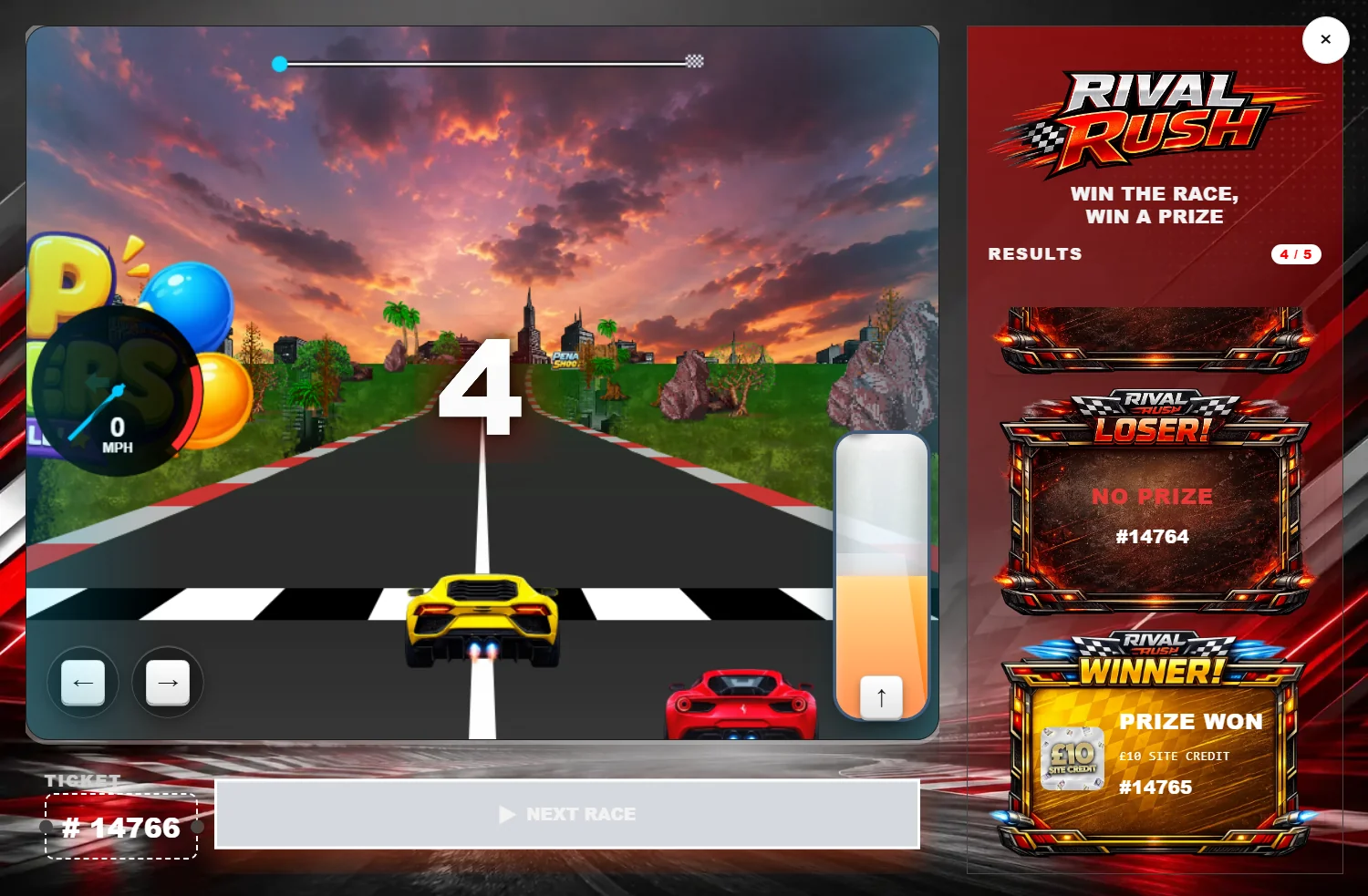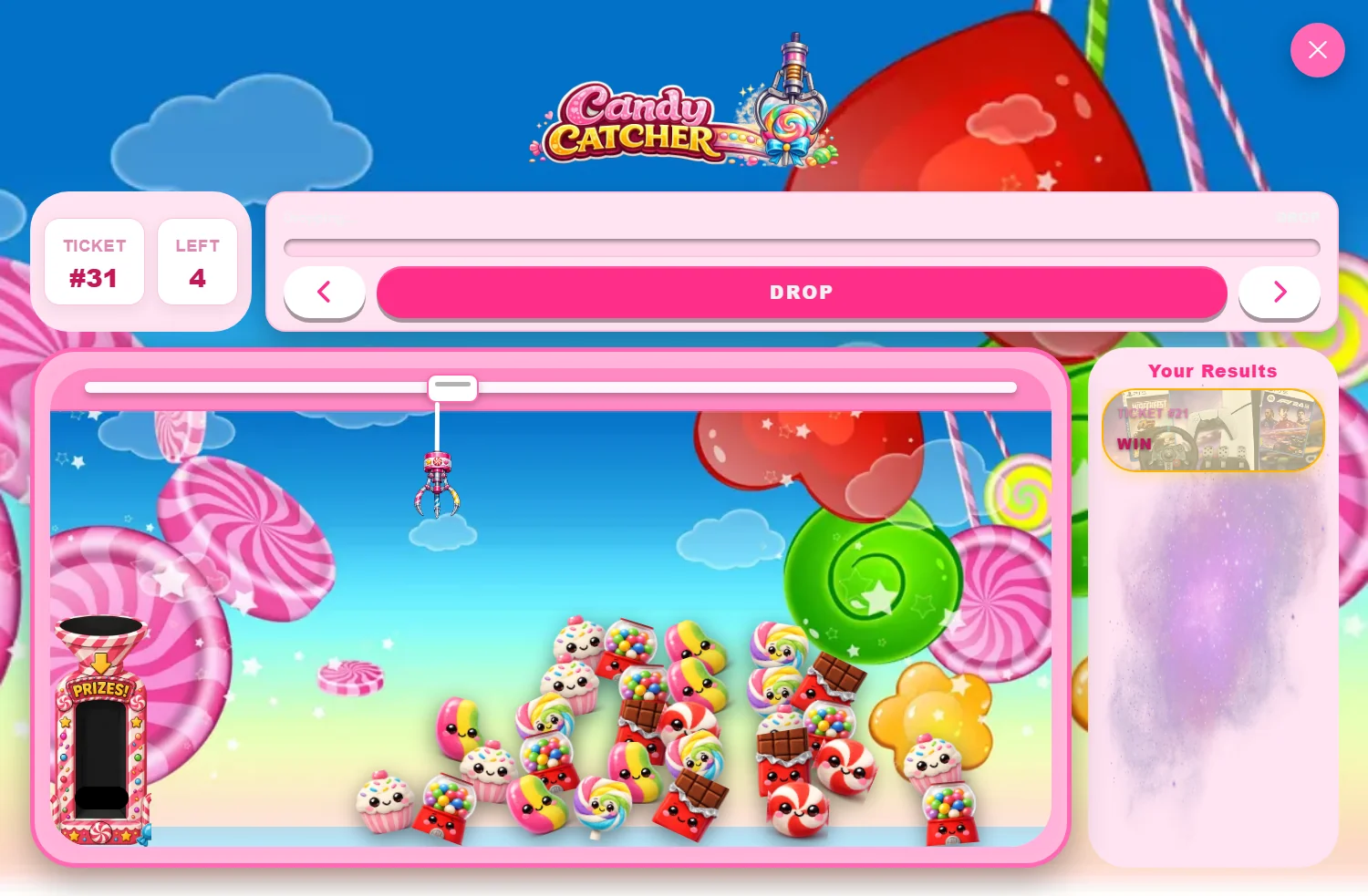
You've built a beautiful instant-win reveal. The customer checks out, the page loads the game… and then they notice the little red dot on their email app. They open it, and there it is in plain text: their result. The reveal is dead before it started.
This is the single most common — and most overlooked — problem in WooCommerce instant-win competitions. Let's fix it.
Why it happens
WooCommerce sends transactional emails (order received, order processing/complete) the moment an order's status changes — which is the instant the order is placed. If your giveaway plugin writes the instant-win result into the order (as a note, item meta, or the email body), that result rides along in the email. The customer's inbox gets the answer at the same time as the page, and inboxes are faster to glance at than a game is to play.
Why it matters more than it sounds
The whole value of an instant-win reveal is the surprise. Remove the surprise and you've removed the reason the reveal exists. A spoiled reveal:
- Kills the anticipation you worked to build.
- Makes a losing ticket land flat instead of feeling like a near-miss "play".
- Trains customers to check the email instead of engaging on-site — which drops your on-page time and repeat-entry signals.
The fix: delay the email until the reveal is done
The clean solution is to hold the WooCommerce confirmation email until every reveal on the order has been completed, then release it. The customer plays, finds out on your terms, and only then gets the email as a record. Nothing is lost — emails still arrive, just at the right moment.
This is exactly what CompKit's Smart Email Delay Handler does, and it's included free with the Instant Reveal module. The flow looks like this:
- Order placed — instant-win results are decided.
- Confirmation email held — CompKit pauses the WooCommerce email.
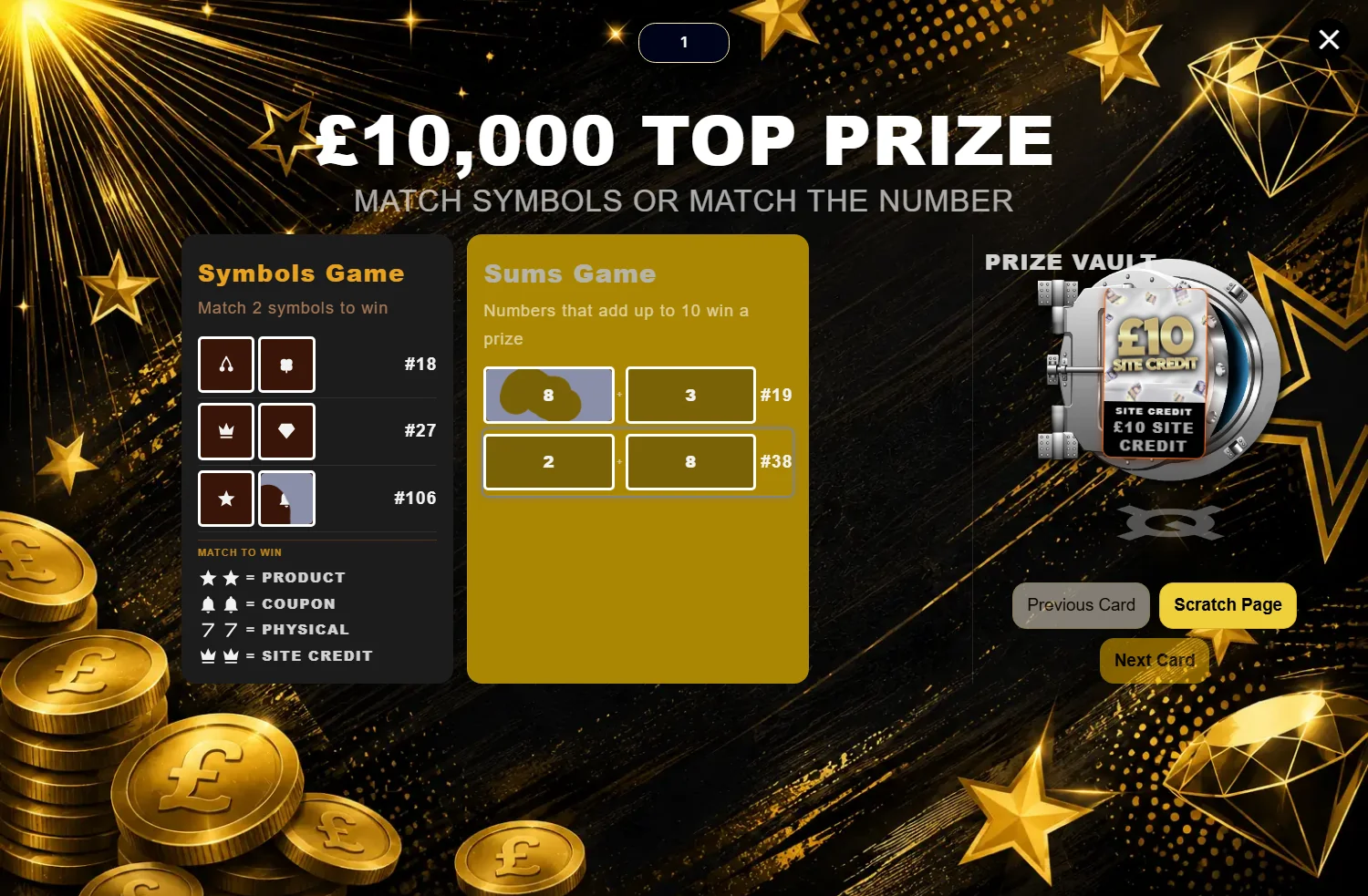
- Customer plays the reveal — scratch, spin, slots, etc.
- Email released — only once the reveal is complete.
Things to check on your store
- Third-party SMTP / transactional plugins. If a plugin like a dedicated email service sends WooCommerce emails directly, make sure it isn't bypassing the standard WooCommerce email hooks, or the delay can't catch it.
- Order status automations. Auto-complete rules can trigger a "completed" email early — confirm timing after enabling the delay.
- Test on a real order. Place an order and confirm the email lands after you finish the reveal, on both desktop and mobile.
Does delaying emails hurt anything?
No — customers still receive every email they'd normally get; only the timing shifts by the few seconds or minutes it takes to play. There's no impact on order processing, fulfilment or records. The only thing that changes is that your reveal finally gets to do its job.
Bottom line
If you run instant win on WooCommerce and you're not delaying the confirmation email, you're letting the inbox spoil your best moment. It's a quick fix with an outsized effect on engagement. Switch on the Smart Email Delay Handler, protect the surprise, and let your reveal land.