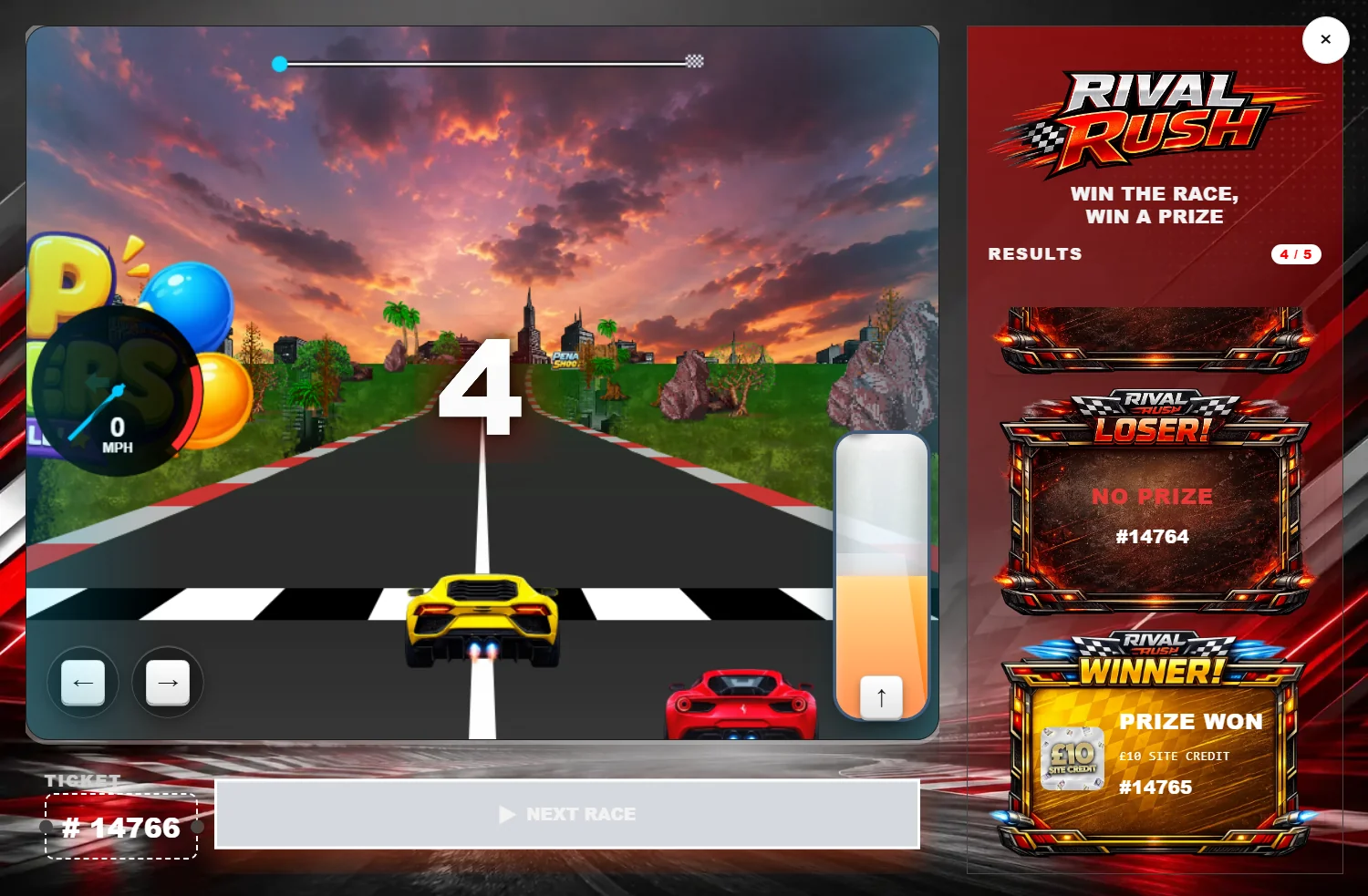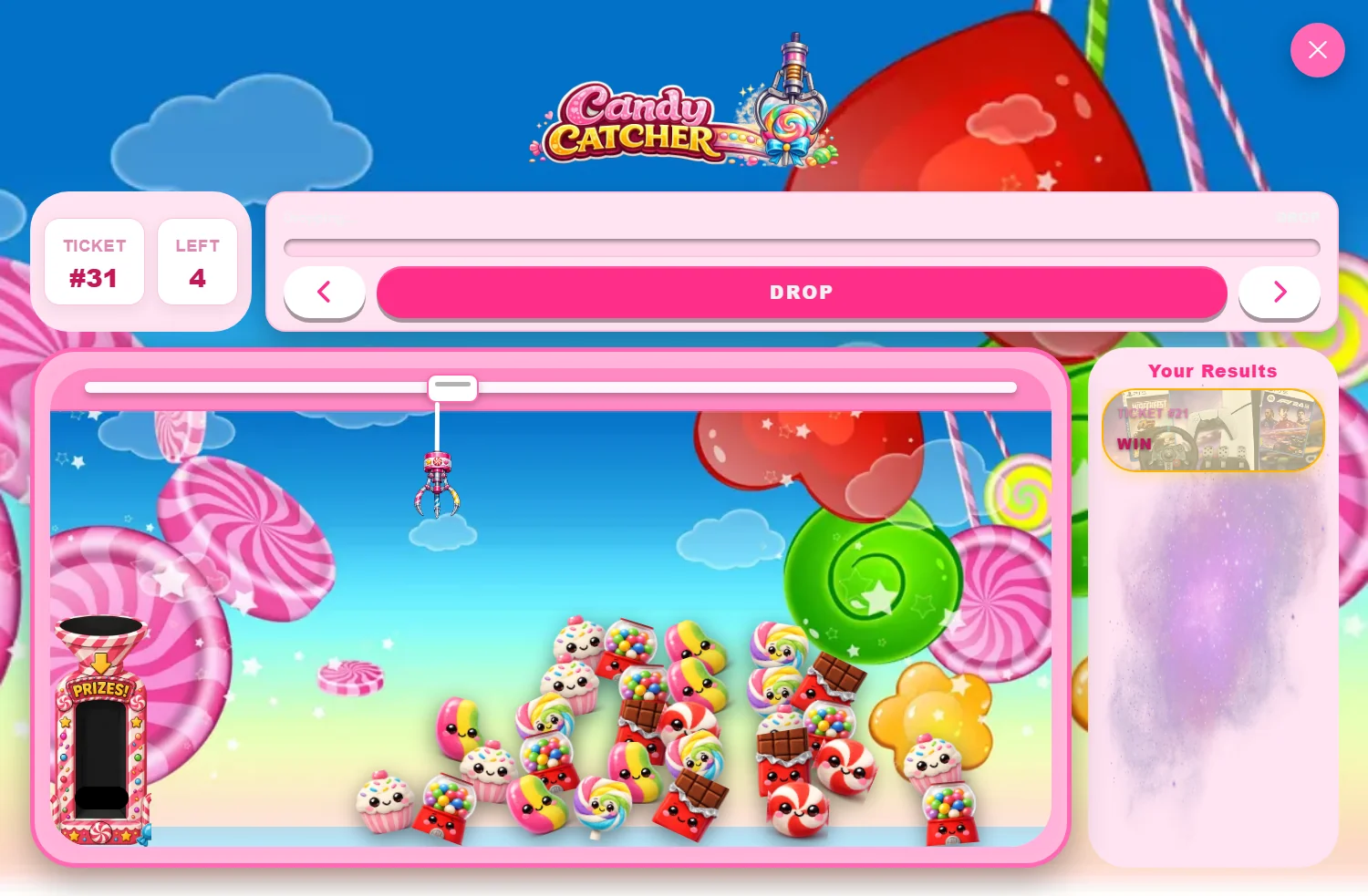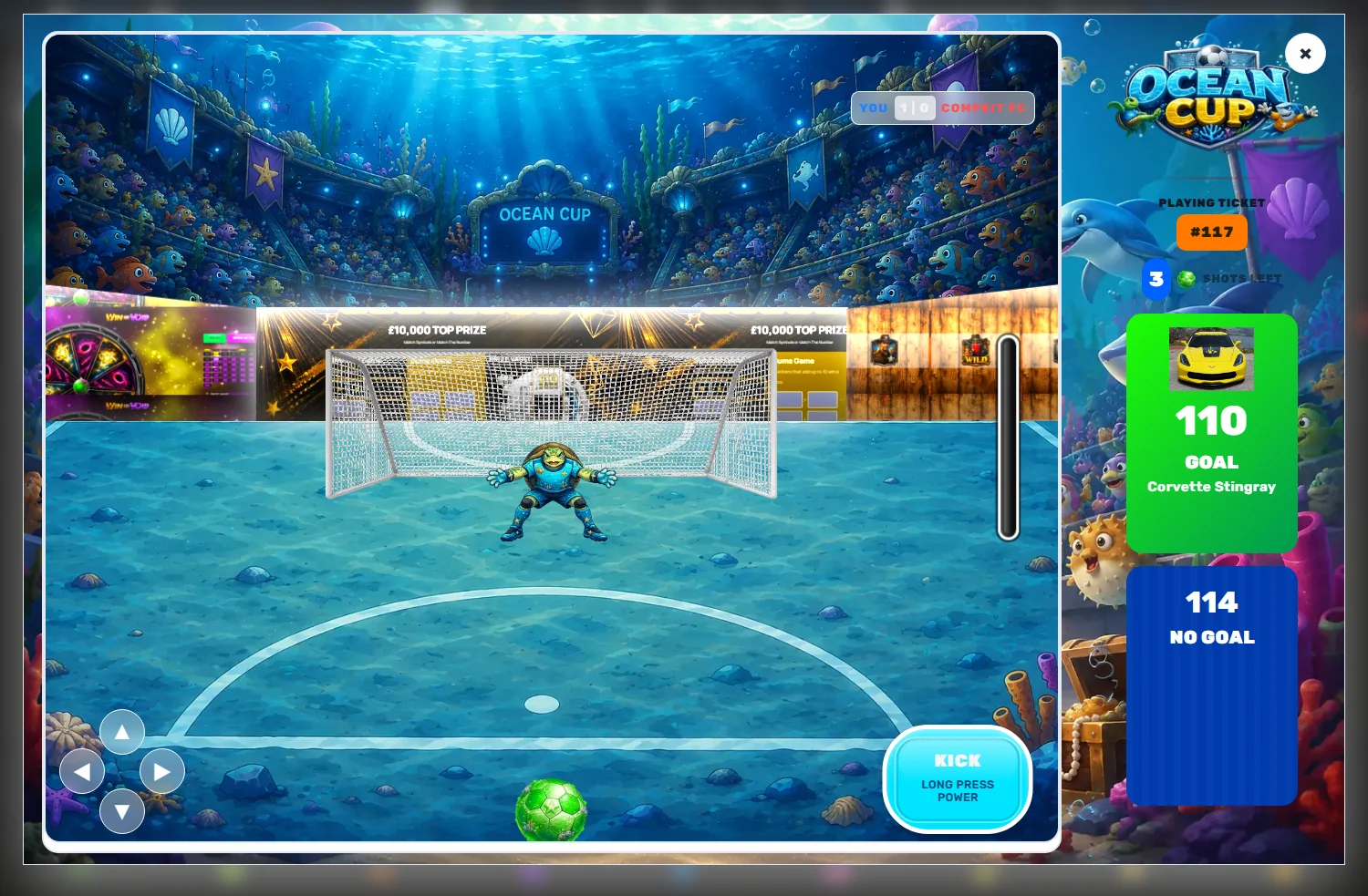
There is a moment, somewhere around your third competition, when you realise the reveal game looks like a plugin rather than like your site. The colours are close but not right. The play button says something generic. It works perfectly and it still feels borrowed.
The fix is not a developer. It is a file.
What a theme file actually is
Every CompKit game has an Import / Export tab. Export writes a small .json file containing that game's entire settings state — every colour, size, label, toggle, layout choice and image reference the game knows about. Import reads one back.
That is the whole mechanism. A theme is not a special format or a licenced add-on. It is the same export you could produce yourself after an afternoon of fiddling, saved so somebody else can have that afternoon back.
What is inside one
Opening a theme file in a text editor is genuinely instructive. You will find:
- An envelope — a
typenaming the game and level, plus a version number. If the type does not match the screen you are importing into, the file is rejected outright rather than half-applied. - The settings block — usually a few hundred keys. Overlay colour, popup background, border widths, corner radii, font sizes, button labels, win and lose card styling, prize text colours, layout modes.
- A sound block — often empty, sometimes carrying a full effect set.
Keys the importer does not recognise are dropped silently rather than stored. That is a deliberate safety property: a file from an older plugin version, or one somebody has hand-edited badly, cannot inject junk into your settings. It also means a partial theme is perfectly valid — anything the file omits simply keeps its current value.
What it deliberately does not carry
This is the part worth knowing before you import and wonder why something looks wrong.
A theme carries settings, not media. Where a theme references uploaded artwork — a cabinet image, a stadium backdrop, a set of reel symbols — the file stores a URL, and that URL points at wherever the theme was built. Import it and the artwork will load from there, which is fine for evaluating the look and wrong for production.
Swap those images for your own uploads in the same fields once the theme is in. It takes a couple of minutes and it is the difference between borrowing a look and owning one.
Import it at whichever level you want
The same file works in two places, and the file does not care which you choose:
- On the game's global settings page — every giveaway using that module picks the look up, including products you create later.
- Inside a single giveaway product — only that competition changes. The rest of your store carries on exactly as before.
That second option is the interesting one, and it has its own article.
Export before you experiment
The most useful habit here has nothing to do with downloading somebody else's work. Before you start changing a game you have already tuned, hit Export and keep the file. It is a few kilobytes, it captures the exact state of a screen with a couple of hundred settings on it, and restoring is one upload rather than an hour of trying to remember what the border radius used to be.
Name them properly while you are at it — slots-house-style-2026-08.json beats export(3).json at two in the morning.
A realistic workflow
- Export your current settings as a backup.
- Import a theme on the global page and look at the live preview beside the form.
- Swap the referenced artwork for your own uploads.
- Adjust the two or three things that do not suit your brand — usually the play button label and one accent colour.
- Export the result. That is now your house theme, and you can drop it onto any future product in seconds.
Step five is the one people skip and later regret.