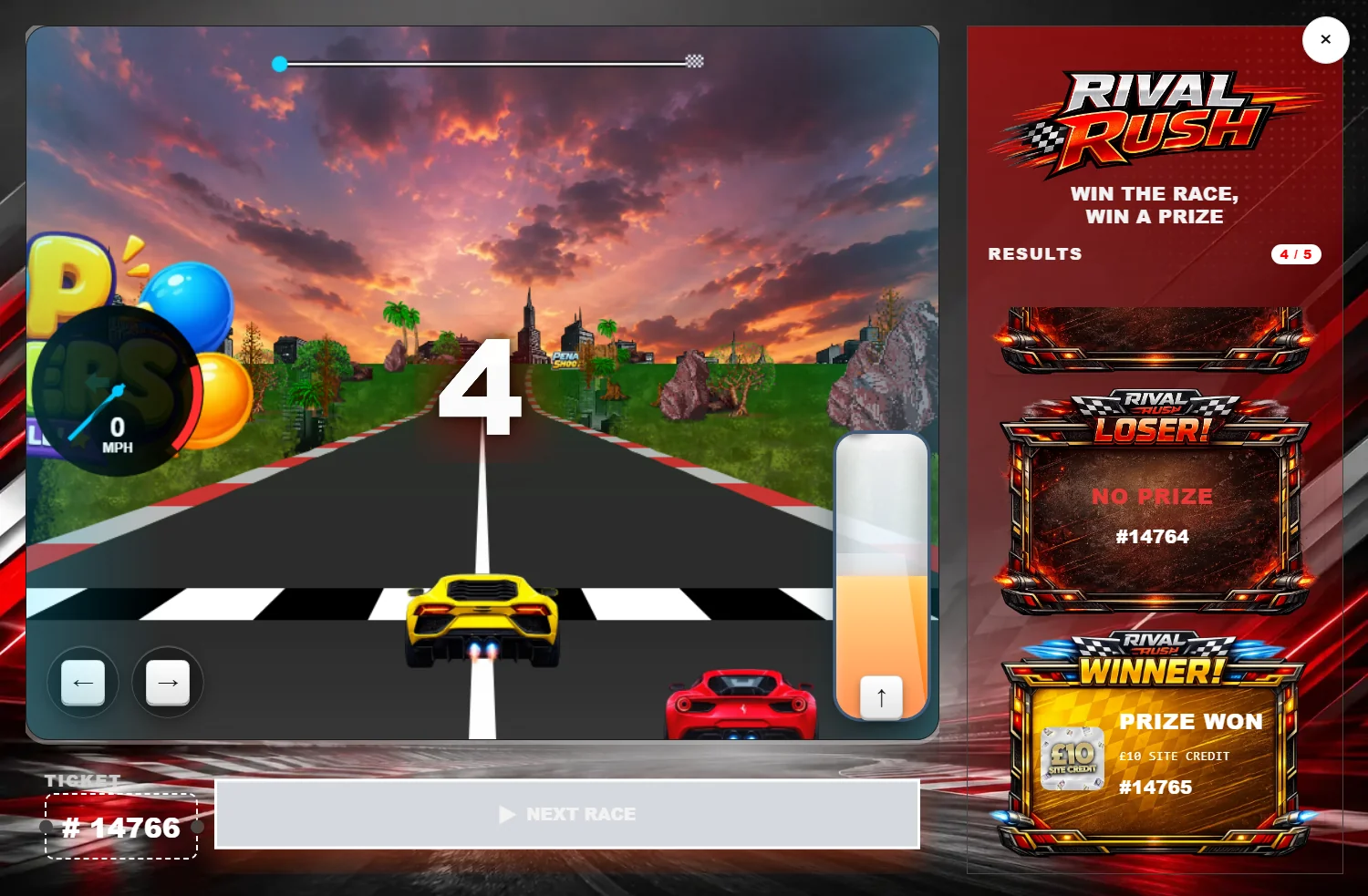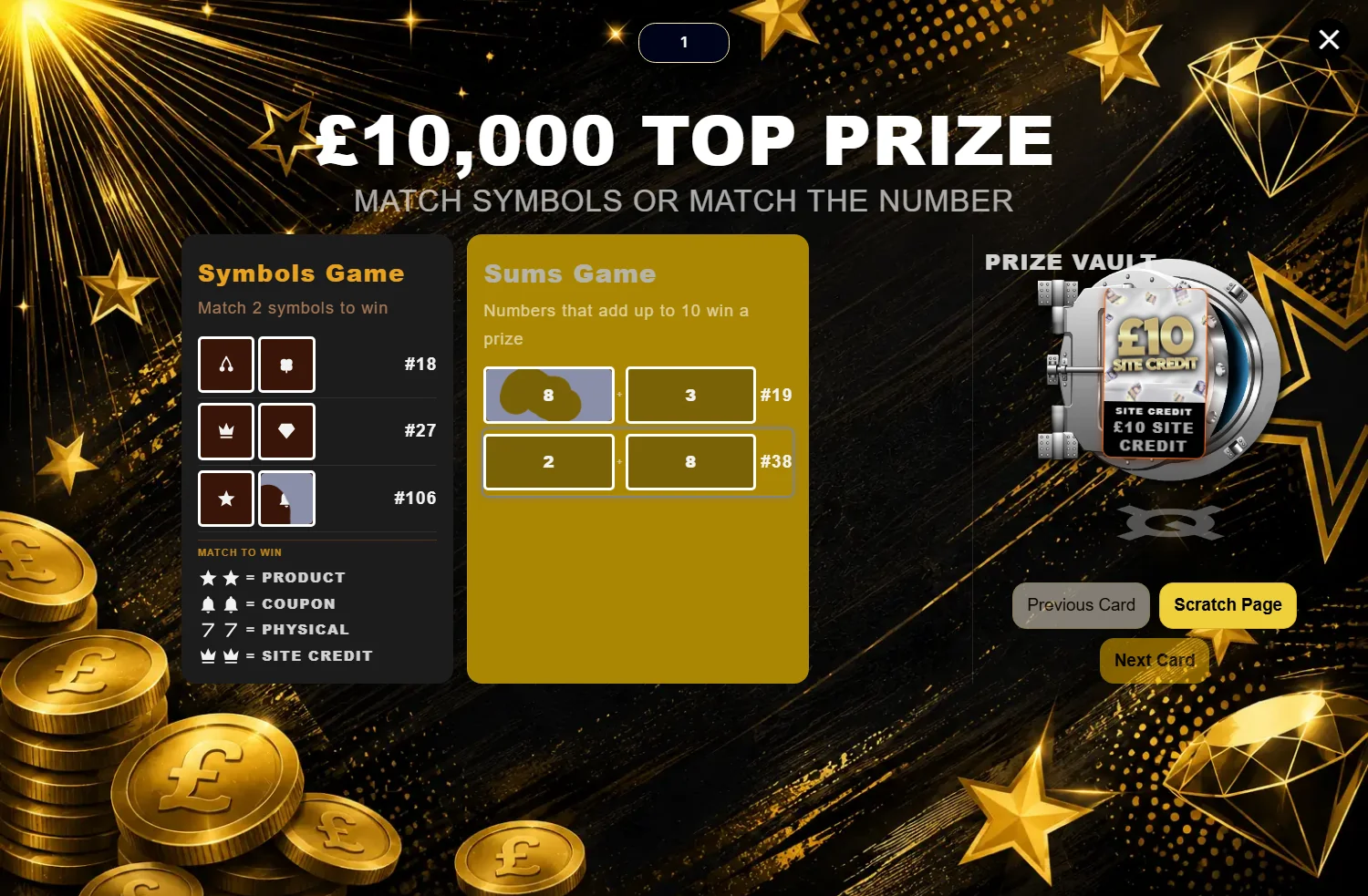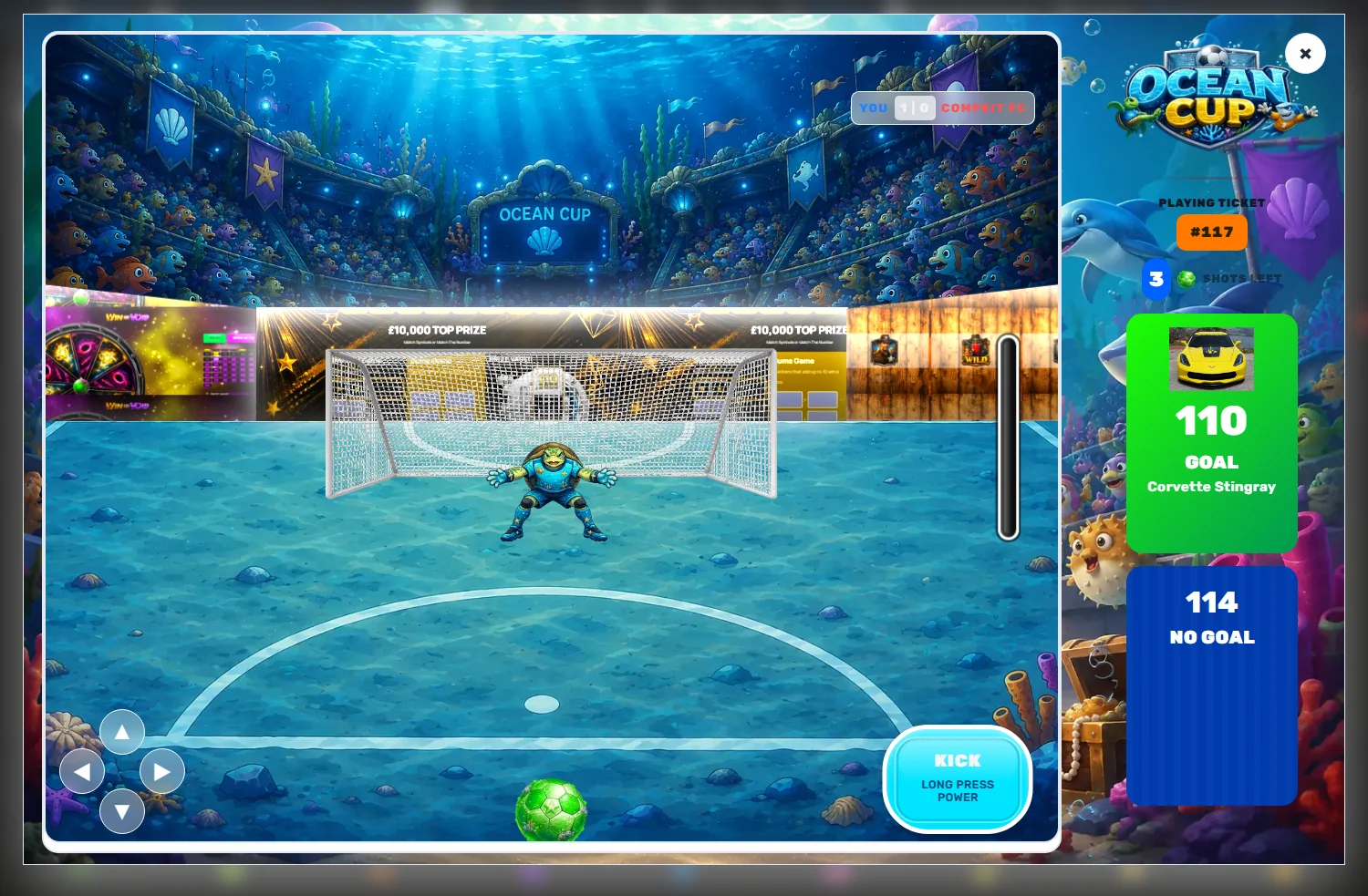
Most competition sites end up wanting two contradictory things. They want every draw to look consistently like their brand — and they want the Christmas one, or the car one, or the one a sponsor paid for, to look completely different.
Trying to get both out of a single settings screen is how people end up with three duplicate products and a spreadsheet explaining which is which.
Two levels, one set of controls
Every CompKit game exposes the same settings in two places.
The global settings page is your house style. Its subtitle says exactly what it does: global settings apply to all products unless overridden per product. Set your palette, artwork, button wording and sounds here and every giveaway using that module picks them up — including products you have not created yet.
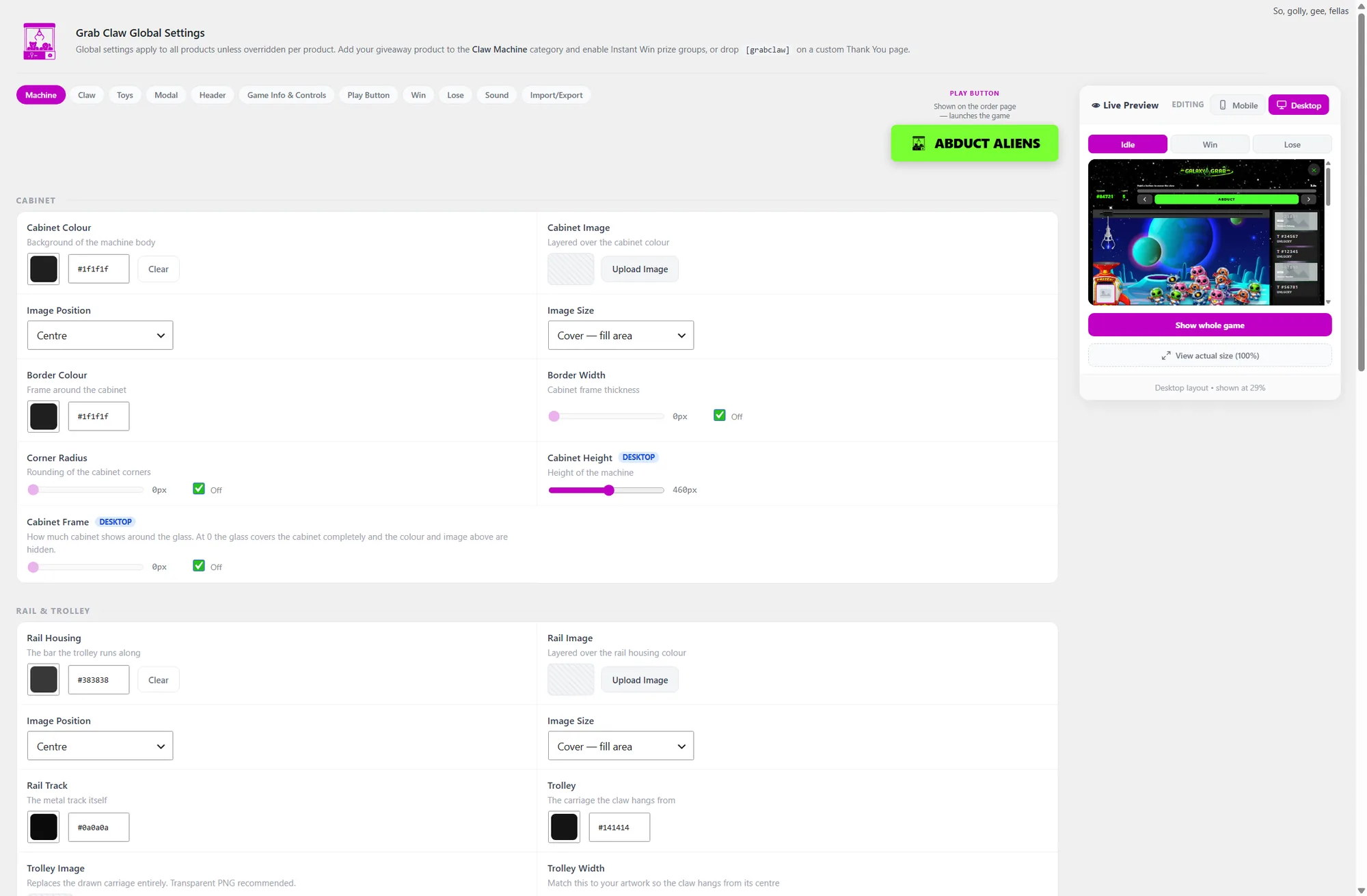
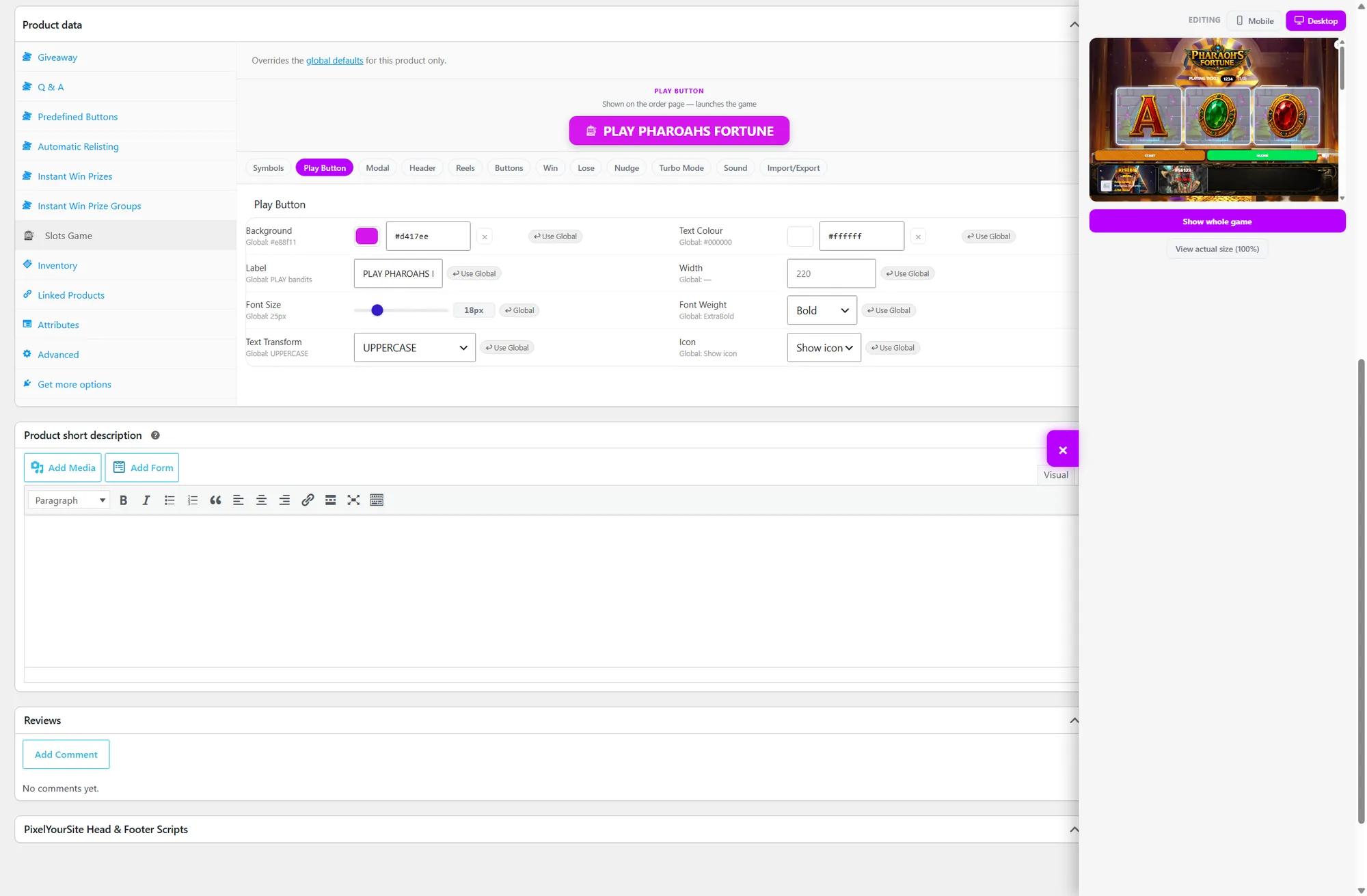
The per-product panel lives inside the giveaway product itself and mirrors that page field for field. Its header is equally blunt: it overrides the global defaults for this product only.
The bit that makes it work: inheritance
An untouched product field does not hold a copy of the global value. It holds nothing, and renders the global value because that is what it inherits.
The practical consequence is the whole point. Change your global accent colour in six months and every product that never overrode it moves with you. Only the ones you deliberately customised stay put. You are not maintaining forty copies of a colour.
Every field carries a ↩ Use Global button that clears the override and hands the field back to inheritance. One click, and that setting starts tracking the global again.
The behaviour that surprises people
Colour and number fields make inheritance obvious — the global value is printed underneath them. Text fields work differently. An untouched text field shows the global value as a placeholder, greyed out, not as content.
That is intentional. It means an untouched field submits empty and keeps tracking the global. But it does mean that if you clear a play button label expecting it to go blank, you get the global label back instead. To genuinely empty a text field you need the global to be empty too.
Worth knowing before you spend ten minutes fighting a button caption.
When to reach for an override
Not every campaign needs one. The ones that reliably do:
- Sponsored draws. The sponsor's colours, their logo on the modal, their name on the play button. When the campaign ends, the product ends with it and your house style was never disturbed.
- Seasonal competitions. Christmas, Black Friday, summer. Big visual swings you want to happen on a date and unwind afterwards.
- Flagship prizes. A car or a house deserves to not look like a £10 site credit draw. Give it the full-drama treatment.
- Audience splits. A family-friendly draw and a high-value draw can wear different faces from the same module.
The fastest route
You do not have to build an override by hand. A theme file imports at either level, so the quickest way to give one competition its own identity is to import a theme on that product and adjust from there.
Same file, same Import / Export tab, different screen. Your global settings never see it.
A word on discipline
Overrides are cheap to create and easy to forget. Six months in, "why does this one draw look wrong?" is almost always a stale override on a product nobody has opened since launch.
Two habits help. Only override what actually needs to differ — if a campaign needs a different background, override the background, not the entire screen. And when a campaign is over, either archive the product or hit Use Global on the fields you changed, so it rejoins the house style instead of quietly drifting.